
WordPress Security: What Actually Gets Business Sites Hacked
Table of Contents
Most business owners picture a WordPress hack as something dramatic: a skilled attacker, sitting somewhere, deliberately targeting their site. That is rarely what actually happens. Almost every compromised business website is found by an automated bot scanning thousands of domains an hour for one specific, known weakness. Your site doesn’t get chosen. It gets found.
That distinction matters because it changes what you should actually do about WordPress security. This article sets out the handful of causes behind most WordPress hacks, what a breach costs a UK business website once the legal and reputational side is included (not just the clean-up bill), and the layered defence that keeps a site off the list of bots scanning for it in the first place.
The Current Threat Picture for UK Businesses
Attacks against WordPress sites today are overwhelmingly automated. Botnets run continuous scans against known plugin and theme vulnerabilities, testing thousands of sites against a single exploit before moving on to the next domain on the list. No manual reconnaissance is involved, and there is no judgement call about whether your business is “worth” attacking. If your site runs the vulnerable version of a plugin, it’s a match, whether you turn over five thousand pounds a year or five million.
This is why smaller UK businesses often assume the risk doesn’t apply to them. The reasoning usually runs along the lines of “we are not a bank, why would anyone bother?” The honest answer is that nobody is bothering with you specifically. A compromised small business site is useful in exactly the same way a compromised corporate site is: it can host spam pages, redirect visitors to malware, mine cryptocurrency quietly in the background, or send phishing emails from a domain with a clean, trusted reputation. Scale, not selection, is the business model behind most attacks, and a five-page brochure site is just as valuable to a bot as a large e-commerce store.
WordPress powers a substantial share of the web, which makes it a large target surface by default. That’s not a flaw specific to WordPress; it is what happens to any dominant platform, just as widely used operating systems and browsers attract disproportionate attention from attackers. The actual risk lies almost entirely in what gets bolted onto core WordPress software: plugins, themes, and the people managing access to them day-to-day.
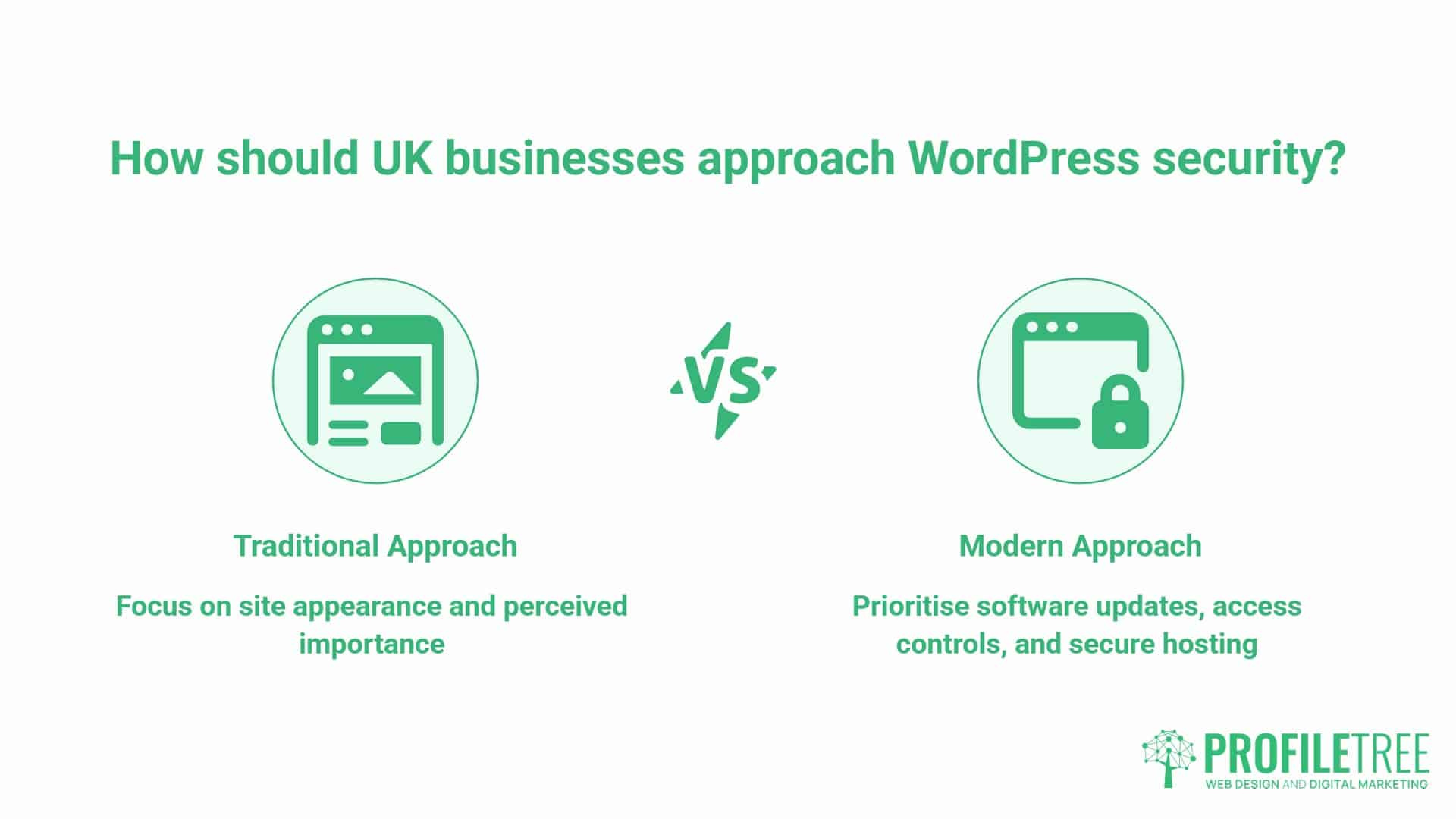
For a business owner without a technical background, the practical takeaway on WordPress security is straightforward. Your business website doesn’t need to look important to be worth defending properly. It needs to run current software, use strong access controls, and sit on hosting that is built with security as a baseline rather than an afterthought. Everything else in this article works through what that actually looks like in practice.
The “Big 3” Entry Points: How Hackers Get In
Nearly every WordPress security failure traces back to one of three places. Understanding them by frequency tells you where to spend your time and budget.
Vulnerable Plugins and Themes
Plugins and themes are the most common route in, by a wide margin. Patchstack’s 2025 State of WordPress Security report found that 96% of new WordPress vulnerabilities disclosed in 2024 sat in plugins, with themes accounting for most of the small remainder and WordPress core responsible for only a handful. Every add-on is a piece of third-party code running with access to your site, and not every plugin developer patches vulnerabilities quickly, or at all, once one is discovered.
There is a compounding problem here, too: many site owners install a plugin for one specific job, get the result they wanted, and then forget the plugin exists. The same Patchstack report found that over 1,600 plugins and themes were pulled from the WordPress.org repository in 2024 for unpatched security issues, which shows how often the problem is neglected maintenance rather than a newly discovered flaw catching everyone off guard. Multiply that pattern across a handful of plugins added over several years by different people, and most business sites are carrying more attack surface than anyone realises.
The fix isn’t complicated; it’s simply neglected. Run the fewest plugins the site can reasonably work with, remove anything inactive rather than just switching it off, and check for updates on a weekly basis rather than waiting for WordPress to nag you about it. If a plugin has not been updated in over a year, treat that as a signal to replace it, not a reason to assume it is stable.
Credential Stuffing and Brute Force Attacks
The second major route is simply to guess or reuse passwords. Credential stuffing uses email and password combinations leaked from other, unrelated breaches elsewhere on the web; if an admin reuses a password from a site that has already been compromised, a bot does not need to guess anything; it simply tries the known combination against your login page. Brute-force attacks are cruder: automated tools hammer the login page with common password lists until one works.
Both routes share the same underlying weakness: treating the login page as a low-priority part of the site rather than the front door it actually is. Two-factor authentication closes this door almost entirely because a correct password alone is no longer enough; an attacker also needs a one-time code generated on a device they don’t have. It’s one of the highest-value, lowest-effort changes a business website can make, and it costs nothing beyond the few minutes it takes each admin to set it up on their account.
The “Supply Chain” Risk: Insecure Hosting Environments
The third route is the one business owners think about least: the hosting environment itself. On cheap shared hosting, a site often sits on the same physical server as hundreds of unrelated accounts. If one of those neighbouring sites gets compromised and the hosting provider hasn’t properly isolated accounts, an infection can spread sideways across the server without ever touching your login details or plugins directly.
This is where hosting choice stops being purely a cost decision and becomes a WordPress security one. Cheap, unmanaged hosting is rarely a false economy in the obvious sense; most of the time, it works fine, right up until the moment a neighbouring account gets hit. Managed WordPress hosting with proper account isolation, server-level firewalls, and active malware scanning removes an entire category of risk that no amount of plugin hygiene can fix on its own. ProfileTree’s website hosting and management service specifically covers this layer, with built-in monitoring and update management rather than leaving it to whoever last happened to touch the site.
The Content Gap: The Financial and Legal Reality of a Hack
Most WordPress security content stops at the technical fix. For a UK business website, the technical fix is often the smallest part of what a hack actually costs.
GDPR and the ICO: Your Reporting Obligations
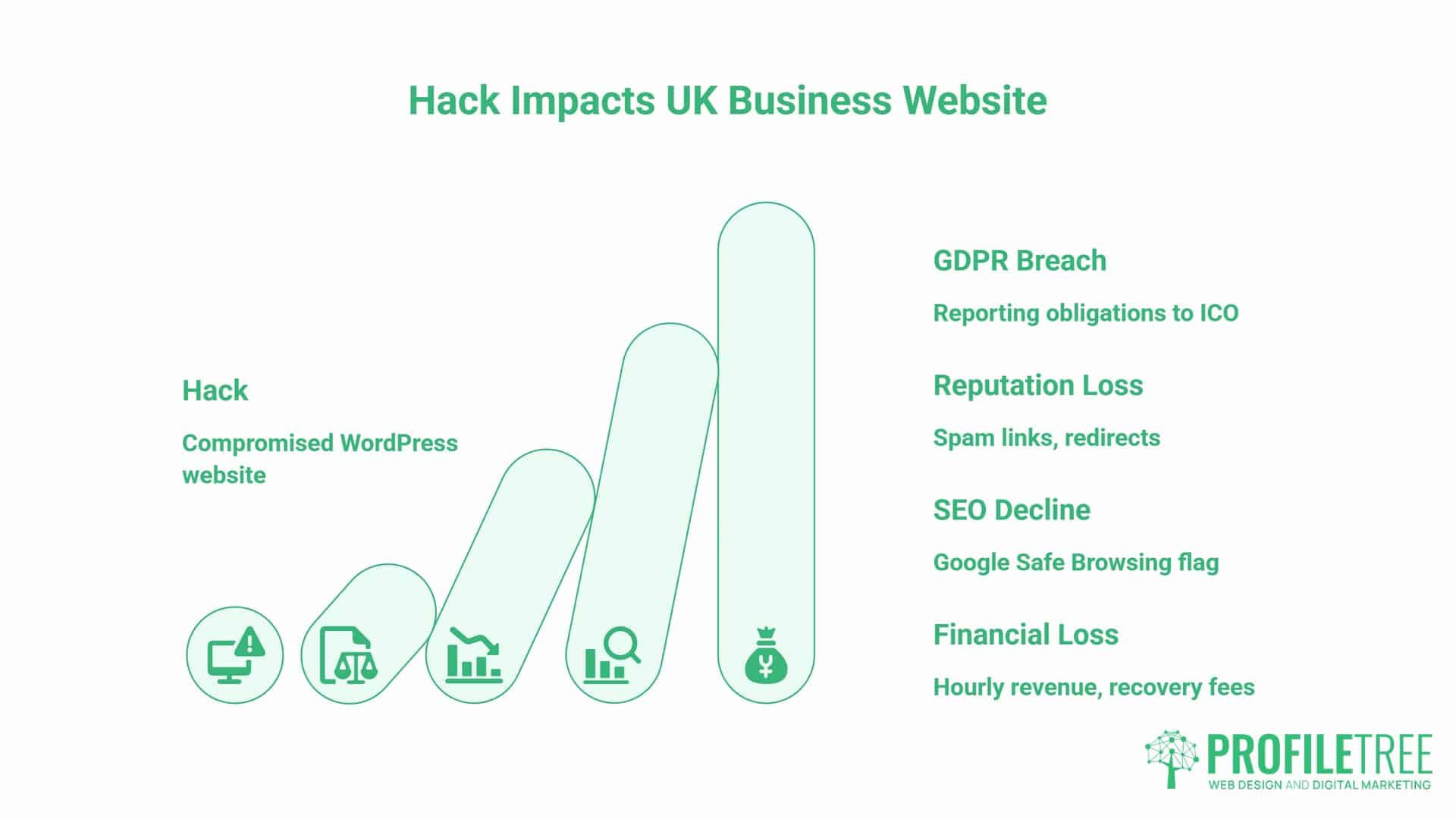
If a breach involves customer data, UK GDPR Article 33 requires a business to report it to the Information Commissioner’s Office without undue delay and, where feasible, within 72 hours of becoming aware of it, where it is likely to result in a risk to people’s rights and freedoms.
That clock starts the moment the breach is discovered, not the moment the investigation is finished; the ICO’s own guidance is explicit that you can notify within the window and provide fuller details in phases afterwards, so a business without an incident plan can burn most of that window simply figuring out what happened rather than reporting early as instructed. Failing to notify a notifiable breach is treated by the ICO as a standard-tier infringement in its own right, separate from any penalty for the underlying security failure.
This is worth treating as a business process question rather than a purely technical one. Who makes the call that a report is required, who actually drafts the notification, and who is responsible for watching the 72-hour clock once it starts. Deciding these things in advance is far cheaper, in every sense, than deciding them for the first time under pressure with a site already offline.
Beyond the Code: Loss of Reputation and SEO Rankings
A compromised site rarely stays quietly broken for long. Hacked WordPress installs are frequently used to inject spam links or malicious redirects, and once Google’s Safe Browsing systems flag a domain, visitors are shown a full-page warning before they can even reach the site. Search Console typically displays a security issue notice at the same time, organic rankings can drop sharply while the flag remains active, and any Google Ads account linked to a flagged domain can be suspended outright until the issue is resolved and reviewed.
Recovering the technical side of a hack might take a single working day with the right help. Recovering search visibility and advertising account standing afterwards can take considerably longer, and during that gap, a business is effectively invisible to anyone searching for what it does. This is one of the reasons WordPress security sits closer to SEO services than most businesses assume; a flagged domain can undo months of ranking work in a single afternoon, and the recovery process rarely moves as quickly as the damage did.
The Cost of Recovery vs. The Cost of Prevention
A useful way to frame this for a non-technical stakeholder is a simple formula: hourly revenue lost multiplied by hours offline, plus recovery fees, plus the ongoing “trust tax” from customers who quietly don’t come back. Prevention, by contrast, is a fixed, predictable, recurring cost that rarely spikes without warning. Most businesses only ever compare the price of WordPress security against the cost of doing nothing; they rarely compare it against the actual cost of a genuinely bad week, which is usually the more honest comparison.
The Business Website Security Audit: A Layered Defence
WordPress security works best as layers rather than a single control. If one layer fails, the next one should still hold, and no single fix is enough to call a business website secure.
Core Hardening: Moving Beyond Default Settings
Start with the basics that are free and often skipped: change the default “admin” username, enforce strong unique passwords across every account, limit login attempts, and keep WordPress core, themes, and plugins updated on a schedule rather than reactively whenever someone remembers. None of these WordPress security basics requires specialist technical skill. It requires one person to be clearly responsible for it, on a set day each month, rather than it being everyone’s job and therefore nobody’s.
A short, written checklist helps here more than it sounds like it should. Without one, updates tend to happen in bursts, usually right after something has already gone wrong, rather than on the steady schedule that actually keeps a site safe.
The Role of Managed WordPress Hosting
Good managed hosting handles server-level protection that sits below anything a plugin can touch: web application firewalls, isolated accounts, automated backups, and malware scanning that runs whether or not anyone remembers to check it manually.
This layer matters because it catches problems that a site owner would otherwise have no visibility into, long before they ever reach the WordPress login screen. If a business is rebuilding or migrating a site, this is also the natural point to review whether the current setup was ever built with WordPress security in mind at all, which is where ProfileTree’s WordPress development work usually starts.
Employee Access Control (Least Privilege Principle)
The most overlooked entry point isn’t code at all, it’s access. Former staff and agencies frequently leave “orphan” admin accounts behind that nobody remembers to remove, each one a fully valid login sitting unused and unmonitored, often for years after the person has moved on. A departing freelancer with full admin rights, never revoked, is functionally identical to a stolen password that nobody has noticed is missing.
The least privilege principle solves most of this on its own: give each person the lowest level of access that lets them do their job, review the full user list every quarter without exception, and remove access on the same day someone leaves, rather than “at some point” once things are quieter.
“Hackers don’t target businesses, they target vulnerabilities,” says Ciaran Connolly, founder of ProfileTree. “A five-person shop and a national retailer look identical to a bot scanning for an outdated plugin. The size of the business has never been the deciding factor. The size of the gap is.”
UK Compliance: Cyber Essentials for WordPress
Cyber Essentials is the UK Government-backed certification scheme, overseen by the National Cyber Security Centre, that verifies a business has basic technical controls in place against common cyber threats. Since Procurement Policy Note 014 took effect in February 2025, contracting authorities have been required to ask suppliers for Cyber Essentials (or Cyber Essentials Plus, for higher-risk work) wherever a contract involves handling citizen or government personnel data, so this is no longer a nice-to-have for anyone hoping to bid on central government or NHS work. It’s still rarely mentioned at all in WordPress security guidance written for a US audience.
Most of what Cyber Essentials asks for maps directly onto the WordPress hardening steps already covered here: firewalls, secure configuration, user access control, malware protection, and a documented patch management process. A business already following the layered defence approach set out above is often closer to certification-ready than it assumes; the real gap is usually documentation rather than technical capability.
Formalising what a business already does, and writing it down in the language the assessment expects, is frequently the larger part of the actual work involved. Where certification connects to a broader growth plan, such as bidding for public-sector contracts, it is worth integrating it into a proper digital strategy rather than treating it as a standalone IT task handled in isolation.
For a WordPress site specifically, that means being able to demonstrate, not just claim, that updates happen on a schedule, that access is reviewed regularly, and that a firewall and malware scanning are genuinely in place rather than assumed to be running. This is exactly the kind of evidence a managed hosting and maintenance arrangement produces as a natural by-product for any business website, which is worth knowing if the business is considering certification this year.
What to Do If You Suspect a WordPress Security Breach (The First 4 Hours)
Speed matters more than perfection in the first few hours. A rough but immediate response beats a perfect plan drafted too late.
- Take the site offline or into maintenance mode to stop further damage or data exposure while you assess.
- Change every password and API key connected to the site, including hosting, WordPress admin, database, and FTP, assuming all of them are compromised.
- Check Search Console and Safe Browsing for a security issue flag, and note whether Google has already detected the problem.
- Identify what data was accessible and start the clock on your 72-hour ICO assessment if customer data may have been exposed.
- Bring in a professional to clean and audit the site rather than simply restoring an old backup, since the same vulnerability that let the attacker in the first time is still there until it is found and closed.
WordPress Security Summary and Checklist
Most WordPress hacks come down to one of three things: a vulnerable plugin, a weak or reused password, or an insecure hosting environment. None of them requires a sophisticated attacker, only an automated scan finding a known gap and exploiting it before anyone notices. A quick self-check for your business website, worth running today rather than filing away for later:
- Is the site running the fewest plugins it can reasonably manage with, all actively maintained and updated?
- Is two-factor authentication switched on for every admin account, without exception?
- Does the hosting isolate the site from others on the same server, with backups that have actually been tested by restoring one?
- Does anyone still have admin access who should not?
- Is it clear who makes the call and who drafts the ICO notification if something goes wrong?
If all five can’t be answered confidently, that’s simply the place to start, not a reason to panic about what might already have happened.
Frequently Asked Questions
Is WordPress security weaker than other platforms?
WordPress isn’t inherently less secure than other platforms, but its scale means it gets scanned far more often simply because there are more sites to find. The vulnerabilities that actually get exploited almost always sit in third-party plugins and themes, not in WordPress core itself. A well-maintained WordPress site is not meaningfully riskier than any other well-maintained platform.
What is the single most common reason a UK business site gets hacked?
An outdated or abandoned plugin is the most frequent single cause by a clear margin. Keeping the plugin count low and every remaining one updated on a schedule closes off the largest share of realistic attack routes. It is a simple habit rather than a technical skill, which is exactly why it gets skipped so often.
Does my business insurance cover a website hack?
Standard general liability policies typically don’t cover cyber incidents, so a dedicated cyber insurance policy is usually needed for that coverage. It is worth checking existing cover directly with an insurer rather than assuming protection is already in place.
Should I use more than one WordPress security plugin?
Running multiple security plugins at once often causes conflicts rather than added protection, since several plugins try to control the same functions in different ways. One well-configured plugin, paired with good hosting-level security, usually works better than several stacked together.
How do I know if my site has been blacklisted by Google?
Google Search Console will show a security issues notice if a site has been flagged, and visitors may see a full warning page through Safe Browsing before they can reach the site at all. Checking Search Console on a regular basis is the fastest way to catch this early, well before customers start reporting it.