
How to Install, Activate and Use Rank Math SEO in WordPress
Table of Contents
Rank Math SEO typically takes most WordPress users about ten minutes to install and activate, then a few posts to get comfortable with. It scores each page out of 100 against an on-page checklist, so you can see what is optimised and what still needs work before you publish.
According to Ciaran Connolly, founder of ProfileTree: “Most people install an SEO plugin and treat the green light as the goal. Rank Math is useful precisely because it forces you to slow down and check the basics: a clear focus keyword, a title that reads well, and content that answers the actual question. The score is a prompt, not the prize.”
This guide covers the installation, the activation, and how to use the checklist that drives your score. If you would rather hand the whole process to a team, our SEO services and digital training both cover practical Rank Math setup.
What Rank Math SEO Is And Why It Matters
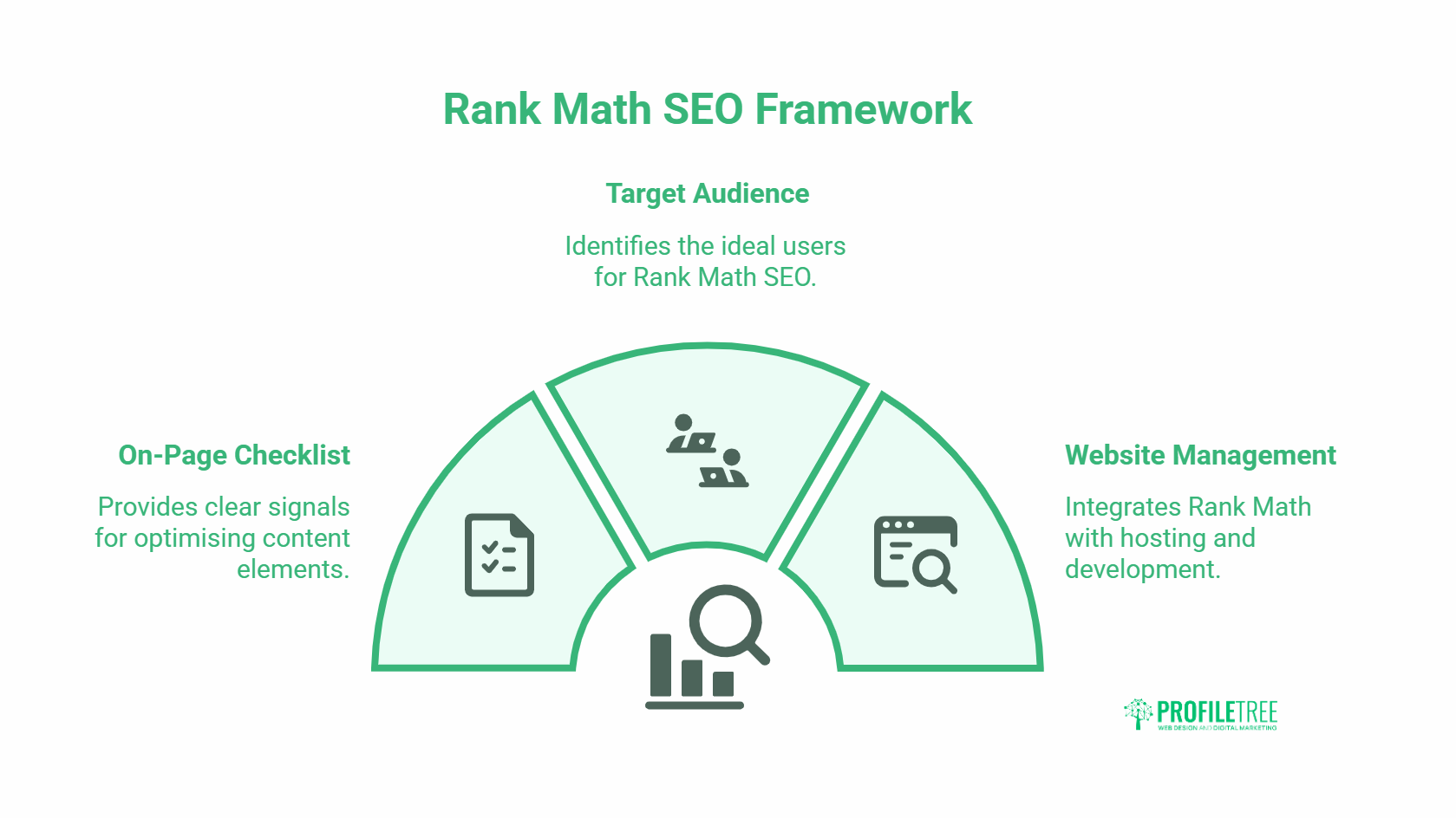
Rank Math SEO is a free WordPress plugin that helps you optimise posts and pages against a clear on-page checklist. It reads your content, compares it to a focus keyword you set, and tells you in plain terms what is working and what is missing.
The appeal is the checklist format. Instead of guessing, you get a green, yellow, or red signal for each item: title, meta description, keyword placement, content length, links, and more. For a business trying to appear higher in search, that visibility removes a lot of the mystery. It pairs well with a wider digital strategy rather than sitting in isolation.
Who Rank Math SEO Suits Best
It fits anyone publishing regularly on WordPress: small business owners, marketing managers, and content writers. If you build sites for clients, it also gives a shared scoring language so everyone agrees what “optimised” means.
Where Rank Math Fits In Your Stack
Rank Math handles on-page SEO signals inside WordPress. It does not replace hosting, speed, or technical work, which sit alongside it in our website management and website development work.
How To Install And Activate Rank Math SEO
Installing Rank Math SEO takes two routes, and both end in the same place. The fastest is straight from your WordPress dashboard.
Go to your dashboard, click Plugins, then Add New, and search for Rank Math SEO. Click Install Now, then Activate. The alternative is to download the plugin from the WordPress plugin directory and upload it manually, which suits sites with stricter upload rules.
Confirming The Install Worked
Once activated, WordPress redirects you to the Plugins page, where Rank Math SEO appears as active. A new Rank Math tab also shows in the left-hand menu. That tab is your settings hub for the whole site.
Turning On The SEO Details Column
Open your Pages or Posts dashboard and look for a new SEO Details column on the right. If it is missing, click Screen Options at the top and tick SEO Details. This column gives a quick SEO score for every page and post, so you can spot weak content at a glance. A page marked N/A simply has no focus keyword set yet and is not optimised at all.
Running The Setup Wizard
On first activation, Rank Math offers a setup wizard. Pick the mode that matches your confidence level, connect your account if prompted, and accept the sensible defaults. The official Rank Math documentation walks through each wizard screen if you want to follow along.
Using The Rank Math Checklist To Improve Your Score
Your job is to push each post above an 80 score, which turns the indicator green. Below 51 is red and means trouble; 51 to 80 is yellow and partly optimised. You raise the score by ticking off items in the checklist, and the first three sections carry the most weight.
Rank Math groups its checks into six sections. Preview, Focus Keyword, and Basic SEO matter most, so they are worth getting right before anything else.
Setting The Preview: Title, Permalink, Description
The Preview section controls the snippet Google shows for your page. Click Edit Snippet to set the Title, Permalink, and Description. The Description, or meta description, is the short paragraph under your link in search results, so write it to describe that specific page and give a reason to click. Google’s own snippet guidance confirms it rewards descriptions that match page content.
Each field shows a length bar. Aim for green: titles around 60 characters, descriptions around 155. A red bar means too long or too short.
Choosing A Strong Focus Keyword
The focus keyword is the word or phrase you want the post to rank for, and it is the single most important setting. Once you add one, your score jumps, and the checklist gives sharper feedback. You can add secondary keywords, too, but only one is primary. Keep it specific: “Rank Math SEO setup” beats a broad term like “SEO” that hundreds of your own pages might chase.
Passing The Basic SEO Checks
Basic SEO is a dropdown of six checks, five tied to your focus keyword. To pass them, place the focus keyword in the post title, the meta description, the URL, and within the first 10% of the content. The sixth check is content length: 2,500 words or more turns it fully green, 1,500 to 2,499 is partial, and under 500 turns red. Length is a guide, not a guarantee, so write enough to answer the question well.
Additional Tasks That Lift Your Rank Math SEO Score
Beyond the core three sections, Rank Math SEO scores a set of additional tasks. None is individually decisive, but together they move a yellow post into solid green.
Subheadings, Alt Text, And Keyword Density
Add your focus keyword to at least one subheading (H2 or H3) and to an image alt attribute, including the featured image. For keyword density, Rank Math wants the focus keyword to appear naturally at roughly 1% to 1.5% of total words. Too few mentions and the check fails; too many reads as stuffing and hurts you. If density runs low, add a secondary keyword rather than forcing repetition. Good image and content habits also feed into content marketing more broadly.
URL Length And Keyword Novelty
Keep URLs at or below 75 characters, and shorter is better. Use a fresh focus keyword for every post so Google can tell your pages apart; reusing the same keyword across posts forces them to compete with each other.
Internal And External Links
Add external DoFollow links to reputable sources and internal links to other pages on your site, such as a related guide or your contact page. Both signals help Rank Math and help readers. Plan internal links around the pages you most want found, the same principle behind a strong website design and site structure.
Title And Content Readability In Rank Math SEO
Rank Math SEO also scores how readable your title and content are, because clear writing earns clicks and keeps readers on the page. These checks are quick wins once you know what they look for.
Writing A Title That Earns Clicks
Rank Math checks four things in your title: the focus keyword near the start, a positive or negative sentiment word, a power word that adds appeal, and a number. Numbers signal value and tend to lift click-through. Google’s title link best practices back the principle of front-loading the main term.
Making Content Easy To Read
For content readability, Rank Math rewards a table-of-contents element, short paragraphs, and the use of images or video. Short paragraphs stop readers bouncing, and media keeps them engaged. ProfileTree, the Belfast digital agency, applies the same readability rules across client blogs and our own. For a wider view of building digital skills in-house, our AI training covers content workflows too. You can also see practical examples on Connolly Cove.
Rank Math Free Versus Rank Math Pro
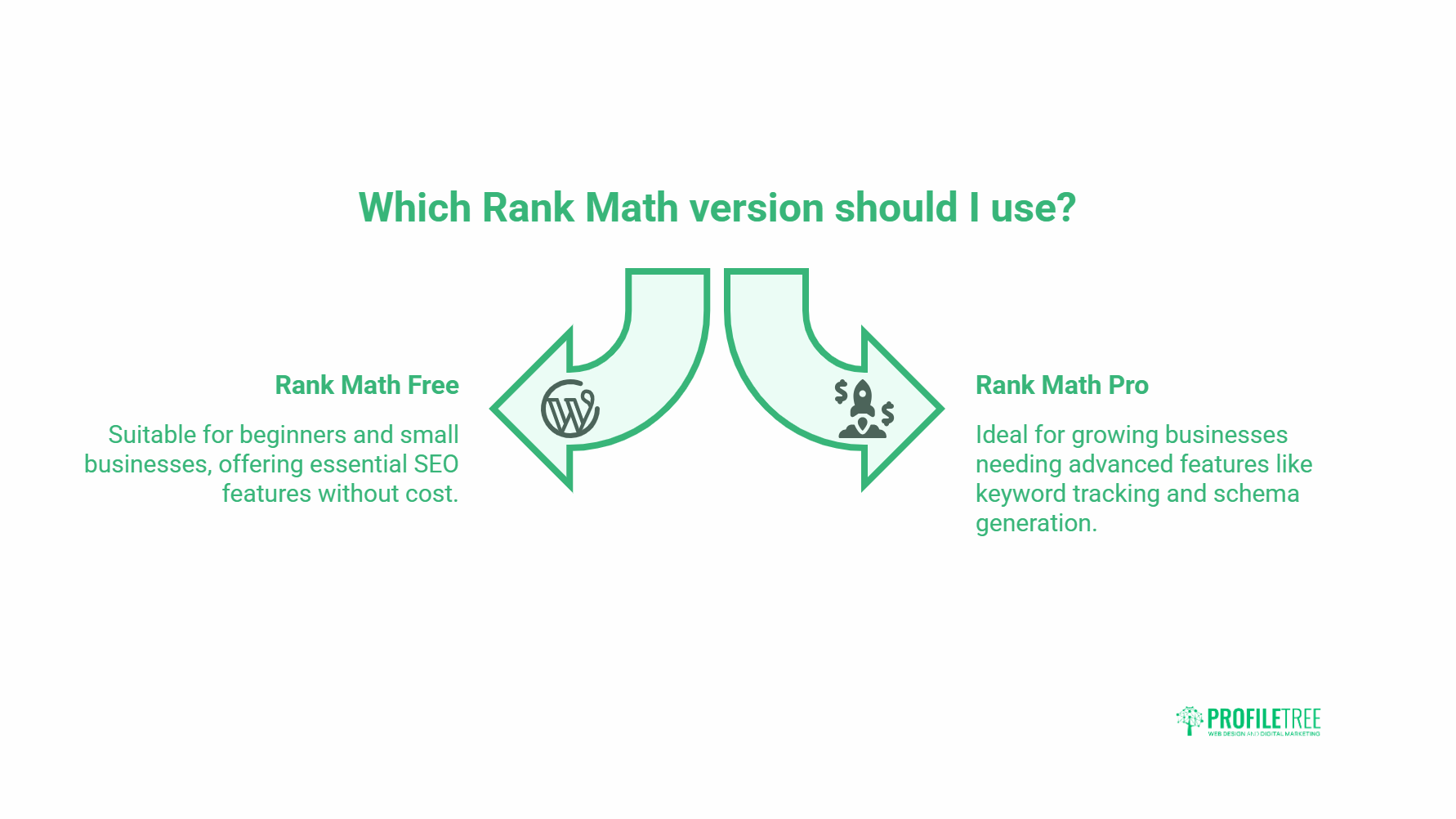
Everything covered above is in the free version of Rank Math, and you can use it on as many sites as you like. The free plan lets you add keywords to pages, but not track how they rank over time.
Rank Math Pro adds keyword tracking for up to 500 keywords, shows winning and losing terms, suggests better keyword choices, and includes advanced schema generators. For most SMEs starting out, the free version is plenty: optimise every post, watch progress in Google Analytics, then move to Pro when tracking becomes worth paying for.
Conclusion
Rank Math SEO gives WordPress users a clear, checklist-driven way to optimise posts and pages without guesswork. Install it, set a specific focus keyword, clear the Preview and Basic SEO checks first, then work through the additional tasks. Aim for a green score above 80, but treat it as a prompt to write better content, not the finish line. Done consistently, it builds steady search visibility over time.
Frequently Asked Questions
What is Rank Math SEO?
Rank Math SEO is a free WordPress plugin that optimises your posts and pages against an on-page checklist. It scores each page out of 100 and shows what is working and what needs fixing.
How do I install Rank Math SEO?
Go to your WordPress dashboard, click Plugins, then Add New, search for Rank Math SEO, click Install Now, and then Activate. You can also upload it manually from the WordPress plugin directory.
What is a good Rank Math SEO score?
A score above 80 turns the indicator green and means the post is well optimised. Between 51 and 80 is yellow and partly optimised, and below 51 needs work.
How many focus keywords can I use in Rank Math?
You can add several keywords, but only one is the primary focus keyword. The rest are secondary and help when your main keyword density is low.
What keyword density does Rank Math recommend?
Rank Math looks for the focus keyword at roughly 1% to 1.5% of total words. Too low fails the check, and too high reads as keyword stuffing.
Is Rank Math Pro worth it for a small business?
For most SMEs starting out, the free version covers the essentials. Pro adds keyword tracking, winning and losing keyword reports, and advanced schema, which become useful once you publish at volume.