
WhatsApp Business Features: A Practical Guide for UK SMEs
Table of Contents
WhatsApp Business is free to download, used by hundreds of millions of businesses worldwide, and yet most UK SMEs are using only a fraction of what it offers. Many get as far as creating a profile and setting an away message, then stop. The more useful features (catalogues, labels, broadcast lists, website integration, and the full API for larger operations) rarely get configured properly.
This guide covers the WhatsApp Business features that matter most for small and medium businesses in the UK and Ireland: what they do, how to set them up, and how they fit into a broader digital marketing strategy.
What Is WhatsApp Business?
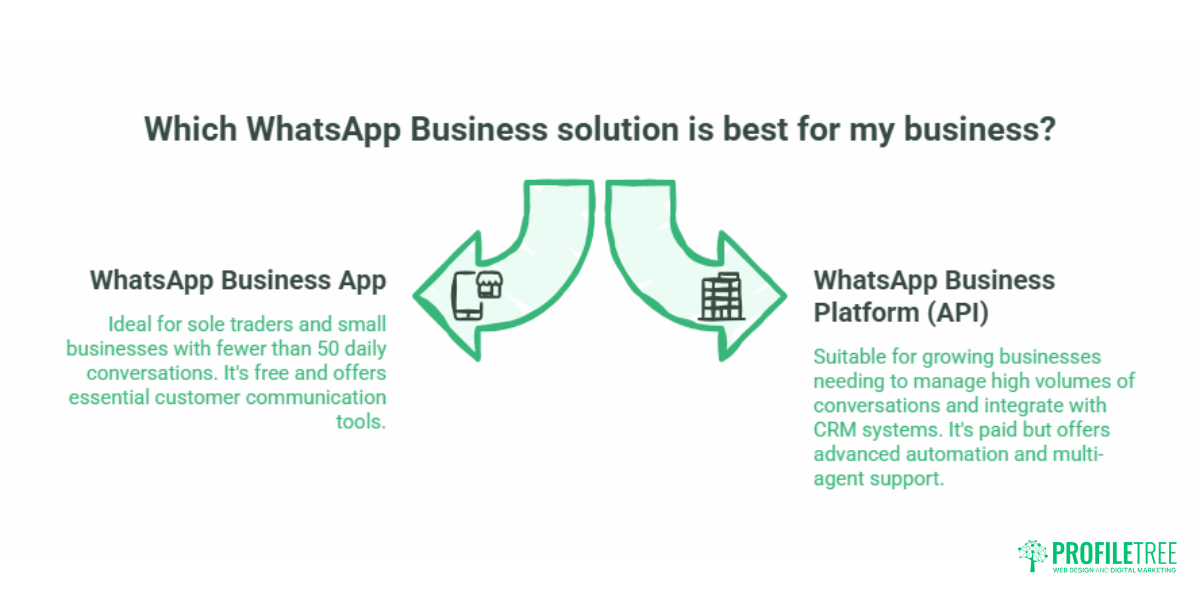
WhatsApp Business is a separate app from standard WhatsApp Messenger, built specifically for business-to-customer communication. It is free to download and use for the core app. The WhatsApp Business Platform (also called the API) is the paid tier, designed for companies that need to manage high volumes of conversations across multiple team members or integrate with CRM systems.
For most sole traders, independent retailers, and SMEs across Northern Ireland, Ireland, and the UK, the free app is the right starting point. The API becomes relevant once you are handling enough customer enquiries that manual responses are creating a bottleneck.
WhatsApp Business runs on the same infrastructure as the standard app, meaning end-to-end encryption, voice and video calls, multimedia messaging, and group chats are all included. What the business version adds is a layer of professional tools built specifically for customer-facing operations.
WhatsApp Business App vs WhatsApp Business Platform (API)
Understanding this distinction up front saves a lot of confusion later.
| WhatsApp Business App | WhatsApp Business Platform (API) | |
|---|---|---|
| Cost | Free | Paid (per conversation, in GBP) |
| Users | 1 primary device + up to 4 linked devices | Unlimited agents via third-party software |
| Best for | Sole traders, small teams, local businesses | Download from the App Store |
| Setup | Download from app store | Requires a Meta Business account and a provider |
| Automation | Basic (greeting/away messages, quick replies) | Advanced (chatbots, AI integration, CRM sync) |
| UK landline verification | Yes (via voice call) | Yes |
If you are a trades business, a local retailer, or a professional service provider handling fewer than 50 customer conversations per day, the free app has everything you need. If enquiries are coming in at volume and you need multiple team members responding, the API is worth exploring.
Setting Up WhatsApp Business in the UK
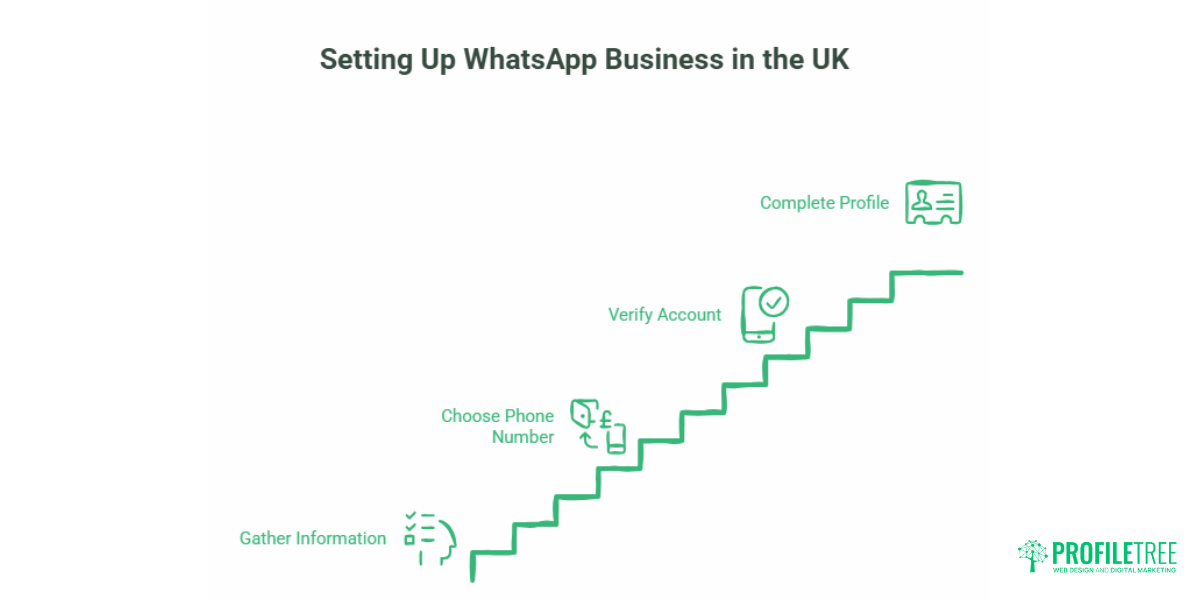
Getting Started: What You Need
Before downloading the app, gather the following:
- A dedicated business phone number: mobile or UK landline (01, 02, or 03 prefix)
- Your business name, address, and opening hours
- A clear, professional profile photo (your logo works well at 640 x 640px)
- A short business description (max 256 characters)
- Your website URL
You do not need a second phone. UK business owners commonly use one of three approaches: a second SIM card in a dual-SIM handset, a UK eSIM for a second number on a modern iPhone or Android, or a UK landline number for verification. The landline option is particularly useful for brick-and-mortar shops that want their established local number associated with the account.
Using a UK Landline (01, 02, 03) for Verification
WhatsApp Business can be verified using a landline. During the setup process, when prompted for a phone number, enter your UK landline. Choose “Call me” instead of “Send SMS” when WhatsApp offers verification options. WhatsApp will call the landline and read out a six-digit code. Enter that code in the app, and the account is verified on your landline number. Customers can then message that number directly via WhatsApp, and you respond from your mobile or desktop.
Completing Your Business Profile
A complete profile improves trust signals and helps customers find the information they need without having to ask.
- Open WhatsApp Business and go to Settings
- Tap Business settings, then Profile
- Tap Edit (top right)
- Fill in: business name, category, description, address, hours, website, and email.
- Save
Pay attention to the business category selector. Choosing the correct category helps WhatsApp surface your profile in relevant searches and communicates professionalism at a glance.
Core WhatsApp Business Features Explained
Quick Replies
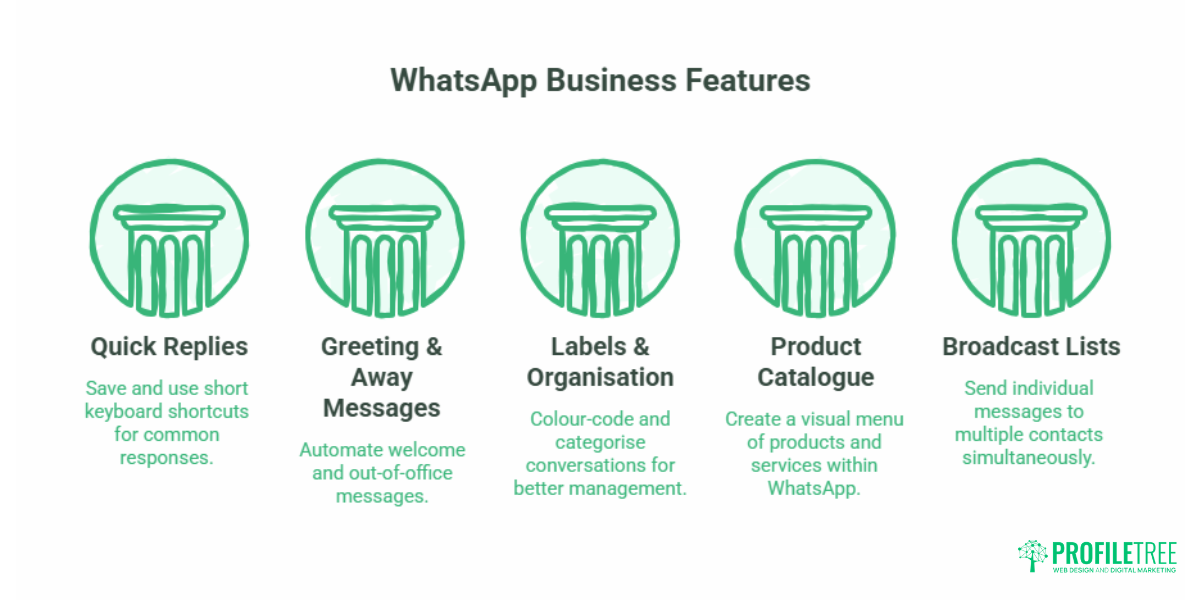
Quick replies let you save full message responses to short keyboard shortcuts. Type a forward slash (/) in any chat to pull up your saved replies. Common uses include:
- Pricing enquiries
- Opening hours (outside of the automated away message)
- Directions or parking information
- Order status updates
- Booking confirmation details
Quick replies are not templates in the API sense; they are stored manually on your device. For a sole trader or small team, they are one of the highest-value time-saving features the free app offers.
Greeting Messages and Away Messages
A greeting message fires automatically the first time a customer messages you, or after 14 days of inactivity. An away message fires when someone messages outside your set business hours.
Both are worth configuring carefully. A greeting that just says “Thanks for your message, we’ll be in touch” does little. A greeting that confirms what you do, gives an expected response time, and points to a useful link (your website, a catalogue, a booking page) sets proper expectations and reduces follow-up queries.
Away messages can be set to activate outside specific hours, at all times, or on a custom schedule. For UK businesses operating Monday to Friday, setting weekend away messages that give the next available time avoids customers assuming you have ignored them.
Labels and Chat Organisation
Labels let you colour-code and categorise conversations. You can create custom labels such as “New Enquiry,” “Quote Sent,” “Awaiting Payment,” “Repeat Customer,” or whatever matches your workflow.
This feature becomes more useful as conversation volume increases. A building contractor handling multiple jobs simultaneously, for instance, can label conversations by project stage and filter chats by label rather than scrolling through an unsorted inbox. It is a lightweight CRM function built directly into the app.
Product Catalogue
The catalogue lets you create a visual menu of products or services within WhatsApp. Each item has a name, optional price, description, product code, and link. Customers can browse your catalogue directly from the chat, and you can share individual items or the full catalogue in a conversation.
For a local boutique, a food producer, or a service provider with fixed packages, a well-built catalogue reduces the back-and-forth of explaining what you offer. It also gives the conversation a more professional feel than sending informal price lists over text.
Broadcast Lists
A broadcast list lets you send the same message to multiple saved contacts at once, with each recipient receiving it as an individual message rather than a group chat. Recipients can only receive your broadcast if they have your number saved in their contacts.
This is the channel for promotional updates, seasonal offers, or important business announcements to existing customers. It is not a mass marketing tool; it works on a consent and relationship basis. Anyone who has not saved your number will not receive the message, which in practice limits it to customers with whom you already have a relationship.
WhatsApp Status
Status posts are 24-hour updates visible to your contacts: photos, videos, text, or links. They work similarly to Instagram Stories. For a local business, status posts are useful for:
- New stock arrivals
- Limited availability announcements
- Seasonal promotions
- Behind-the-scenes content
- Links to new blog posts or service pages
Status posts require no paid boosting and reach customers who already have your number. The tradeoff is that reach is limited to your existing contact list, so status posts work best as a retention and re-engagement tool rather than an acquisition one.
WhatsApp Business and Your Website
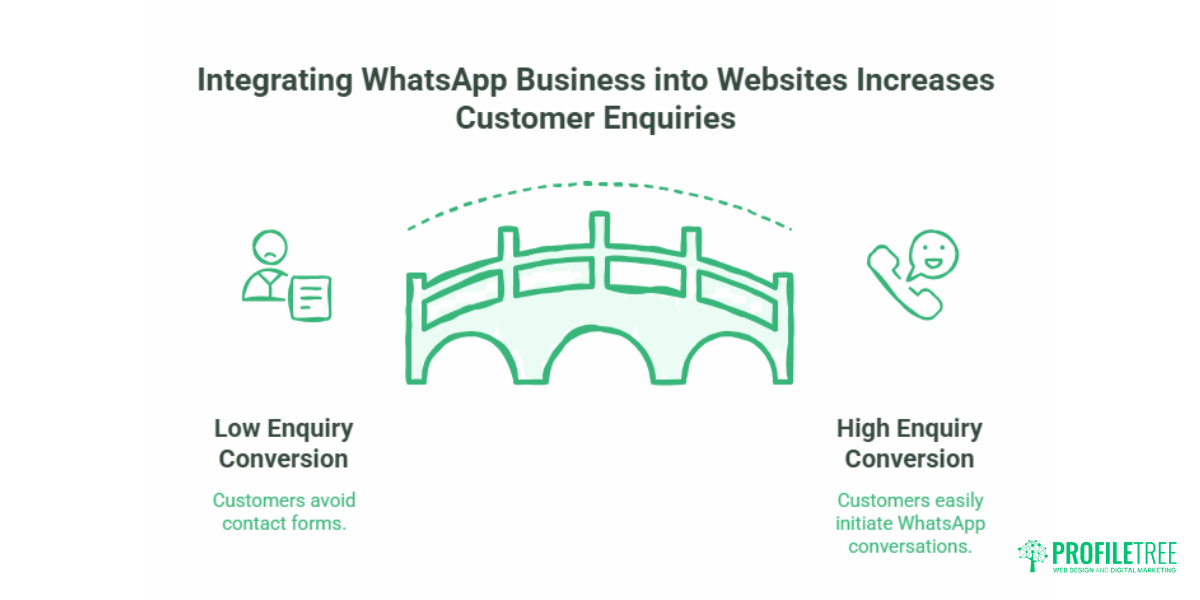
WhatsApp Business works significantly better when your website is configured to support it. The main integration point is the click-to-chat link.
WhatsApp generates a short link (wa.me/[yournumber]) that you can embed anywhere on your site: contact pages, service descriptions, product pages, or header CTAs. When a visitor taps the link on mobile, it opens a pre-filled WhatsApp conversation directly. On a desktop, it opens WhatsApp Web.
For a small business with a well-designed website, a click-to-chat button on the contact page reduces the barrier to initial enquiry. Customers who would not bother filling in a contact form will often send a WhatsApp message instead. Embedding this on the right pages, with the right pre-filled message, is a web development task that takes under an hour but has an immediate effect on enquiry conversion.
If your site is built on WordPress, the integration can be added via a plugin or a small snippet of code in the relevant template. For custom builds or sites requiring tighter CRM integration, the configuration is more involved but follows the same logic: the WhatsApp entry point should be where the customer is closest to making a decision. ProfileTree’s web development services include WhatsApp click-to-chat integration as part of contact optimisation on client sites.
AI Chatbots and WhatsApp Business Automation
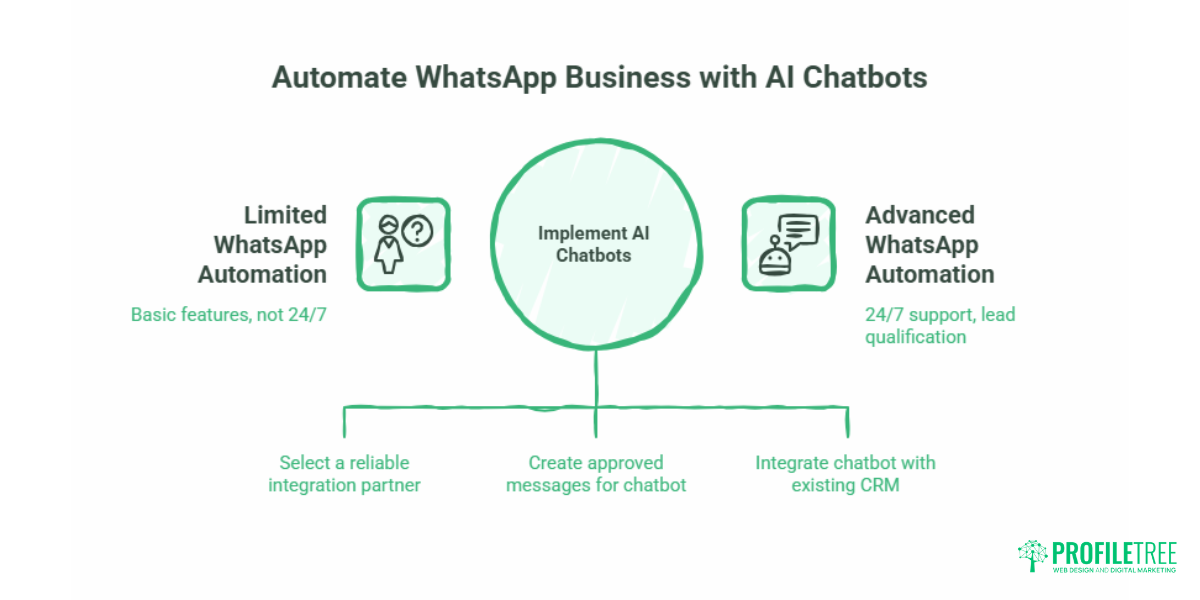
The free WhatsApp Business app handles basic automation well. For businesses that need a level beyond greeting messages and quick replies, the WhatsApp Business API opens up AI-powered chatbot integration.
A chatbot connected to WhatsApp via the API can handle incoming enquiries 24/7, qualify leads before passing them to a human, send appointment reminders, process simple orders, and integrate with your existing CRM. The practical use case for a UK SME might be a plumbing or electrical contractor who receives emergency callout enquiries at all hours. A chatbot can triage the enquiry, confirm the location, gather the issue details, and notify the on-call engineer, all without human intervention at the initial stage.
Setting up this kind of integration requires choosing an API provider, configuring message templates (which must be approved by Meta), and connecting the workflow to your existing systems. It is a meaningful project rather than a quick setup. For SMEs considering this route, understanding what AI automation can realistically deliver, and what it cannot, is important groundwork before committing to a provider. The ProfileTree guide to implementing AI chatbots for SMEs covers the decision framework in detail.
For businesses already using WhatsApp Business and thinking about scaling up their digital approach, a broader look at how SMEs are successfully implementing AI solutions puts the messaging automation question in a wider context.
UK GDPR and WhatsApp Business: What SMEs Need to Know
This is the section most guides either skip or handle with a vague “it’s encrypted, so it’s fine.” That framing is incomplete. Encryption covers message security in transit. GDPR and PECR cover how you collect, store, and use customer data; those obligations apply regardless of the platform.
The Key Obligations
Under UK GDPR and the Privacy and Electronic Communications Regulations (PECR), sending marketing messages to customers via WhatsApp requires a legal basis. For most B2C marketing use cases, that means explicit consent. A customer messaging you to ask about a service is not automatically consenting to receive your promotional broadcasts.
The ICO (Information Commissioner’s Office) oversees these rules in the UK. Their position on electronic marketing, including messaging apps, is clear: you need consent before sending unsolicited marketing, and that consent must be specific, informed, and freely given.
In practice, this means:
- Do not add customers to broadcast lists without their agreement. A message saying “reply YES to receive updates” is a reasonable consent mechanism.
- Keep a record of consent. If a customer later complains to the ICO, you need to demonstrate when and how consent was obtained.
- Include an opt-out option in marketing messages. “Reply STOP to unsubscribe” is sufficient for WhatsApp.
- Do not store conversation data beyond what is necessary. WhatsApp messages are not automatically backed up to your business systems, but if you export or copy them into a CRM, standard data retention rules apply.
WhatsApp and Data Storage
WhatsApp’s data processing agreement with Meta has been a point of scrutiny under GDPR. For most SME use cases (customer service conversations, order updates, appointment confirmations), the risk is low. For bulk marketing use, businesses with larger customer lists should review Meta’s Data Processing Terms and consider whether a dedicated messaging platform with clearer UK GDPR compliance documentation is more appropriate.
The ethics and legalities of digital marketing in the UK, including consent-based communication channels, are a topic that comes up consistently in ProfileTree’s digital training work. For a broader grounding in what UK businesses need to know, the guide on the ethics and legalities of digital marketing is a useful reference.
WhatsApp Business Pricing in the UK
The WhatsApp Business app is free. There are no subscription fees for the standard features: profile, messaging, catalogue, quick replies, labels, status posts, and broadcast lists.
The WhatsApp Business Platform (API) uses a conversation-based pricing model. Meta charges per 24-hour conversation window, with rates varying by conversation category and country. As of 2025, UK rates are set in USD but billed in GBP at conversion. Categories include:
- Marketing conversations (promotional messages you initiate)
- Utility conversations (transactional messages: order updates, appointment reminders)
- Authentication conversations (OTP / verification messages)
- Service conversations (customer-initiated messages, which are free)
Customer-initiated conversations are free of charge for the first 1,000 per month. Business-initiated marketing conversations carry the highest per-message cost. For a UK SME sending a few hundred promotional messages per month, costs are modest: typically a few pence per conversation. At scale, the cost-per-conversation model requires careful management.
Meta also offers a free tier of 1,000 service conversations per month for all API users, which covers most small businesses in their early API usage.
Integrating WhatsApp Business into a Wider Digital Strategy
WhatsApp Business is a communication channel, not a standalone marketing strategy. Its value multiplies when it connects to the rest of your digital presence.
Connect it to your website. A click-to-chat button on key service pages reduces friction for mobile visitors. The conversion lift tends to be most noticeable on pages where customers are evaluating whether to get in touch, such as pricing pages, service descriptions, and contact pages.
Use it alongside social media. Facebook and Instagram ads can include a “Click to WhatsApp” CTA that starts a conversation directly rather than sending the prospect to a landing page. For local service businesses, this ad format often produces a lower cost per enquiry than standard traffic campaigns.
Align it with your content marketing. Status posts that link to new blog content or service page updates bring warm contacts back to your site. It is a lightweight distribution channel for content that would otherwise only reach people through search or email.
Train your team properly. The most common failure point for WhatsApp Business in SMEs is not technical; it is operational. Response times, tone of voice, escalation processes, and handover procedures need to be defined before the channel goes live. ProfileTree’s digital training services include channel-specific communication training for SME teams.
“WhatsApp Business works best when it is one piece of a connected digital strategy rather than a standalone tool bolted on as an afterthought. For Northern Ireland businesses, the real opportunity is in combining WhatsApp’s immediacy with a well-structured website and a clear content plan, so every customer touchpoint reinforces the same message.” Ciaran Connolly, Founder, ProfileTree
For businesses looking at how WhatsApp fits into a broader social media marketing plan, the ProfileTree guide on social media marketing for sales growth covers channel selection and integration in more depth.
WhatsApp Business and Digital Marketing for SMEs
For a visual walkthrough of how digital tools like WhatsApp Business connect to a wider growth strategy, this overview from the ProfileTree team is a useful starting point:
Conclusion
WhatsApp Business features give UK and Irish SMEs a direct, low-cost communication channel with customers who are already using the platform daily. Setting up a complete profile, configuring greeting and away messages, building a product catalogue, and using labels to organise conversations takes a few hours and costs nothing. Done properly, it reduces missed enquiries, speeds up response times, and gives your business a more professional first impression.
API integration, AI chatbot automation, and click-to-chat website embeds require more planning but are well within reach for most growing SMEs. Getting the foundations right first is what makes that progression worthwhile. If you want help connecting your WhatsApp Business presence to your website and digital marketing strategy, get in touch with the ProfileTree team.
Frequently Asked Questions
Is WhatsApp Business free in the UK?
Yes. The WhatsApp Business app is free to download and use. All core features (business profile, messaging, quick replies, labels, catalogue, status posts, and broadcast lists) are included at no cost. The WhatsApp Business Platform (API), which is designed for larger operations or businesses needing chatbot and CRM integration, uses a paid conversation-based pricing model. Customer-initiated service conversations are free for the first 1,000 per month on the API.
Can I use my UK landline (01, 02 or 03 number) with WhatsApp Business?
Yes. During the verification process, enter your UK landline number and choose “Call me” instead of “Send SMS.” WhatsApp will call the number and read out a verification code. This is particularly useful for brick-and-mortar businesses that want to use their established local number. Note that customers messaging that number will reach your WhatsApp Business account on whatever device you have the app installed on.
Do I need a second phone to run WhatsApp Business?
No. You can run WhatsApp Messenger and WhatsApp Business simultaneously on a single device, provided they use different phone numbers. On a dual-SIM handset or a phone with eSIM support (standard on most current UK iPhones and Android flagships), you can keep a personal SIM and a business SIM active at the same time, with each app linked to a different number.
Is it GDPR-compliant to send marketing messages to customers on WhatsApp?
It can be, provided you have the correct legal basis. For B2C marketing messages, UK GDPR and PECR require explicit consent before sending promotional content. A customer messaging you first does not automatically constitute consent for future marketing. Keep a record of when and how consent was obtained, include an opt-out mechanism in marketing messages, and review the ICO’s guidance on electronic marketing if you plan to use broadcast lists for promotions.
What is the difference between WhatsApp Business and the WhatsApp Business API?
The WhatsApp Business app is the free version for small businesses, managed on a single primary device with up to four linked devices. The WhatsApp Business Platform (API) is the paid tier that allows multiple agents to manage conversations simultaneously through third-party software, supports AI chatbot integration, and enables high-volume automated messaging. Most SMEs start with the free app and move to the API when enquiry volume or team size makes single-device management impractical.
Can multiple staff members use the same WhatsApp Business account?
With the free app, you can link up to four additional devices (including WhatsApp Web on a desktop) to the primary account. All linked devices access the same conversations. For larger teams or businesses needing separate agent queues, the API with a third-party inbox management platform is the appropriate solution.
Can I switch my personal WhatsApp to WhatsApp Business without losing data?
Yes, with caveats. You can transfer your existing account to WhatsApp Business using the same number, and your chat history and contacts will carry over. Back up your data before making the switch. The process cannot be reversed: once the number is associated with a Business account, it remains a Business account unless you delete the account entirely. For this reason, most businesses prefer to use a separate number for the Business account rather than converting a personal number.