
Hotjar for Small Business Websites: User Behaviour, Conversions and Privacy
Table of Contents
Google Analytics tells you what is happening on your website. Hotjar tells you why. That distinction matters enormously if you run a small business website and want to move beyond traffic numbers to understand the actual decisions your visitors are making, or failing to make, before they leave.
This guide covers what Hotjar is, how to set it up on WordPress and Wix, how to interpret the data it produces, and how to use that data to fix real problems on your site. It also covers the compliance requirements that UK and Irish businesses must meet before deploying any behavioural tracking tool.
What Is Hotjar and What Does It Do?
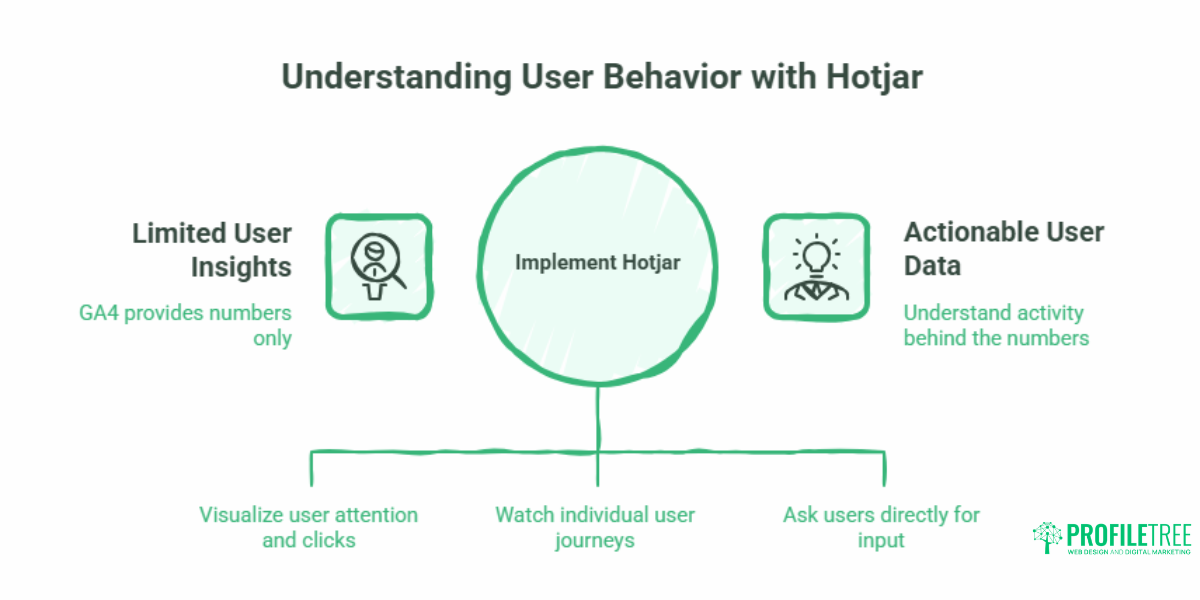
Hotjar is a user behaviour analytics tool that captures qualitative data about how visitors interact with your website. Where GA4 gives you numbers (page views, sessions, bounce rate), Hotjar shows you the activity behind those numbers: where people click, how far they scroll, which elements frustrate them, and where they abandon a process.
The tool’s core features fall into three categories.
Heatmaps: Visualising Where Attention Goes
Hotjar generates three types of heatmaps, each recording a different aspect of user behaviour.
Click heatmaps show every place a visitor has clicked on a page. This is particularly useful for spotting broken expectations: if users are clicking on an image or heading that is not a link, they expect it to be one. That is a design fix, not a content fix.
Scroll heatmaps show how far down the page users travel before leaving. If your primary call to action sits below the point where 60% of visitors stop reading, it is effectively invisible to the majority of your audience. Scroll data is one of the most actionable outputs Hotjar produces for SMEs with long-form service pages or landing pages.
Move heatmaps track cursor movement, which broadly correlates with where users are reading on desktop. They are less precise than click or scroll data, but useful for identifying which parts of a page attract sustained attention.
Session Recordings: Watching the Real User Journey
Session recordings capture individual user sessions as video playbacks. You can watch a visitor land on your homepage, scroll partway down, hover over your services menu without clicking, and then close the tab. That single recording can tell you more about a navigation problem than a month of bounce rate data.
When reviewing recordings, watch specifically for rage clicks (rapid repeated clicks on an element that is not responding), U-turns (a user who clicks through to a page and immediately goes back), and exits from mid-funnel pages such as enquiry forms or checkout steps.
Feedback Tools: Asking Users Directly
Hotjar’s survey and poll features allow you to prompt visitors with questions at specific points in their journey. A well-timed exit survey on a contact page, asking users who did not submit the form why they decided not to, can surface objections that no amount of heatmap analysis would reveal. Common responses include unexpected pricing, missing information, or a form that felt too long.
Hotjar vs Google Analytics: Why You Need Both
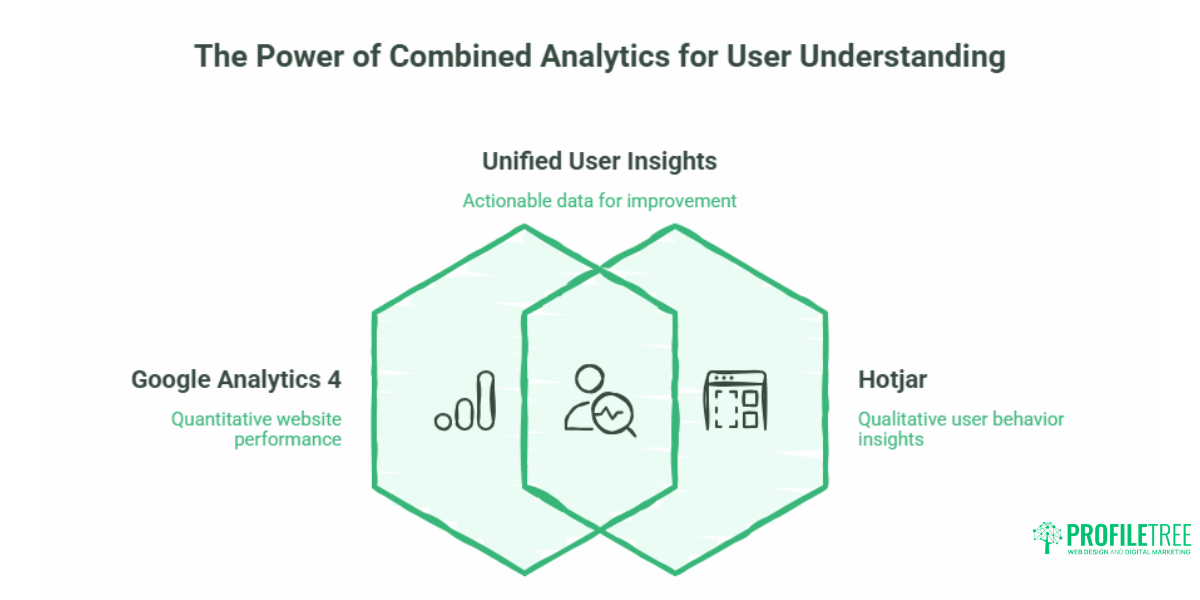
Hotjar is not a replacement for GA4. They serve different purposes and work best together.
| Google Analytics 4 | Hotjar | |
|---|---|---|
| Data type | Quantitative | Qualitative |
| What it answers | What is happening | Why is it happening |
| Key metrics | Sessions, conversions, traffic sources | Clicks, scroll depth, session recordings |
| User identification | Aggregated | Individual session level |
| Cost | Free | Free tier; paid plans from $32/month |
For a small business owner in Northern Ireland or the UK, the practical starting point is to use GA4 to identify which pages have high traffic and poor conversion rates, then use Hotjar on those specific pages to understand what is going wrong behaviorally.
Setting Up Hotjar on Your Website
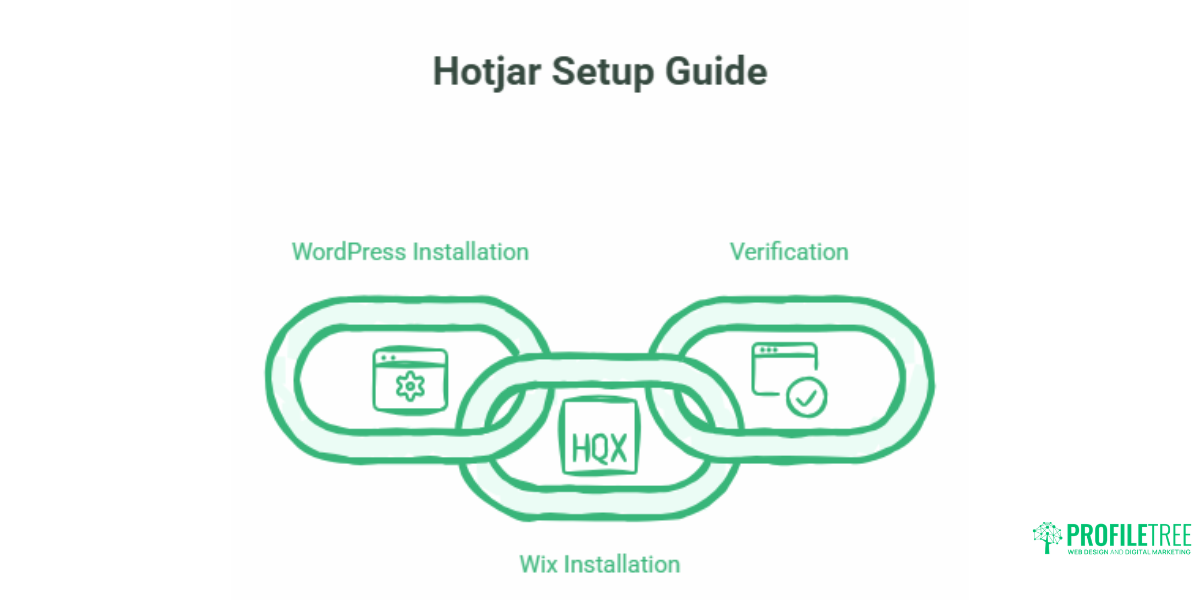
Hotjar’s free Basic plan allows up to 35 daily session recordings and is sufficient for most small business websites getting started with behavioural analytics. The setup process is the same regardless of which plan you use.
Installing Hotjar on WordPress
The simplest approach on WordPress is to use the official Hotjar plugin, available in the WordPress plugin directory. Install and activate it, then paste your Hotjar Site ID (found in your Hotjar dashboard under Settings > Sites & Organisations) into the plugin settings. No coding is required.
If you prefer to install the tracking script manually, paste the Hotjar JavaScript snippet into the <head> section of your theme’s header file or into a header scripts field if your theme provides one. Using a code snippets plugin such as WPCode is a cleaner option than editing theme files directly, as it survives theme updates.
Installing Hotjar on Wix
In Wix, go to Settings > Custom Code and paste the Hotjar tracking script into the head section of all pages. Set it to load on all pages and place it in the head rather than the body. The Wix editor does not require any plugin.
Verifying the Installation
Once installed, return to your Hotjar dashboard. A yellow dot next to your site name indicates Hotjar is detecting activity. You can also use the Hotjar Status Checker in your account to confirm the script is firing correctly. If verification fails, the most common causes are a caching plugin serving a version of the page without the script or a cookie consent banner blocking the script before consent is given.
The SME Diagnostic Playbook: Translating Data into Fixes
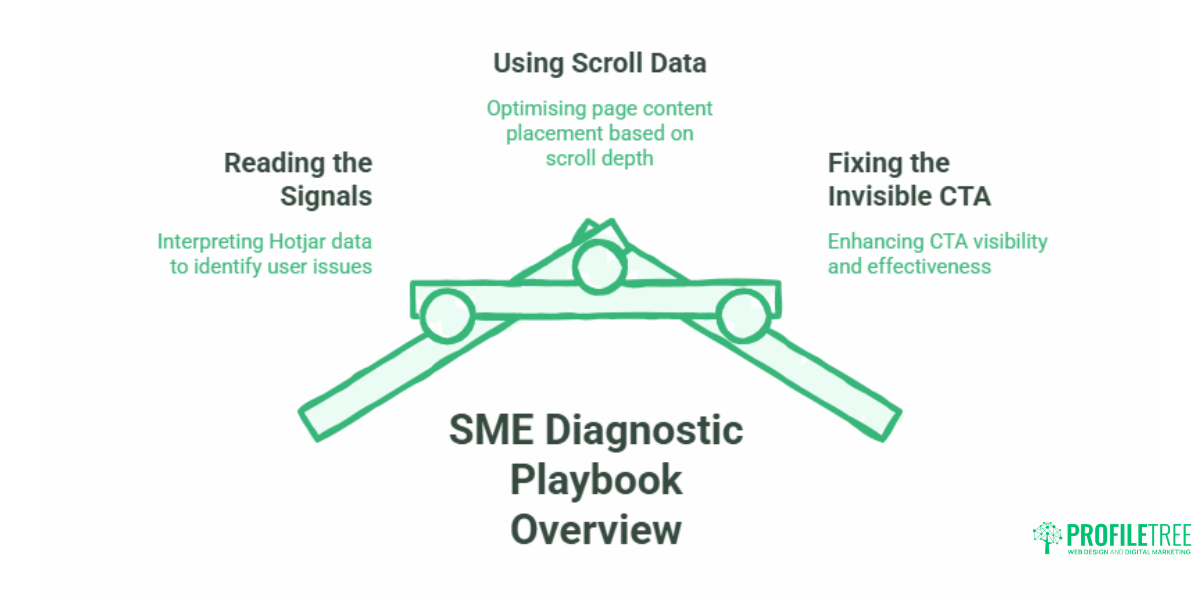
Most guides explain what heatmap data looks like. This section explains what to do with it.
Reading the Signals: A Diagnostic Matrix
| What you see in Hotjar | Probable cause | Recommended action |
|---|---|---|
| Rage clicks on a non-linked image or heading | Users expect this element to be clickable | Session recordings show users filling a form, then abandoning it |
| The scroll map shows a 70%+ drop-off before your CTA | CTA is positioned too far down the page | Move the primary CTA higher, or add a sticky header button |
| High clicks on navigation items that lead to a dead end | Navigation label does not match page content | Rename the nav item or restructure the destination page |
| Scroll map shows a 70%+ drop-off before your CTA | Form feels too long, or a field is causing friction | Remove non-essential fields; test autofill compatibility |
| Exit survey responses cite pricing confusion | Pricing is absent or unclear on service pages | Add a pricing section or a clear “request a quote” anchor |
| U-turn immediately after clicking through from the homepage | Page content does not match the expectation set by the link | Align the landing page headline with the exact language used in the link |
Using Scroll Data to Fix Your Page Copy
A scroll map showing that fewer than 40% of visitors reach the second half of a page is not just a design problem. It is often a copy problem. If your most compelling proof points, testimonials, or service explanations are buried below the fold, most visitors will never see them.
When ProfileTree audits client websites, scroll depth data frequently reveals that business owners have placed their strongest selling points where their most engaged readers already are, rather than where the average visitor actually stops reading. The fix is structural: move the essential content up, and treat anything below the 50% scroll line as supplementary detail for visitors who are already engaged.
Fixing the Invisible Call to Action
If your click heatmap shows minimal interaction with a CTA button that appears prominently in your design, check three things: contrast (does it stand out visually against the background?), copy (does it tell the user exactly what happens next?), and position (is it surrounded by competing visual elements that dilute its prominence?). A CTA labelled “Submit” performs consistently worse than one labelled “Get your free quote” because it tells the user nothing about the outcome of clicking.
“The most common mistake we see in SME website audits is treating the CTA as the last element to design rather than the first,” says Ciaran Connolly, founder of ProfileTree. “When Hotjar recordings show users hovering near a button and then moving away, that is almost always a copy or trust problem, not a visibility problem.”
Does Hotjar Slow Down Your Website?
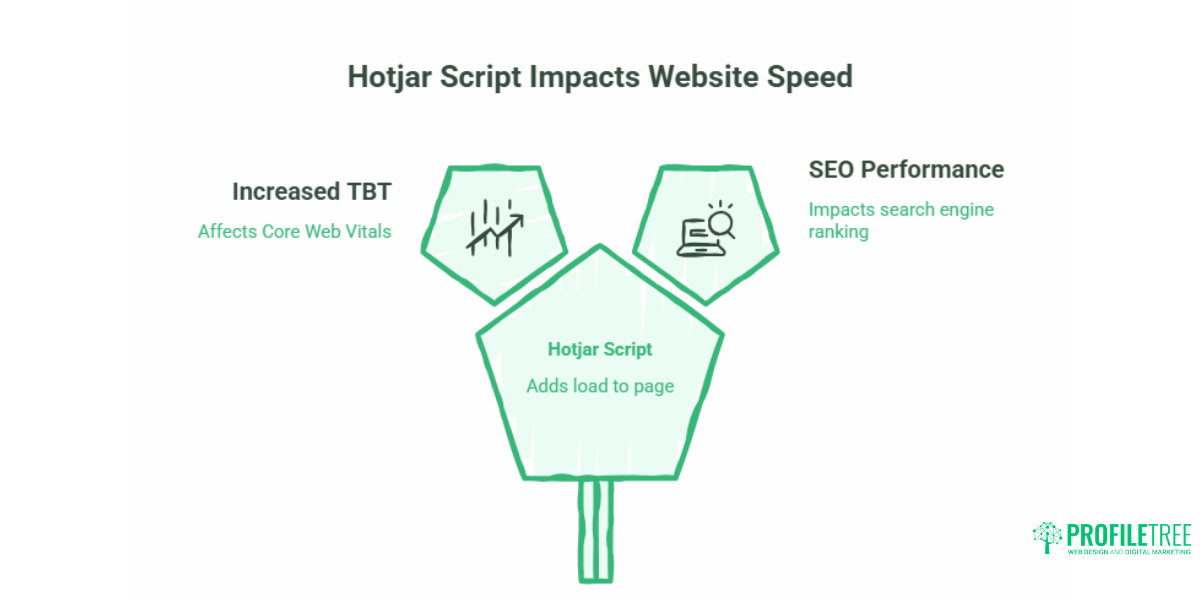
This is the most common concern small business owners raise about Hotjar, and it deserves a direct answer. Yes, Hotjar’s tracking script adds load to your page, but the impact can be managed.
Hotjar loads asynchronously, meaning it does not block your page from rendering while it initialises. However, it can increase Total Blocking Time (TBT) on shared hosting environments, which affects your Core Web Vitals scores and, by extension, your SEO performance.
The recommended approach for SMEs on budget hosting is to load Hotjar via Google Tag Manager using a delayed trigger. Set the tag to fire on the “Window Loaded” event rather than on “All Pages” immediately. This ensures your page’s main content, particularly the Largest Contentful Paint element, loads fully before Hotjar initialises. The practical effect is that your Core Web Vitals scores are protected while Hotjar still captures the vast majority of useful session data.
If you are working with a web developer, ask them to implement this via GTM. If your website is managed by ProfileTree, this is part of the standard web development setup we apply when integrating third-party analytics tools.
UK GDPR and Cookie Compliance for Hotjar
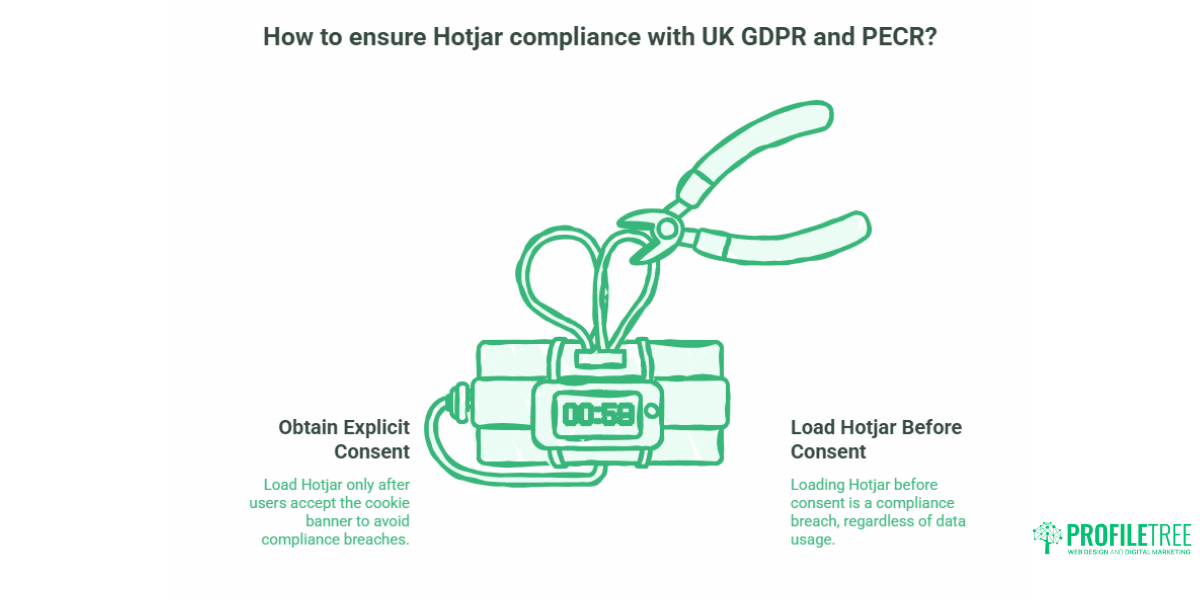
This section is mandatory reading for any UK or Irish business deploying Hotjar. It is the area where most competitor guides are silent, and where the regulatory risk is real.
Under UK GDPR and the Privacy and Electronic Communications Regulations (PECR), you must obtain explicit user consent before loading any non-essential tracking script, including Hotjar. Loading Hotjar before a user accepts your cookie banner is a compliance breach, regardless of how the data is used.
What Hotjar Collects by Default
By default, Hotjar records mouse movements, clicks, and scrolling. It does not record keystrokes in password fields, but without additional configuration, it can capture text entered into open form fields, which may constitute personally identifiable information (PII).
How to Configure Hotjar for UK Compliance
Within your Hotjar dashboard, go to Settings > Privacy. Enable the following:
- Suppress keystroke recording: This prevents Hotjar from capturing text typed into input fields.
- Anonymise IP addresses: Hotjar anonymises IPs by default in many configurations, but verify this is active for your site.
- Mask all inputs: For maximum safety, enable masking on all text input fields, not just passwords.
You must also configure your cookie consent banner (such as Cookiebot, CookieYes, or a similar tool) to block the Hotjar script until the user consents to analytics cookies. This typically means placing Hotjar in the “analytics” or “statistics” cookie category and ensuring the banner fires before Hotjar initialises. If you are unsure whether your current consent setup is correctly structured, ProfileTree’s guide on designing GDPR-compliant web forms covers the compliance principles in more detail.
SME GDPR Checklist for Hotjar:
- [ ] Cookie banner blocks Hotjar script until user consents
- [ ] Keystroke recording suppressed in Hotjar dashboard
- [ ] IP anonymisation confirmed as active
- [ ] All text input fields masked in session recordings
- [ ] Privacy policy updated to reference Hotjar as a data processor
- [ ] Hotjar Data Processing Agreement signed (available in your Hotjar account settings)
Hotjar and SEO: How Behaviour Data Informs Search Strategy
There is a direct relationship between the signals Hotjar surfaces and the SEO decisions you should be making, though it is often overlooked.
High bounce rates on a page, combined with Hotjar scroll data showing visitors leaving within the first screen, suggest the page is not satisfying the search intent that brought them there. This is a content and structure problem that a keyword change alone will not fix. The heatmap tells you what to change; the GSC data tells you which queries you need to satisfy.
Rage clicks on a mobile navigation menu often indicate a touch target that is too small, which contributes to poor mobile usability scores. Google uses mobile usability as a ranking factor. Fixing it based on Hotjar evidence improves both user experience and search performance simultaneously.
Session recordings can also help identify pages where users arrive from organic search and immediately look for information that is not present on the page. If that information exists elsewhere on your site, the fix is an internal link. ProfileTree’s business analytics tools guide covers how to combine multiple data sources, including behavioural analytics, into a coherent site improvement strategy.
Hotjar vs Microsoft Clarity: Which Should You Use?
Microsoft Clarity is the most significant free alternative to Hotjar. For small businesses on a tight budget, it removes the session recording limit entirely and costs nothing.
| Feature | Hotjar Basic (Free) | Microsoft Clarity (Free) |
|---|---|---|
| Session recordings | 35 per day | Unlimited |
| Heatmaps | Yes | Yes |
| Surveys and feedback | No (paid plans only) | No |
| Data retention | 365 days | 90 days |
| GDPR compliance tools | Yes | Yes |
| GA4 integration | Yes | Yes (native) |
The practical recommendation: start with Microsoft Clarity if your primary need is session recordings and heatmaps at no cost. Move to Hotjar’s paid tier if you need on-site surveys, direct user feedback widgets, or longer data retention. Many SMEs run both simultaneously, as they do not conflict.
If your web development partner is integrating these tools as part of a broader analytics setup, it is worth discussing which combination fits your specific conversion goals before committing to a paid plan.
FAQs
What is Hotjar, and what is it used for?
Hotjar is a user behaviour analytics tool that shows how visitors interact with your website through heatmaps, session recordings, and on-site surveys. It is primarily used to identify usability problems, diagnose conversion drop-offs, and gather direct feedback from users. Unlike Google Analytics, which tracks aggregated traffic data, Hotjar lets you observe individual user journeys and see exactly where people are getting stuck or leaving.
What is Hotjar’s primary user role?
Hotjar is used primarily by website owners, UX designers, digital marketers, and conversion rate optimisation specialists. For small businesses, the most common primary user is the business owner or marketing manager who wants to understand why their website is not converting visitors into enquiries or sales. It does not require technical expertise to interpret the basic outputs.
Does Hotjar slow down websites?
Hotjar’s script loads asynchronously and does not block your page from rendering. However, on shared hosting environments, it can increase Total Blocking Time, which affects Core Web Vitals scores. The recommended fix is to load Hotjar via Google Tag Manager using the Window Loaded trigger, which delays the script until the page’s main content has fully rendered. This protects your performance metrics while still capturing meaningful behavioural data.
Is Hotjar GDPR compliant for UK businesses?
Hotjar can be used in a GDPR-compliant way, but compliance is not automatic. You must configure your cookie consent banner to block the Hotjar script until a user explicitly consents to analytics cookies, enable keystroke suppression in the Hotjar dashboard, and ensure IP anonymisation is active. Hotjar also requires you to sign a Data Processing Agreement, available within your account settings.
How can I use Hotjar to improve website conversions?
Start by identifying your lowest-converting pages using GA4, then install Hotjar specifically on those pages. Review the scroll heatmap to check whether your call to action is visible to the majority of visitors. Watch five to ten session recordings for each page, looking for rage clicks, form abandonment, and U-turns. Add an exit survey to high-exit pages asking users what stopped them from completing the action. Each of these steps surfaces a specific problem with a specific fix.
What is the difference between Hotjar and Google Analytics?
Google Analytics 4 tracks quantitative data: how many people visit, where they come from, which pages they view, and whether they complete goals. Hotjar tracks qualitative data: what individual users actually do on the page, where they click, how far they scroll, and what frustrates them. GA4 identifies that a problem exists; Hotjar helps you understand what the problem is. They are designed to be used together, not as alternatives.
Is Hotjar free for small business websites?
Hotjar offers a free Basic plan that supports up to 35 session recordings per day. For most low to medium-traffic small business websites, this is sufficient to gather useful behavioural data. If you need unlimited recordings, Microsoft Clarity is a free alternative. Hotjar’s paid plans begin at $32 per month and add features including on-site surveys, longer data retention, and higher session volumes.
This article covers Hotjar setup, interpretation, and compliance for small business websites in the UK and Ireland. To support the integration of behavioural analytics into a broader website strategy, ProfileTree’s web design and development team works with SMEs across Northern Ireland, Ireland, and the UK.