
Customer Journey Mapping: A Practical Guide for SMEs
Table of Contents
Most customer journey maps end up as PDFs that no one reads after the workshop. They look good on a wall, and then nothing changes. The problem is not the idea. Journey mapping genuinely works when it is treated as a diagnostic tool rather than a deliverable. The mistake is finishing the map and considering the job done.
This guide covers how to create a customer journey map that leads to real decisions: which pages to rebuild, which content to create, where to direct your SEO budget, and where digital tools can remove the friction that is costing you enquiries and sales.
What is Customer Journey Mapping?
Customer journey mapping is the process of documenting every interaction a customer has with your business, from the moment they first become aware of you through to purchase, post-sale support, and (if things go well) repeat business and referral.
The map itself is usually a visual diagram or table that outlines each stage of the journey, the actions a customer takes at that stage, the questions they ask, and how they feel. That emotional dimension is where journey mapping differs from a simple process flowchart. A flowchart shows what happens. A journey map shows what it is like to be the customer while it happens.
Why SMEs in particular benefit from this exercise
Larger organisations often have dedicated CX teams running this work continuously. For an SME, the process is usually a one-time or annual exercise. That is still worth doing. A structured look at your customer’s experience almost always surfaces problems that the business had stopped noticing because they had become background noise: a contact form that does not work properly on mobile, a pricing page that answers the wrong questions, a follow-up sequence that sends the same email four times.
According to Ciaran Connolly, founder of ProfileTree, a Belfast-based web design and digital marketing agency: “The exercise almost always surprises business owners. They assume they know what the customer experience looks like. They are usually right about the big stages and wrong about the details. It is the details that lose you the sale.”
Journey mapping vs user flow: what is the difference?
A user flow maps the clicks and navigation paths a visitor takes on your website. A customer journey map is broader: it covers every channel (search, social, email, in-person, phone), every stage from pre-awareness to post-purchase, and captures emotion, intent, and actions. User flows feed into journey maps; they are one input among many, not the same thing.
The Five Stages of the Customer Journey
Most SME customer journeys follow five stages. The exact language varies depending on which framework you use, but the underlying structure is consistent.
1. Awareness
The customer becomes aware of a problem or need. They may not yet know your business exists. At this stage, they are searching broadly: typing questions into Google, asking on social media, noticing an ad. Your visibility here depends almost entirely on your SEO and content strategy. If you are not answering the questions people are asking at the awareness stage, you are invisible at the point where the buying process begins.
2. Consideration
The customer is now actively researching solutions and comparing options. They are reading blog posts, watching explainer videos, checking Google reviews, and visiting your website. This is where content marketing does its real work. Service pages, comparison guides, case studies, and video content all carry weight here. A weak website loses customers at this stage, even when the underlying service is strong.
3. Decision
The customer is ready to act. They are looking for confirmation that they are making the right choice: pricing clarity, trust signals (reviews, accreditations, named team members), and a straightforward way to get in touch. Friction here (a broken contact form, an unclear process, no visible pricing guide) turns warm leads cold.
4. Retention
The sale is done. Now the question is whether the customer comes back and whether they tell anyone else. Post-sale communication, onboarding, check-ins, and the quality of your support all shape this stage. Many SMEs invest heavily in stages one to three and then let retention run on autopilot. Journey mapping often exposes this gap.
5. Advocacy
Satisfied customers recommend you. This does not happen automatically; it requires prompting. Review requests, referral incentives, follow-up conversations, and strong post-project communication all increase the likelihood. Your digital presence plays a role here, too: when someone recommends you, the next thing the referred customer does is Google you.
How to Build a Customer Journey Map: Step by Step
Building a journey map is a process that takes a few hours to do properly. It is not a task to rush through in thirty minutes and tick off a to-do list.
Step 1: Define the persona you are mapping
You probably have more than one customer type. A journey map works best when it focuses on one specific persona rather than a composite of everyone. Start with your most commercially valuable customer type. If you serve both consumers and businesses, map them separately. The B2B journey (longer sales cycle, multiple decision-makers, logic- and ROI-driven) is structurally different from B2C (faster decision-making, more emotionally driven, more influenced by peer recommendations).
Step 2: List every touchpoint
Work through the five stages and list every place the customer interacts with your business: Google search results, your website, your social media profiles, review platforms, email enquiries, phone calls, face-to-face meetings, invoices, and follow-up emails. Include the touchpoints you control and those you do not (such as a Google review left by a previous customer).
Step 3: Assign actions, questions, and emotions to each touchpoint
For each touchpoint, ask three things: what is the customer doing here, what are they trying to find out, and how do they feel? The emotional dimension is where the map becomes genuinely useful. A customer who arrives at your pricing page feeling nervous and leaves feeling confused has had a very different experience from one who leaves feeling clear and confident, even if both clicked away without converting.
Step 4: Mark the friction points
Go through the map and mark every stage where the customer’s experience is likely to be frustrating, confusing, or disappointing. Be honest. If your mobile site is slow, mark it. If your contact form asks for information that is not necessary at that stage, mark it. If there is a 3-day gap between the enquiry and the response, mark it.
Step 5: Turn friction points into an action list
This is the step most mapping exercises skip. Every friction point should become a task with an owner and a deadline. Some will be quick wins (e.g., fixing a form or updating a page). Others will be larger projects (a website rebuild, a content programme, an AI-assisted follow-up sequence). Prioritise by the stage at which the friction occurs. Problems at the decision stage cost you more than problems at the advocacy stage, because they prevent the sale from happening at all.
Tools for Customer Journey Mapping
You do not need specialist software to build your first journey map. A spreadsheet or a shared document works fine. That said, if you are working with a team or planning to revisit the map regularly, purpose-built tools make the process easier.
The table below covers the main options available to SMEs, with honest notes on what each is suited for.
[COMPARISON TABLE]
| Tool | Best for | Cost | Key limitation |
|---|---|---|---|
| Miro | Collaborative workshops, visual maps | Free tier available | Can become unwieldy with large teams |
| Smaply | Detailed multi-persona maps | Paid (from approx. £25/month) | Learning curve for first-time users |
| Lucidchart | Diagramming-focused teams | Free tier available | Less emotion/insight-focused than journey-specific tools |
| Excel or Google Sheets | Solo exercise, first draft | Free | No visual journey output without manual formatting |
| UXPressia | Structured persona + journey combination | Paid | Better suited to UX teams than general SME use |
For most SMEs starting out, Miro’s free tier, combined with a clear template, is enough. The tool matters far less than the rigour of the process.
Where Digital Strategy Fits In
Customer journey mapping is a diagnostic exercise. The output is a list of things to fix. For most SMEs, those fixes land across four areas of digital strategy.
Your website is the most frequent friction point
The consideration and decision stages of almost every modern customer journey run through your website. If your site is slow to load, hard to navigate on mobile, unclear about what you do or who you serve, or weak on trust signals, the map will surface this. A website rebuild or targeted UX improvements are often the highest-priority output of a journey mapping exercise. ProfileTree works with SMEs across Northern Ireland, Ireland, and the UK on web design projects that are specifically scoped around the friction points a journey audit identifies, rather than rebuilding sites for aesthetic reasons alone.
SEO and content close the awareness gap
If your journey map shows that potential customers are asking questions you are not appearing for in search, that is a content and SEO problem. The awareness stage of the journey is almost entirely determined by organic visibility. A content strategy built around the actual questions your customers ask, not just the broad keywords that look attractive in a keyword tool, is the most direct response to awareness-stage gaps.
AI tools can automate the repetitive parts
Several steps in the journey mapping process, and several of the fixes it generates, are good candidates for AI assistance. Synthesising customer feedback from reviews, emails, and survey responses into themes is something AI tools handle well. Drafting follow-up email sequences, generating FAQ content, and personalising communication at the retention stage are all areas where AI implementation can reduce the manual workload. ProfileTree delivers AI training for SMEs through Future Business Academy, specifically aimed at teams who want to know which AI tools are worth adopting and how to integrate them without overhauling existing processes.
Video content serves the consideration stage
The consideration stage is when customers compare you to alternatives. Video is particularly effective here: a short explainer of your process, a behind-the-scenes look at your team, or a client testimonial in video form all carry more persuasive weight than their text equivalents. If your journey map shows a consideration-stage gap (customers are visiting your site but not progressing to the enquiry stage), video content is often the most cost-effective response.
Digital training for in-house teams
Some SMEs prefer to run journey mapping exercises internally rather than commissioning an agency. That is a legitimate approach, particularly for businesses with a marketing coordinator or in-house team who can own the process. Structured digital training covering customer journey analysis, content strategy, and digital tool selection provides in-house teams with a framework for doing this work consistently, rather than as a one-off exercise every three years.
UK and Ireland Context: What to Consider
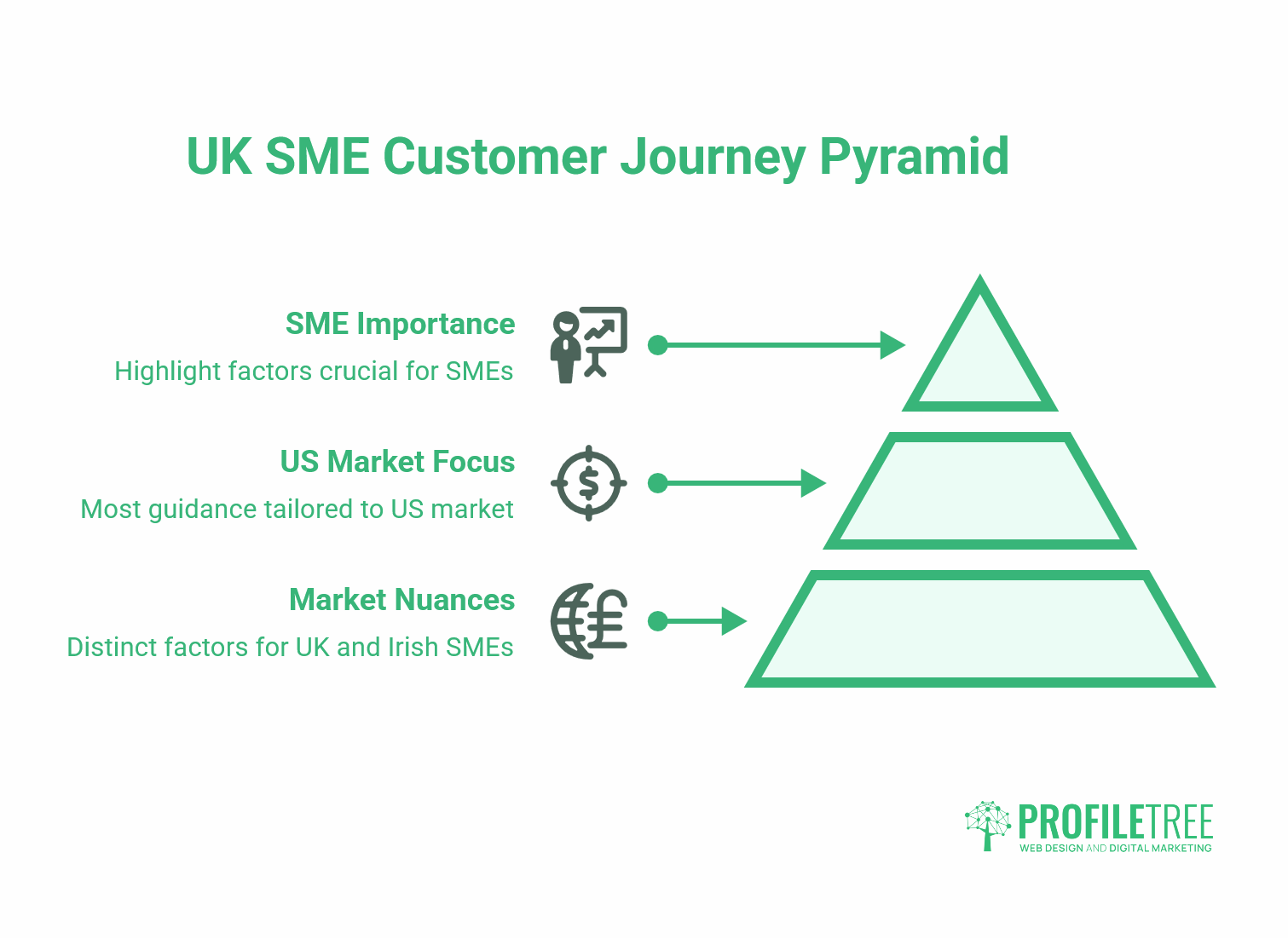
Most published guidance on customer journey mapping is written for the US market. There are some genuinely different considerations for UK and Irish SMEs worth noting here.
UK GDPR and journey tracking
Mapping the digital part of your customer journey typically involves analytics data: session recordings, heatmaps, and form analytics. Under UK GDPR, collecting this data requires proper consent mechanisms. A cookie banner is not sufficient on its own. Your privacy policy needs to reflect the tracking you are actually doing, your consent management platform needs to accurately record consent, and session recording tools need to be configured to anonymise personally identifiable information. Journey mapping is not an excuse to over-track; it is a reason to track intelligently with the right legal foundations in place.
The hybrid journey in UK SME markets
A significant number of SMEs in Northern Ireland, Ireland, and the wider UK serve customers who move between digital and in-person channels. A customer might find you through Google, visit your website, call your office, meet you in person, and then sign a contract via email. The journey map needs to capture all of these stages, not just the ones that appear in your website analytics. Offline touchpoints are often where the most significant friction lies, and they are the easiest to overlook if the mapping exercise focuses only on digital data.
Common Mistakes to Avoid
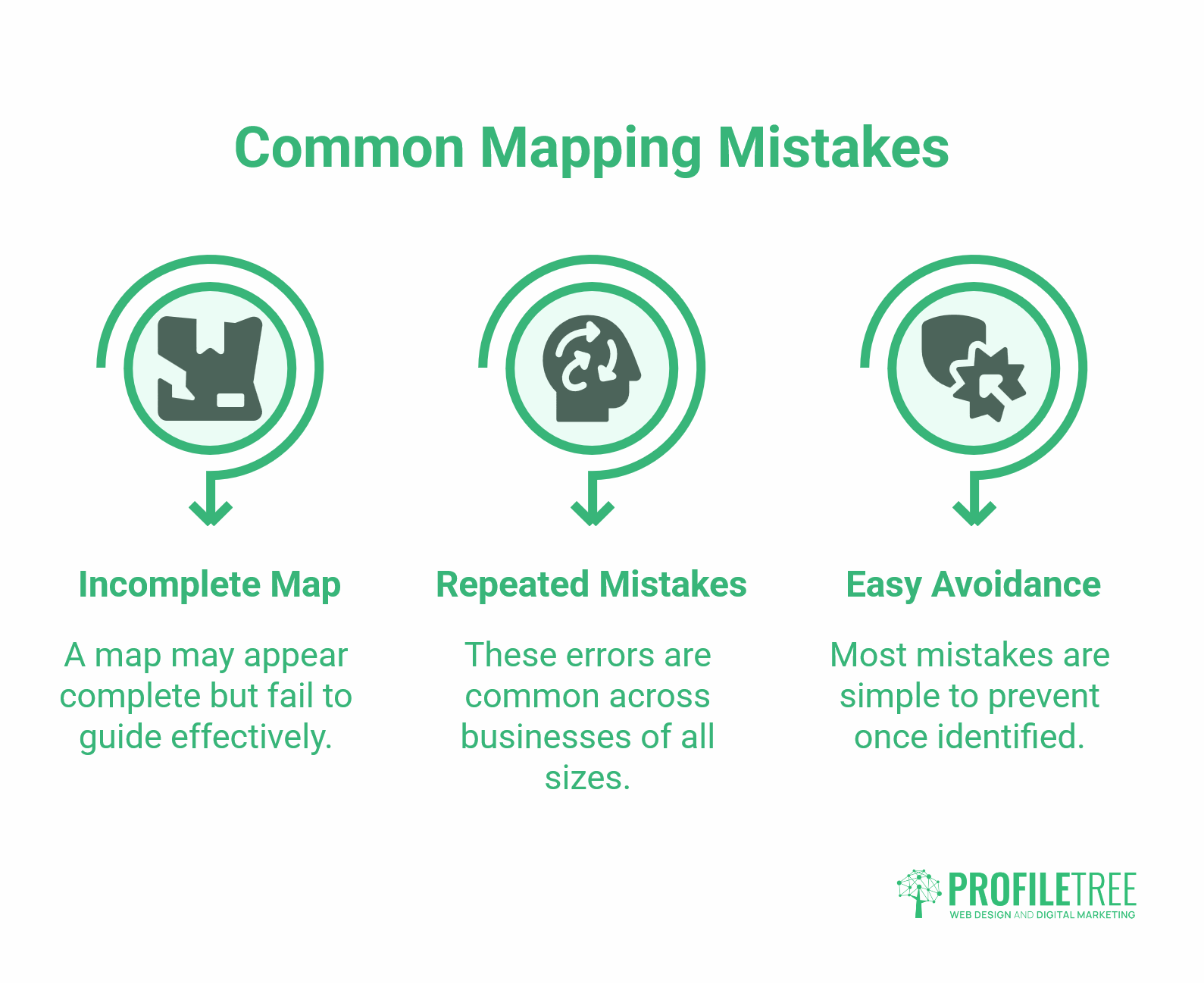
Knowing the process is one thing. The more common problem is following it in a way that produces a map that looks complete but leads nowhere. These mistakes appear repeatedly across businesses of all sizes, and most are easy to avoid once you know to look for them.
Mapping the journey you wish customers took, not the one they actually take
The most common mistake is building a journey map based on assumptions rather than evidence. If you have not spoken to recent customers, looked at your analytics data, or reviewed your enquiry and complaint records, you are drawing a map from memory, and memory is selective. The map needs to reflect reality, including the inconvenient parts.
Treating the map as the output
The map is the starting point, not the finish line. If the exercise ends with a printed document and no action list, it was not worth the time. Every friction point needs a task, an owner, and a deadline.
Focusing only on the pre-purchase journey
Retention and advocacy are commercially valuable stages that many journey mapping exercises ignore because they feel less urgent. A customer who buys once and never returns is less valuable than one who buys repeatedly and refers others. The post-sale journey deserves as much attention as the path to first purchase.
Building the map in isolation
Journey mapping done by a single person in a single department produces a partial map. The customer’s experience crosses every function of the business: marketing, sales, operations, finance, and customer service. The best maps are built collaboratively, with input from people who deal with customers at different stages. This also increases the likelihood that the action list will actually be acted on.
Where to Go From Here
A journey map is only as useful as the decisions it produces. Run the exercise, mark the friction points honestly, and turn every one into a task with an owner. If your map keeps surfacing the same problem areas on the website, the post-enquiry follow-up, and the gap between digital and offline, those are the places to direct your time and budget first.
The businesses that get the most from this process treat the map as a working document, not a finished report. Update it when something significant changes, and share it with everyone who touches the customer experience. The map is not the point. What you do with it is.
FAQs
What are the five stages of a customer journey map?
Awareness, consideration, decision, retention, and advocacy. Some B2B and subscription frameworks add onboarding and expansion, but these five cover the journey for most SMEs.
How do you create a customer journey map from scratch?
Choose one customer persona, list every touchpoint across all channels, and for each one, note what the customer is doing, asking, and feeling. Mark the friction points, then turn each one into a task with an owner and a deadline.
What is the difference between a user flow and a customer journey map?
A user flow covers navigation paths on your website. A journey map is broader: it spans all channels and all stages from first awareness to post-purchase advocacy, and captures emotion, intent, and actions. User flows are one input into a journey map, not a replacement for it.
How is AI used in customer journey mapping?
AI is useful at two points: synthesising customer feedback (reviews, surveys, support tickets) into themes during the research phase, and automating fixes such as follow-up sequences and personalised communication once friction points are identified.