
Content Hubs and Pillar Pages: The SME Strategy Guide
Table of Contents
A content hub is a network of interlinked pages built around one broad topic; a pillar page is the anchor resource within that hub, and cluster pages are the narrower articles that support it. For UK and Irish SMEs, the format that ranks best is the topic cluster model, typically one pillar of 2,500 or more words, supported by 8 to 20 cluster pages, with subfolder URLs, consistent schema markup, and a built-in maintenance schedule from the start.
Most websites accumulate blog posts the way a garage accumulates boxes: plenty of them, loosely related, with no clear system. Individual articles might rank for something, but the site as a whole never builds the kind of topical depth that Google rewards with consistent traffic.
Content hubs and pillar pages fix that problem. They give your content a structure, signal to search engines that you cover a topic with real depth and create a better experience for the people actually reading your site. This guide covers what content hubs and pillar pages are, the four main hub architectures, how to build one from scratch, what it costs, how to maintain it once it is live and how the format holds up as AI-powered search reshapes organic results.
Content Hub vs Pillar Page: Defining the Relationship
A content hub is the full structure. A pillar page is the single anchor resource inside it. Understanding the difference matters before you plan anything.
What Is a Content Hub?
A content hub is a collection of interlinked pages built around a single broad topic. Each page covers a specific subtopic, and all of them connect back to a central anchor page. Search behind “what is a hub page” and “hub page meaning” tends to land on definitions like this one because the concept gets muddled with simple site navigation menus. It isn’t a menu. It’s a deliberate, cross-linked network of content that demonstrates depth on one subject.
What Is a Pillar Page?
A pillar page gives a thorough overview of a broad topic without attempting to exhaust every subtopic on a single page. It introduces each subtopic, answers the core questions about it, and links to dedicated cluster articles that go deeper. Pillar pages are typically long-form, 2,500 words or more, and optimised for a high-volume, broad keyword.
A solicitor’s firm in Belfast, for example, might build a pillar page around “commercial property law in Northern Ireland.” That page would cover what it is, who it applies to, what the process involves and the key legal considerations. Each of those areas then becomes its own cluster article: commercial leases, planning permissions, property due diligence and so on.
How They Work Together
Cluster pages are the supporting articles within a hub. Each one targets a more specific keyword, covers a narrower subtopic in full and links back to the pillar page. Cluster content can take any format: articles, how-to guides, FAQs, video content or case studies. A cluster built around a service business’s site might mix written guides with a video explainer, a short animation breaking down a process, and a supporting video hosted on YouTube marketing activity. What matters here is a clear topical connection to the pillar and bidirectional linking between cluster and pillar.
When Google crawls a site and finds multiple interlinked pages covering a topic from different angles, it reads that as genuine topical depth. Pages within a well-structured cluster tend to support each other’s rankings rather than compete, whereas pages with similar content spread across multiple pages without a clear hierarchy often compete.
| Content Hub | Pillar Page | Cluster Page | |
|---|---|---|---|
| What it is | The full topic network | The anchor resource | A subtopic deep-dive |
| Scope | Broad topic area | Overview of all subtopics | One specific subtopic |
| Length | Structural concept, not a page | 2,500+ words | 1,200 to 2,500 words |
| Keyword target | Not applicable | Broad, high-volume term | Specific, lower-volume term |
| Linking role | Connects everything | Links to all cluster pages | Links back to the pillar |
The Four Content Hub Architectures
Not all content hubs follow the same structure. The right model depends on business type, the volume of content you can realistically produce and the intent you are serving.
The topic cluster. This is the model most commonly associated with content hubs, and it has the most direct impact on search rankings. One pillar page targets a broad keyword; a set of cluster pages, typically eight to twenty, depending on how competitive the niche is, each targets a specific long-tail variant. A regional accountancy firm might build a topic cluster around “VAT for small businesses in the UK,” with articles that delve into registration thresholds, the flat-rate scheme, Making Tax Digital compliance, and VAT for online sellers. Each cluster article ranks for its own queries while strengthening the pillar’s authority for the broader term.
The classic hub and spoke. Broader in scope: the central hub page serves as a directory or resource centre, linking to a wide range of related content that is not necessarily tightly clustered around a single keyword. This suits businesses that want broad authority across a subject rather than a single dominant term. A digital agency’s “SEO resources” hub might link to pieces on technical SEO, on-page optimisation, link building, local search and analytics.
The content library. Organises existing content by theme, audience or use case rather than by keyword hierarchy. Common among publishers, training providers and software companies. Its main value is navigational: helping users find relevant content quickly, and helping search engines understand how pieces relate to one another.
The database hub. Structured around filterable, queryable content such as property listings, job boards, product catalogues or regulatory databases. Taxonomy and filtering connect related records. This model is the most technically complex of the four, but it can generate meaningful long-tail traffic through programmatic page creation, which is where a website development team earns its keep, not a content writer working alone.
Content hub examples worth studying tend to share one trait, regardless of architecture: every page in the hub has a clear next step for the reader.
Why Content Hubs Matter for SEO
The case for content hubs has strengthened as Google’s ranking systems evaluate whole sites rather than isolated pages. Sites that show genuine topical authority across a subject outperform those that publish disconnected articles.
Topical Authority as a Ranking Signal
Google does not just evaluate individual pages; it evaluates the depth and consistency of a site’s coverage across a topic area. A site with one strong article on local SEO typically ranks lower for that topic than a site with a structured cluster covering local SEO strategy, Google Business Profile optimisation, citation building and review generation. That’s precisely the gap ProfileTree’s local SEO work is built to close for SMEs that have content but lack structure.
Link Equity Distribution
Internal links pass authority between pages. A well-constructed topic cluster distributes link equity from high-performing cluster pages back to the pillar, and from the pillar out to newer or weaker cluster pages. It’s one of the most effective ways to raise the ranking potential of pages that have not yet earned many external links.
Ciaran Connolly, founder of ProfileTree, puts it this way: “Most SMEs have more content than they realise. The problem isn’t volume; it’s that the content sits in silos. Restructuring it into a hub doesn’t just help rankings, it makes the whole site more useful for the people who actually land on it.”
AI Search Citations and Topical Depth
Pages covering multiple subtopics within a subject are far more likely to be cited in AI Overviews than pages covering one narrow point. Ahrefs research found that pages addressing multiple sub-questions of a topic are 161% more likely to appear in AI Overviews. A well-structured pillar page, with its breadth of coverage and clear internal structure, is exactly the kind of content AI search systems favour as a source for citations. Google’s own documentation on AI features confirms there is no special markup required to appear in these results: the same fundamentals that support organic ranking, crawlable structure, clear internal linking and genuinely useful content, apply equally here.
Crawlability and Indexation
Clear internal linking within a hub makes it easier for crawlers to discover and index every page in the cluster. Orphaned pages, those with no inbound internal links, are often under-crawled and under-indexed. Connecting cluster pages to a pillar guarantees that every piece of content produced gets the crawl attention it deserves.
Building a Content Hub: Phase by Phase
Building a content hub is as much a planning exercise as a writing one. The structure must come before the content, or the result will be a set of articles that do not support one another.
Phase 1: Choose a pillar-worthy topic. A pillar-worthy topic is broad enough to support at least eight to twelve cluster articles, commercially relevant to the business and backed by demonstrable search demand. Google Search Console and People Also Ask results both help surface the subtopics real users search for. The pillar keyword should be one the business can genuinely compete for: a well-established Belfast agency can realistically target “content marketing for small businesses,” but a brand-new site probably can’t rank for “content marketing” alone and should not try. Start with an honest content and technical audit of what already exists; many SMEs find they have enough content to build a first hub with minimal new writing, once the gaps are mapped. This audit step usually sits alongside broader digital marketing strategy work, since a hub only earns its keep if it supports a wider commercial goal rather than existing for its own sake.
Phase 2: map the cluster. Before writing anything new, map the full cluster on paper or in a spreadsheet. List every subtopic under the pillar, assign a target keyword to each and check for overlap; if two cluster articles target near-identical keywords, one will end up cannibalising the other. Sound keyword research that targets terms which actually convert is the difference between a cluster that ranks and one that quietly competes with itself. For a topic like this one, a complete cluster might include what a topic cluster is, how to do keyword research for a cluster, internal linking best practice, how to measure hub performance, content hub examples by industry and how to audit existing content for hub structure.
Phase 3: build and link the pillar page. The pillar goes live first. It needs to stand on its own two feet as a resource before any cluster content supports it: a clear answer to the primary search query early on, H2 sections covering each subtopic, placeholder internal links to cluster articles as they go live and at least one table or structured element to improve AI citation potential. Getting the schema markup right, Article, FAQ and BreadcrumbList in particular, is a technical job rather than a writing one, which is where a website development team should be brought in rather than left to guesswork in a page builder. For businesses running on WordPress, this is also the point to loop in WordPress SEO services, since plugin conflicts are a common cause of schema not rendering correctly.
Phase 4: produce and interlink the cluster. Publish cluster content in batches rather than one article at a time; related articles published in close succession help search engines recognise the topical relationship between them. Each cluster article links to the pillar and, where relevant, to adjacent cluster articles. For SMEs without an in-house content team, digital training that covers hub planning, briefing and review saves a lot of trial and error, and addresses a gap most owner-managed businesses do not know they have until digital training is actually prioritised.
Phase 5: build for AI search from the start. AI-powered search tends to cite pages that are self-contained, clearly structured and answer specific questions directly. Every H2 section within the pillar should open with a concise, direct answer to the implicit question behind that heading before moving into supporting detail. A vague cluster article that says nothing more specific than “choose topics your audience cares about” adds no information; a cluster article that provides a scoring framework based on search volume, competition, and commercial relevance offers something that can actually be extracted and cited. Teams new to this way of writing often find it useful to work through structured content and hub planning methods before drafting the first cluster article, rather than learning the framework by trial and error on a live page.
URL Structure and Technical Architecture
Most published guidance on this topic is vague about folder structures, which is a gap worth closing before a single cluster article goes live, because a URL structure is expensive to change once a hub is indexed.
| Subfolder structure | Subdomain structure | |
|---|---|---|
| Example | profiletree.com/seo-hub/local-seo/ | seo.profiletree.com/local-seo/ |
| Authority | Consolidates with the main domain | Often treated as a separate entity by search engines |
| Set-up | Usually simpler on most CMS platforms | Can need separate hosting or DNS configuration |
| Best fit | Most SME content hubs | Large, technically distinct sections (a shop, a job board) |
For the vast majority of SME content hubs, a subfolder structure is the safer default: it consolidates authority under a single domain rather than splitting it. Subdomains earn their complexity only when the hub is genuinely a distinct product, such as an e-commerce catalogue or a job board, which is a decision worth making with a website development team rather than a content writer, since it touches hosting and CMS configuration as much as it touches SEO.
The Maintenance Gap: Managing a Hub After Launch
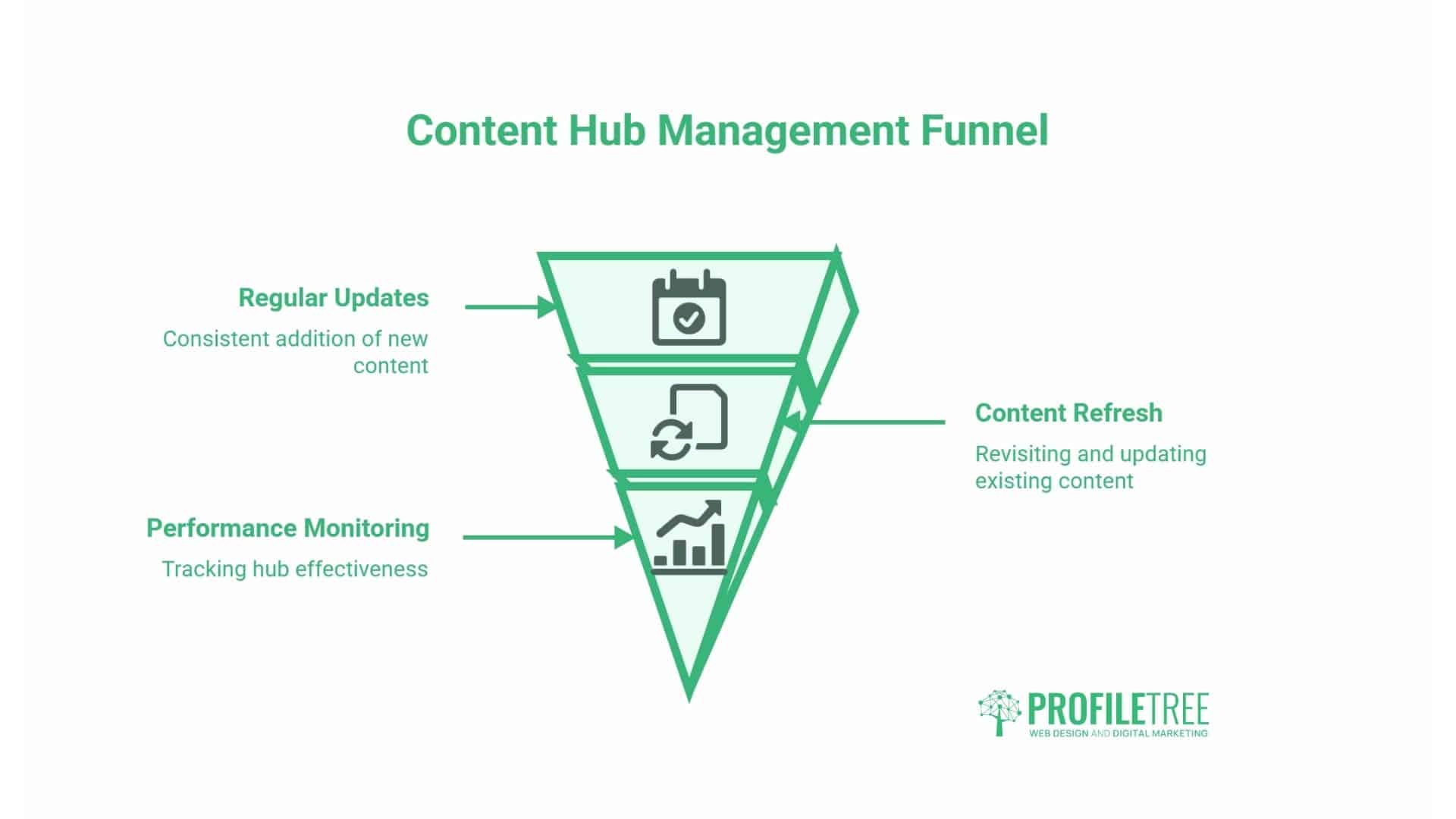
Most guidance on this topic focuses entirely on building a hub and says almost nothing about how to run one. That is a gap, because a hub left untouched for two or three years starts working against itself.
Content pruning. As a cluster grows, some articles will underperform permanently rather than temporarily. Merging two thin, overlapping cluster pages into one stronger article and redirecting the weaker URL protects crawl budget and consolidates whatever authority both pages had built individually. This is the same audit discipline covered in Phase 1, just applied on an ongoing basis rather than as a one-off exercise.
Refreshing the pillar. AI systems and Google both favour content that is materially fresher, not just date-tweaked. Genuine refresh means adding a new section on a subtopic that has emerged since publication, updating a statistic or expanding coverage where the original left a gap. Changing the published date without adding anything new doesn’t count, and search engines are increasingly good at telling the difference.
A sensible review schedule: quarterly for the pillar page, twice yearly for cluster articles on stable topics and more often for anything in a fast-moving sector.
What Does a Content Hub Cost to Build?
Most guides on this topic avoid the commercial question entirely, which leaves SMEs guessing at the wrong number before they start. As a general benchmark for combined SEO and content work of this kind, ongoing monthly investment for the core programme tends to fall between £800 and £2,000, rising to £1,500 to £4,000 a month once paid activity is layered on top. A one-off strategy document or audit, the kind of work that maps the pillar topic and cluster keywords before any writing starts, typically sits between £1,500 and £3,500. These are indicative ranges rather than a quote; the actual cost depends on the size of the cluster, how much existing content can be reused, and how much of the writing, schema work, and internal linking is handled in-house versus outsourced.
Regional Considerations for UK and Ireland Businesses
Most published guidance on content hubs is written for the US market, and there are meaningful differences in how UK and Irish businesses should approach hub architecture.
Language and Search Intent
Search behaviour in the UK and Ireland differs from that in the US, which affects keyword selection. Users in Northern Ireland and the Republic of Ireland often search with local qualifiers, “solicitor Belfast,” “accountant Dublin,” that need to be built into cluster keyword mapping from the outset. A pillar page targeting “employment law for businesses” should spawn cluster articles targeting jurisdiction-specific terms: employment law in Northern Ireland, redundancy law across the UK and unfair dismissal claims in Belfast are genuinely different clusters for a firm with a specific geographic footprint.
Regulated Sector Content
For businesses in finance, healthcare, or legal services, content hub architecture must account for compliance. That doesn’t mean avoiding these topics; it means being careful about the claims made within cluster content, building disclaimers into the page structure rather than tacking them on as a footer and making sure internal links between cluster pages don’t create an implied advice chain. A mortgage broker building a hub around first-time buyer mortgages needs cluster content that stays factually accurate and consistently framed across every page, which is exactly the kind of work covered by SEO built for solicitors’ practices, SEO for accountancy firms, and local SEO for healthcare practices, where the sector’s compliance requirements shape the content brief from the start.
Local SEO Integration
Content hubs and local SEO are complementary rather than separate strategies. A service business with multiple locations can build location-specific cluster content within a broader service hub: a hub around web design for SMEs, supported by a web design agency serving Belfast, applies the same structural logic as a topic cluster but points it toward geographic intent rather than a single keyword variant.
Measuring Content Hub Performance
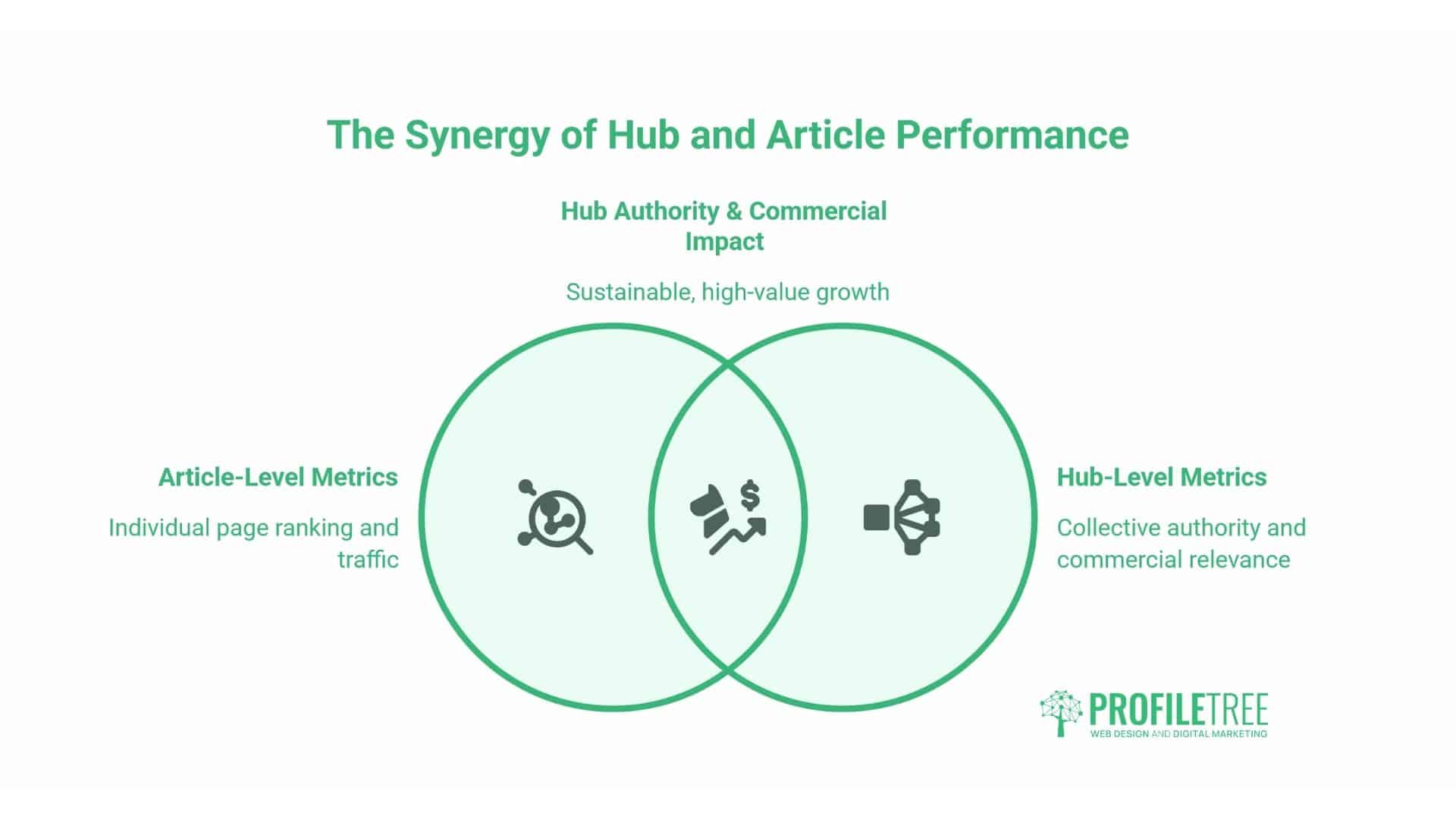
A hub needs different measurements for a single article, and it’s easy to miss that at first. The question isn’t just whether one page ranks; it is whether the cluster as a whole is building authority and generating commercially relevant traffic.
Cluster-level search performance. In Google Search Console, filter the Pages report to URLs within the hub for a cluster-wide view of impressions, clicks and position. What you want over time is rising total impressions across the cluster, even if individual pages fluctuate. Watch three metrics specifically: average position for the pillar keyword, which should improve as cluster content accumulates; total clicks across all cluster pages; and click-through rate on the pillar itself. A low click-through rate on a well-ranking pillar page usually means the title tag or meta description doesn’t match search intent.
Internal linking health. Use the Internal Links report in Search Console or a crawl tool to verify that every cluster page receives links from the pillar and that none are orphaned. As a hub grows, internal link maintenance becomes an ongoing task: new cluster articles need to be added to the pillar’s link structure, and older ones may need to be merged or redirected.
Engagement signals within the cluster. Session depth, the number of pages a visitor reads in one sitting, is a meaningful signal. If a reader lands on the pillar and clicks through to two or three cluster articles, the hub is functioning as intended. If they land and leave, either the internal link placement needs to be reviewed or the cluster isn’t covering the questions that pillar readers actually have.
AI visibility as a long-term metric. Tracking whether the pillar page appears as a cited source in AI Overviews is increasingly worth doing. Google Search Console surfaces some of this in its Search Appearance data. A pillar cited in an AI Overview drives a different kind of traffic to a standard organic result: typically lower volume but higher intent, because the reader has already had a summary answer and is clicking through for more depth.
Where This Leaves an SME Website
The shift from keyword-based search to AI-generated answers changes what a pillar page needs to do. A page optimised purely for a keyword and written to satisfy a checklist will increasingly underperform compared with pages that offer genuine information gain: original perspectives, real examples, specific figures, and answers to questions nobody else has covered.
To be cited, content needs to make its point clearly and early in each section, use formatting that lets AI crawlers extract individual answers and cover a topic in a way that adds something beyond what every other page on that topic already says. Article schema applied consistently across the hub, FAQ schema on the pillar, and a clear BreadcrumbList all help search engines and AI crawlers understand how pillar and cluster pages relate to one another, and a web development team is usually the quickest route to getting that markup right across an entire hub rather than page by page. For SMEs weighing up whether any of this is worth the investment, the cost-benefit case for AI implementation applies just as much to hub architecture as it does to AI tools directly, and what tends to go wrong when businesses skip the planning stage is worth reading before committing budget.
A content hub won’t produce results overnight, but it is one of the more durable investments an SME can make in organic search. Done properly, it builds topical authority that compounds over time, supports AI search citations and turns a pile of disconnected articles into something that actually moves a reader towards a decision. Get in touch with ProfileTree to talk through mapping a content hub for your own site.
Conclusion: Content Hubs and Pillar Pages
None of this works as a one-off project. A pillar page published on its own, with no cluster behind it, is just a long article. The hub only starts earning its keep once the cluster pages go live, the internal links connect properly in both directions, and someone actually checks back on it every few months rather than treating launch day as the finish line.
For most SMEs, the realistic starting point is smaller than it feels: one pillar-worthy topic, eight commercially relevant subtopics, a subfolder structure agreed before anything is built, and a review date already in the diary for six months out. Get those four things right, and the rest of this guide is a checklist rather than a decision.
If you’d like help mapping a content hub for your own site, get in touch with ProfileTree to talk through where your existing content already supports one.
FAQs
What is the difference between a content hub and a pillar page?
A content hub is the full structure: a collection of interlinked pages covering a broad topic from multiple angles. A pillar page is the central resource within that hub, linking out to the cluster articles that go deeper on each subtopic. The pillar page is one page; the content hub is the network built around it.
How many cluster pages does a content hub need?
For a low-to-moderate competition niche, eight to twelve cluster pages are usually enough to establish a working hub. For competitive sectors like finance, legal or digital marketing, twenty or more may be needed before the hub builds consistent topical authority. Start with the eight most commercially relevant subtopics and expand from there.
Are pillar pages still relevant now that AI search generates its own summaries?
They are more relevant, not less. AI search systems cite pages with genuine topical authority that answer multiple related questions in a single structured resource, using clear, factual language throughout. Generic pillar pages that are long but add nothing new underperform in both traditional and AI-driven search.
What are the four types of content hubs?
The topic cluster (a tightly structured SEO hub with one pillar and supporting cluster articles), the classic hub-and-spoke (a broader resource library across a subject area), the content library (an educational model organised by theme or audience), and the database hub (a technically structured model using filtered content to generate long-tail pages).