
CAD Software Across the UK Industry, Design and Business
Table of Contents
CAD software sits behind more of the products, buildings and vehicles around you than most people notice. Computer-aided design has moved a long way from the draughting board, and for firms across the UK and Ireland it now shapes how teams design, test and deliver work.
For an SME owner or a design manager, choosing and using CAD software is a business decision as much as a technical one. The right tools and a team trained to use them affect how fast you can quote, iterate and win contracts.
This guide looks at the industries that rely on CAD software, the practical benefits for smaller firms, how AI is changing the tools, the role of CAD across engineering disciplines, and how to turn design capability into online enquiries.
Industries That Depend on CAD Software
CAD software has become a core production tool in any sector that needs precision, repeatability and fast iteration. The move from manual drafting to computer-aided design ranks among the biggest productivity shifts in manufacturing and engineering over the past forty years. The examples below are the clearest cases, though CAD design now reaches into fashion, packaging and urban planning too. For the full picture of the tools involved, the types of CAD software guide is a useful companion to this article.
Dental Technology and Prosthodontics
The dental sector is one of the most precise adopters of CAD software. In prosthodontics, designers model crowns, bridges, dentures and orthodontic devices to a level of accuracy that manual methods cannot consistently match. Files pass straight to milling machines or 3D printers, which cuts turnaround for patients.
Pairing CAD with CAM (computer-aided manufacturing) in dental labs removes several manual steps, so there is less variation and fewer remakes. For labs investing in the kit, the payback comes from steadier quality and higher throughput rather than cost-cutting alone.
The same drive for accuracy and speed shows up on a far larger scale in vehicle manufacturing.
Automotive Design and Manufacturing
Car makers have used CAD software for vehicle design since the 1980s, and the tools have changed a great deal since. Modern automotive CAD lets engineers model every part, from body panels to engine internals, in full 3D before a physical prototype exists.
Running virtual crash tests, aerodynamic studies and stress analysis before committing to tooling shortens development and lowers prototyping costs. Smaller and specialist builders in the UK and Ireland benefit too: cloud-based CAD has put professional-grade design within reach, so work once sent to outside firms can be brought in-house with the right software and trained staff. You can see how engineers apply these tools day to day in the guide on how engineers use AutoCAD.
Construction and civil engineering apply CAD with an added layer of regulation.
Engineering, Construction and BIM
In civil, mechanical and structural engineering, CAD software is the main tool for detailed drawings, specifications and models. Version control is built into modern platforms, which support audit and compliance needs on public work.
In the UK, Building Information Modelling sits on top of the same CAD foundations. Since April 2016, the minimum standard for all centrally procured public sector projects has been BIM Level 2, a requirement rooted in the 2011 Government Construction Strategy and now underpinned by the BS EN ISO 19650 standards. Firms that have invested in CAD training and tooling are better placed to meet these rules and bid for contracts that expect digital delivery.
Architects and product designers use the same core skills to communicate ideas and reach manufacturing.
Architecture and Product Design
Architects use CAD software for planning drawings, construction documentation and client visuals. The shift from 2D drawing to 3D modelling changed how design intent is shared, both inside practices and with clients who struggle to read technical drawings.
Product design covers everything from consumer electronics to industrial machinery. The 3D CAD design process lets designers build virtual models, test them against performance criteria and export files ready for CNC machining, injection moulding or 3D printing. For UK SMEs in manufacturing, that means faster time to market and lower development costs against larger rivals.
| Industry | Primary CAD use | Key benefit |
|---|---|---|
| Dental / MedTech | Prosthetic and orthodontic design | Precise fit, fewer remakes |
| Automotive | Component and body design, simulation | Shorter development cycles |
| Civil engineering | Structural drawings, BIM models | Compliance, stronger tendering |
| Architecture | Planning drawings, 3D visualisation | Clearer client communication |
| Product design | Consumer and industrial modelling | Faster iteration, CAM-ready files |
The Business Benefits of CAD Software
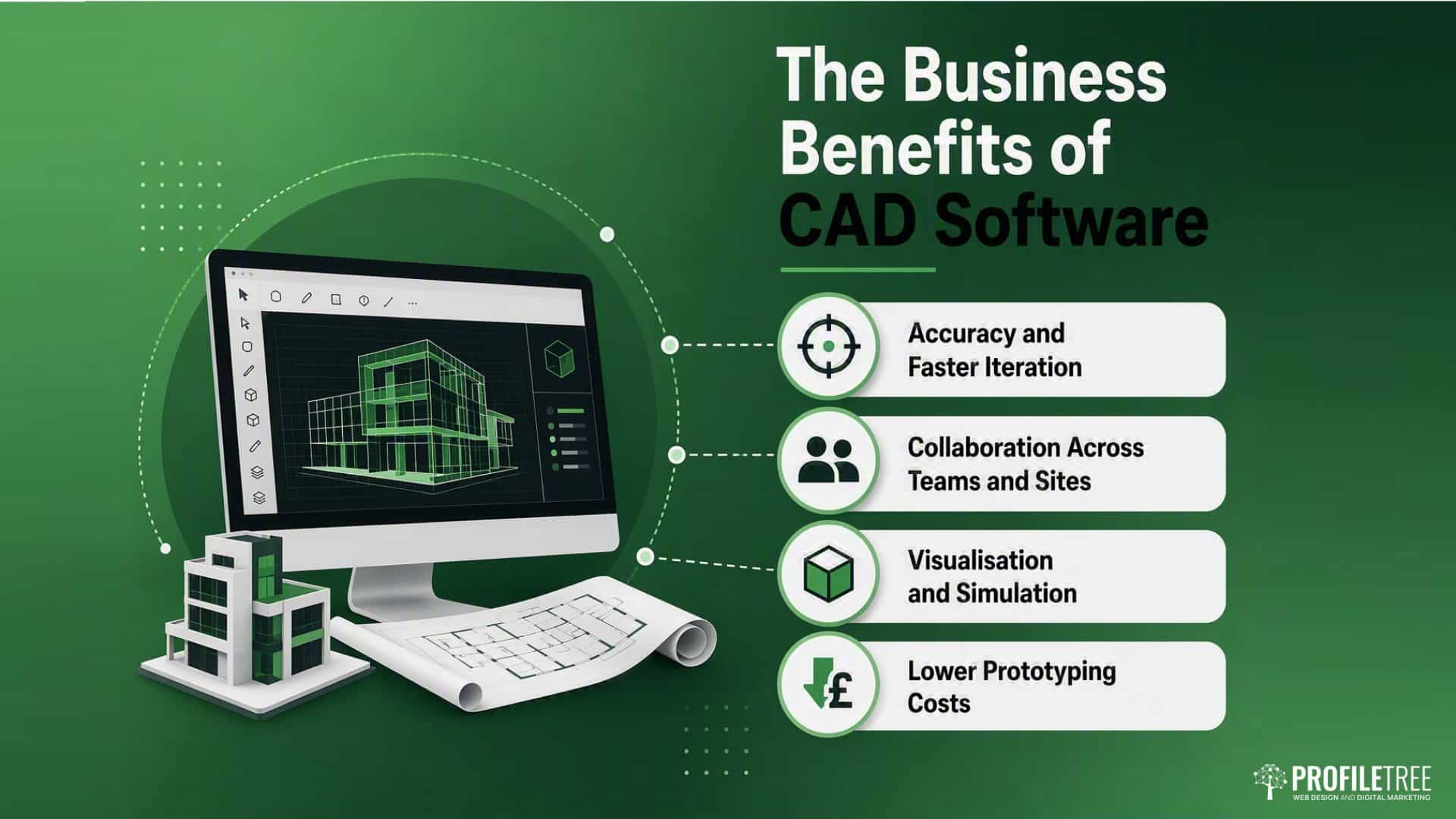
The case for CAD software is settled in large firms, and the same arguments hold for smaller ones. Knowing which benefits matter, and where training closes the gap, helps owners decide where money and effort are best spent. The advantages of CAD go deeper into the trade-offs; the sections here focus on the outcomes that move a business.
Accuracy and Faster Iteration
CAD software removes many of the errors baked into manual drafting. Dimensions are calculated precisely, tolerances can be set at the drawing stage, and edits ripple through linked views and parts automatically. For a team producing several versions of a product, the time saved on redrawing adds up quickly.
It also splits the creative and documentation stages. A designer can develop a 3D concept and generate the 2D manufacturing drawings straight from the model, which keeps paperwork in step with the design.
Accuracy matters most when several people, often in different places, work on the same job.
Collaboration Across Teams and Sites
Cloud-based CAD platforms changed how design teams share work. Files can be reviewed and marked up by colleagues in other offices or working from home, with version control stopping conflicting edits. For a firm with people in Belfast, Dublin and London, that is a real day-to-day gain.
These tools also make it easier to bring in outside contributors, such as a structural engineer checking an architect’s model or a supplier confirming tolerances. A shared digital format cuts the back-and-forth that comes with paper drawings or files that will not open.
Beyond sharing work, the ability to see and test a design before it is built changes the economics of development.
Visualisation and Simulation
Seeing a design in three dimensions before it exists is one of the strongest reasons to adopt CAD software. It helps with client sign-off, internal review and spotting problems that 2D drawings hide.
Simulation goes further. Engineers can run stress analysis, fluid dynamics and thermal modelling inside the CAD environment, which reduces the need for early physical prototypes. Testing a concept on screen costs far less than building and breaking a physical version.
That saving is clearest when you look at what physical prototyping actually costs.
Lower Prototyping Costs
Physical prototypes are slow and expensive. CAD software cuts how many you need by letting teams test and refine designs before spending on materials and machine time. When a physical prototype is needed, the model gives an accurate specification, so there is less risk of the shop floor misreading the intent. Firms moving designs into physical parts often pair this with 3D printing to shorten the loop further.
| Aspect | Traditional CAD | AI-assisted CAD |
|---|---|---|
| Designer input | Manual geometry creation | Constraint-based, with AI suggestions |
| Design iteration | Revised manually per change | Parametric: changes propagate automatically |
| Material use | Often a separate specialist tool | Topology optimisation built in |
| Collaboration | File sharing, risk of version clashes | Cloud-native, real-time shared access |
| Simulation | Based on the designer’s judgement | Integrated stress and performance testing |
How AI Is Changing CAD Software
Artificial intelligence is now built into several CAD software platforms, and its role keeps growing. The question for most businesses is not whether AI will affect CAD workflows, but how fast, and what preparation pays off. Getting ahead of that shift is part of wider AI adoption across a firm.
Generative Design and Topology Optimisation
Generative design is the most practical use of AI in CAD software so far. Instead of drawing a single shape, the designer sets constraints, such as load, material and manufacturing method, and the tool produces several options that meet them. The designer then picks and refines the best one.
This tends to give lighter, more material-efficient parts than conventional methods, because the software is not tied to familiar forms. In aerospace and motorsport, topology optimisation has produced components that would be hard to imagine by hand.
AI is not the only shift changing where and how design happens.
Cloud-Native and Remote Design
Browser-based CAD software has moved from niche to mainstream. Platforms that run without a heavy local install cut hardware and IT costs and make cross-site work simpler.
For UK firms with spread-out teams, or those working with partners across the island of Ireland, cloud CAD removes a lot of the friction around file compatibility, versions and access that older desktop workflows carry.
Visualisation is moving off the flat screen entirely for some teams.
VR and AR in Design Review
VR and AR let designers and clients experience a model at full scale before anything is built. In architecture, this supports client sign-off on space and layout. In product work, it allows ergonomic checks without a prototype. As headset prices have fallen, this kind of review has become realistic for smaller firms where client visualisation wins work.
All of this raises an obvious worry for people who make their living in design.
Is AI Replacing CAD Designers?
The short answer is no. AI tools inside CAD software change what designers spend time on rather than removing the need for skill. Generative tools still need a person to set constraints well, judge the options and account for the product, the user and how it will be made.
The UK has a skills gap in both CAD proficiency and AI literacy among design staff. Firms that train their teams to work with AI-assisted tools are pulling ahead of those treating the technology as a threat or a distant problem. The payoff comes from human judgment and machine speed together, which is why AI training is worth budgeting for now.
CAD Across Engineering Disciplines
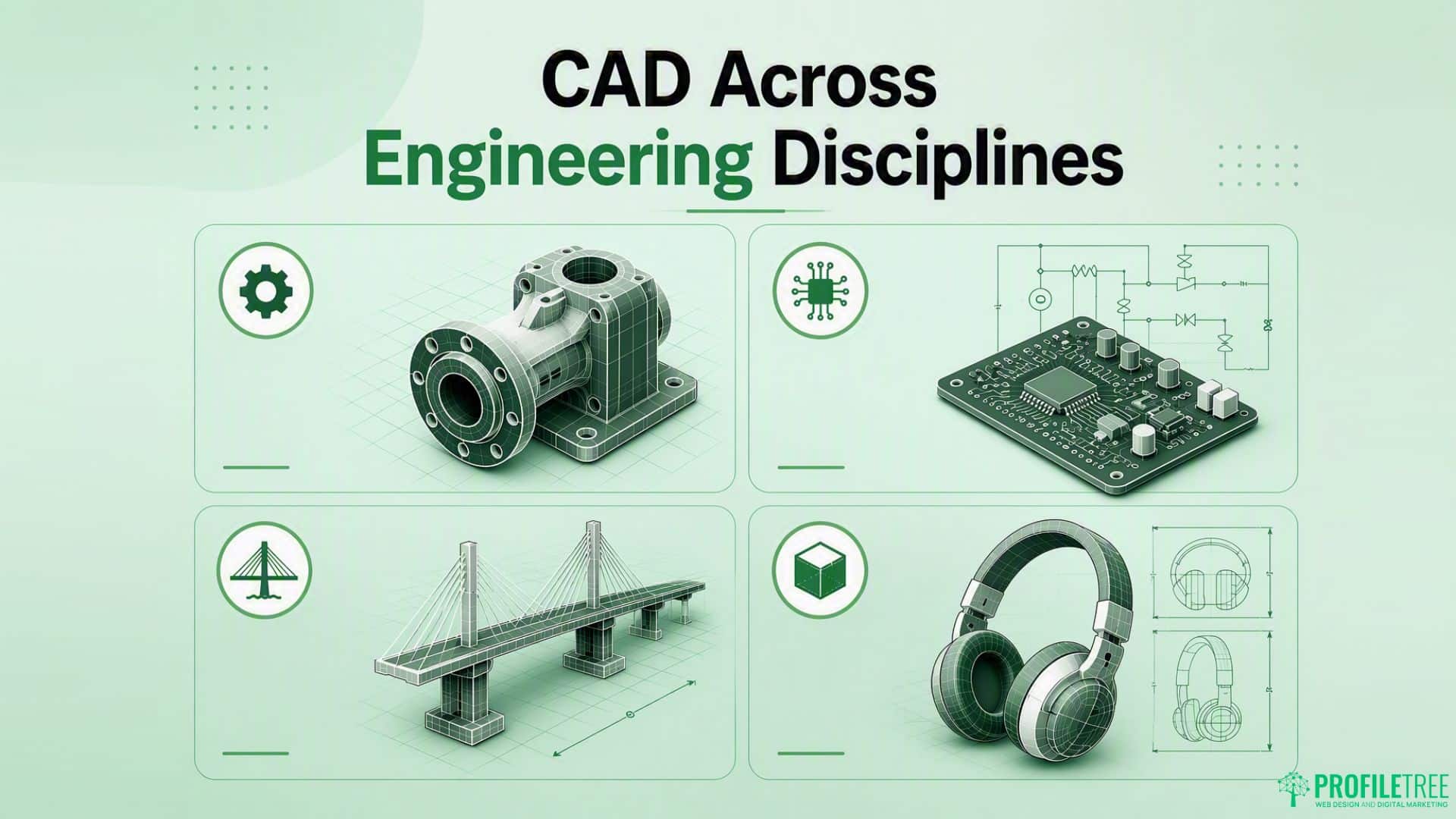
CAD software plays a different role in each engineering discipline, shaped by the outputs required and the rules each field works under. Software preferences and integration needs vary, but the underlying skills carry across, which makes CAD training a sound long-term investment.
Mechanical Engineering and Design
CAD is a daily tool in mechanical engineering. It supports components, assemblies and full systems, with fit and interference checked before anything is machined. The 3D model doubles as a design record and a manufacturing specification.
Mechanical CAD software also feeds the test-and-revise loop. When a simulation flags a weak point, the designer changes the geometry and reruns the check in the same environment, which shortens development for mechanical products.
Electrical work brings a separate set of tools that increasingly need to talk to the mechanical side.
Electrical Engineering and Circuit Design
Electrical engineers use CAD software for circuit boards, wiring diagrams and control systems. Specialist electrical tools manage component relationships, flag design-rule breaches and output files ready for PCB fabrication and assembly.
Products that combine both electronics and mechanics, from consumer gadgets to vehicles, make ECAD and MCAD integration more relevant. When the two design environments share data, the errors that creep in from working in isolation drop away.
Civil engineering leans on CAD for a different reason: documentation.
Civil Engineering and Infrastructure
Civil engineers use CAD software for site plans, structural drawings and infrastructure design. The output here is documentation-heavy, since drawings form part of planning applications, tenders and construction contracts, so clarity affects both approval and build quality.
AutoCAD is still widely used in UK civil engineering, increasingly alongside BIM platforms on larger schemes. Skills built on 2D platforms transfer to BIM, and the career paths are worth knowing: the overview of AutoCAD careers covers where these skills lead.
Product design pulls these threads together, from first sketch to finished goods.
Product Design and Consumer Goods
CAD for product design spans furniture, consumer electronics, packaging and industrial equipment. The 3D CAD design process usually starts with concept modelling and moves through refinement to a production-ready model that feeds tooling or additive manufacturing.
For designers working with UK manufacturers, CAD software that outputs files their suppliers can use without fuss is a practical must. The choice of platform affects how smoothly a design moves from development into production. Building the right skills in-house often starts with structured digital training.
CAD Capability and Your Digital Presence
For firms that rely on CAD software, there is a growing link between design capability and how visible that capability is online. Clients searching for engineering, design or specialist manufacturing decide a lot before they ever make contact. Design skills that no one can find online are a wasted asset.
Showcasing Design Work Online
Architecture practices, product designers and engineering consultancies increasingly use their websites to prove CAD capability. Case studies, project galleries and clear process explanations turn what the software achieves into terms that clients and procurement teams understand.
ProfileTree works with professional services firms across Northern Ireland, Ireland and the UK to build sites that reflect what they actually do. Well-planned web design services make it far easier for a prospective client to trust a firm’s technical depth.
Ciaran Connolly, founder of ProfileTree, puts it plainly: “A strong design team is only half the story. If a procurement manager cannot find your work or grasp it in thirty seconds, the enquiry is already lost.”
Being found is a separate challenge from being understood.
SEO for Technical Businesses
Technical firms often hold deep expertise but rank poorly, partly because their own language differs from the words clients search with. CAD software queries alone run from students to procurement managers, and matching content to buyers rather than technical peers is where most sites fall short. Focused search engine optimisation closes that gap by aligning pages with the way decision-makers actually search.
Some of that expertise is easier to show than to write down.
Video and Content for Design Firms
Short videos have become a strong way to demonstrate technical work that static images cannot convey. A sixty-second clip of a model being built, a simulation running, or a part moving from design to finished article explains process and skill in seconds. Planned video marketing gives that footage a purpose beyond the showreel, while steady content marketing keeps a firm’s expertise in front of the right buyers.
Tying all of this together needs a plan rather than a scatter of tactics.
Building a Plan Around Your Capability
A design firm gaining ground online usually works in a clear order: a site that represents the technical offer, content that answers real buyer questions, and a way to measure what brings enquiries. A joined-up digital strategy turns CAD capability into a steady pipeline rather than the odd referral. ProfileTree works with firms across Northern Ireland at each stage, from the first audit to ongoing support.
Conclusion
CAD software is now production-critical across UK and Irish design and engineering, from dental prosthetics to civil infrastructure. The firms gaining most treat it as a capability to build rather than a licence to buy. That means training people properly, keeping pace with AI features like generative design, and making sure the work is visible to the buyers who search for it. Assess your tooling, close the skills gaps, then build the presence that brings enquiries in.
Ready to turn design capability into enquiries? ProfileTree helps engineering and design firms across the UK and Ireland with training, web design and digital marketing that reflects real technical depth. Get in touch to talk through where to start.
FAQs
What is CAD software used for?
CAD software (computer-aided design) is used to create precise 2D drawings and 3D models of products, buildings and systems. Engineering, architecture, manufacturing and dental technology all rely on it to plan, test and document designs before anything is made.
Which industries use CAD software the most?
Automotive, civil and structural engineering, architecture, mechanical and electrical engineering, and dental technology are the heaviest users. In the UK, it is also common in aerospace, defence and consumer product design, and it has spread into fashion, furniture and packaging.
How does CAD software help small businesses?
For an SME, CAD software brings professional-grade design in-house, cuts prototyping costs and speeds up quoting and iteration. Cloud-based tools have lowered the entry price, so smaller firms can compete for work that once needed a larger design department.
What is the difference between 2D and 3D CAD?
2D CAD produces flat drawings, much like traditional technical drawings made digitally. 3D CAD builds solid models you can view from any angle, simulate and send straight to CNC machining or 3D printing. Most professional work now uses 3D, with 2D drawings generated from the model.
How is AI changing CAD software?
AI powers generative design, where the tool produces several options from a set of constraints, and it automates repetitive drawing and error-checking. In practice, it assists designers rather than replacing them, handling routine work so people can focus on judgment.