
SaaS Companies: Choosing the Right Accounting Software
Table of Contents
SaaS companies face a financial management challenge that most general accounting guides do not address. When your revenue arrives as upfront annual payments or rolling monthly subscriptions, the money in your bank account and the revenue you have actually earned are two different figures — and your accounting software needs to understand the difference.
Deferred revenue, recurring billing, churn metrics, and UK compliance requirements like Making Tax Digital all fall outside the scope of what basic bookkeeping tools are built for. Choose a platform that cannot handle these, and you are either doing manual workarounds every month or producing financial reports that do not accurately reflect your business.
This guide covers the leading accounting software options for SaaS companies operating in the UK and Ireland, what to look for before committing, and how your accounting platform fits into the wider digital infrastructure your business depends on.
What Makes Accounting Software for SaaS Different?
Standard accounting software is built around straightforward transactions: you sell something, you record the sale, and money comes in. SaaS businesses don’t work that way.
A customer pays £600 upfront for an annual subscription. That £600 is not revenue on day one — it is deferred revenue, recognised gradually as the service is delivered across twelve months. Get that wrong, and your financial statements are inaccurate. Get it consistently wrong, and you have a compliance problem.
The specific challenges SaaS and subscription businesses face include:
Revenue recognition: matching income to the period it was earned, not when it was received. Deferred revenue tracking: accurately reporting what you owe in future service delivery. Recurring billing management: automating renewal invoices, failed payment retries, and mid-cycle upgrades. Churn and retention metrics: understanding monthly recurring revenue (MRR), annual recurring revenue (ARR), and customer lifetime value in financial terms. Making Tax Digital (MTD) compliance: HMRC’s MTD programme is now actively rolling out for UK businesses. From April 2026, sole traders and landlords with income above £50,000 are required to use MTD-compatible software for their Income Tax Self Assessment. VAT-registered businesses have been under MTD for VAT since 2022. If you are choosing accounting software now, MTD compatibility is not optional — it is a baseline requirement for operating in the UK.
These requirements rule out basic bookkeeping tools and place the emphasis firmly on platforms built for recurring revenue businesses.
The Leading Accounting Software Options for SaaS Businesses in the UK
The platforms below are the main contenders for SaaS and subscription businesses operating in the UK and Ireland. Each has a genuine use case — the right choice depends on your business size, billing complexity, existing tools, and whether you need your accountant to work directly inside the platform. The table at the end of this section gives a side-by-side summary if you want the quick view first.
Xero
Xero is the platform most commonly recommended to growing SaaS businesses in the UK and Ireland, and with good reason. It handles the core accounting requirements of a subscription business well: recurring invoices, Stripe and PayPal integrations, multi-currency support, and a reporting suite that provides a clear view of deferred revenue and cash flow.
For UK businesses, Xero is fully MTD-compatible for VAT, and the platform’s Making Tax Digital for Income Tax functionality is in development ahead of the wider rollout. It connects cleanly with a range of third-party tools — from CRMs to e-commerce platforms — which matters more than most founders realise at the point of choosing.
The honest drawback is cost. Xero’s pricing increases as you add users and features, and for early-stage businesses with straightforward finances, that cost is hard to justify. There is also a learning curve on the more advanced reporting features, particularly around revenue recognition schedules.
Best for: SaaS businesses with a small finance team, existing integrations with Stripe or Shopify, and a need for clean reporting as they scale.
QuickBooks Online
QuickBooks is Xero’s main competitor in the UK market and takes a different approach. Where Xero is strong on integrations and reporting, QuickBooks tends to win on its payroll functionality and its familiarity — a large proportion of UK accountants work in QuickBooks daily, which reduces your support costs.
For subscription businesses, QuickBooks handles recurring invoices and basic revenue recognition, though its deferred revenue tracking is less sophisticated than dedicated SaaS billing platforms. It is MTD-compatible for both VAT and Income Tax Self Assessment.
The practical consideration for many SMEs is that your accountant’s preference matters. If they are already in QuickBooks every day for other clients, the collaboration benefits are real.
Best for: SaaS businesses where payroll is a priority, or where the existing accountant relationship is built around QuickBooks.
FreshBooks
FreshBooks is the strongest option for solo founders, freelancers, and very small service businesses. Its interface is clean, client and invoice management is genuinely simple, and the mobile experience is well-designed.
The limitation is depth. FreshBooks is not built for the complexity of SaaS accounting. Revenue recognition, deferred revenue scheduling, and subscription analytics are not its strengths. A solo consultant with a handful of retainer clients will find it sufficient. A SaaS business with tiered pricing, monthly and annual plans, and usage-based billing will hit the ceiling quickly.
Best for: Solopreneurs and micro-businesses with straightforward client billing and no requirement for advanced subscription finance tools.
Zoho Books
Zoho Books occupies a useful middle ground. It is more affordable than Xero at comparable feature levels, it is MTD-compatible for UK VAT, and for businesses already using other Zoho products — particularly Zoho CRM — the integration is a meaningful practical advantage.
The reporting functionality is solid but not as deep as Xero for complex subscription metrics. Inventory management is limited, which matters less for pure SaaS businesses than for product companies with physical stock.
The pricing model makes Zoho Books worth a serious look for bootstrapped SaaS teams who need a capable platform without the Xero price tag.
Best for: Small SaaS startups already within the Zoho ecosystem, or cost-conscious teams who need MTD compliance and clean core financials without enterprise pricing.
Chargebee
Chargebee sits slightly outside the traditional accounting software category. It is purpose-built for subscription billing and revenue operations rather than general accounting, which means it excels at specific tasks and struggles with others.
Where Chargebee excels: automated recurring billing, usage-based pricing models, dunning management (automated failed payment recovery), and subscriber analytics focused on churn, MRR, and net revenue retention. For a SaaS business with complex pricing tiers or high transaction volumes, these capabilities are genuinely difficult to replicate in a general accounting platform.
What Chargebee does not do: ledger management, payroll, broader financial reporting, or VAT returns. In practice, most Chargebee users connect it to Xero or QuickBooks for the general accounting layer, using Chargebee as the billing intelligence engine on top.
Best for: More mature SaaS businesses with complex subscription billing needs, used alongside a full accounting platform rather than as a standalone replacement.
How to Choose: A Decision Framework for UK SaaS Businesses
Before comparing features, answer four questions about your business.
What is your current transaction volume? Low volumes (under 100 invoices per month) rarely justify the complexity of dedicated subscription billing tools. High volumes, particularly with usage-based components, significantly change the calculation.
Do you have an existing accountant, and what do they use? Your accountant’s platform preference carries real weight. Time spent switching their workflow adds cost.
What does your digital stack look like? The best accounting platform for your business is partly determined by what you already run. A WooCommerce store on WordPress connects cleanly with Xero. A Shopify business has strong native integrations with both Xero and QuickBooks. A business running a custom CRM needs to check API availability before committing.
Are you MTD-ready? If you are VAT-registered, you should already be on MTD for VAT. If you are approaching the £50,000 income threshold for MTD for Income Tax Self Assessment, software compatibility is not a future consideration — it needs to be built into your decision now.
This last point is where many SMEs across Northern Ireland and Ireland get caught out. Businesses operating on both sides of the border face additional complexity: UK VAT rules apply in Northern Ireland for goods (Windsor Framework), while services may follow different rules. The right accounting platform needs to handle this without requiring manual workarounds.
Accounting Software and Your Digital Infrastructure
Accounting software does not operate in isolation. For most SaaS businesses, it sits within a broader digital architecture that includes a website, a payment processor, a CRM, and, increasingly, some form of automation layer.
The quality of those connections determines how much of your accounting is actually automated versus manual. A poorly built WooCommerce integration, for example, can push sales data to Xero in a format that requires manual reconciliation every month. A well-built one runs in the background without intervention.
This is where the choice of accounting platform intersects with decisions about your website and development stack. At ProfileTree, we work with SaaS businesses and subscription companies across Northern Ireland, Ireland, and the UK on exactly this kind of integration work — connecting accounting platforms to e-commerce builds, ensuring payment gateway data flows cleanly, and making sure the technical architecture supports the business’s financial reporting needs rather than working against them.
If you are evaluating accounting software as part of a broader digital transformation — moving from spreadsheets and manual processes to a properly connected set of tools — it is worth mapping the full picture before choosing any single platform. The right accounting tool for an isolated finance function may not be the right one once you factor in the systems it needs to talk to.
Our digital transformation and AI implementation services are designed for exactly this kind of joined-up thinking: helping SMEs choose, connect, and get real value from the tools they invest in.
Getting Your Team to Use the Software Effectively
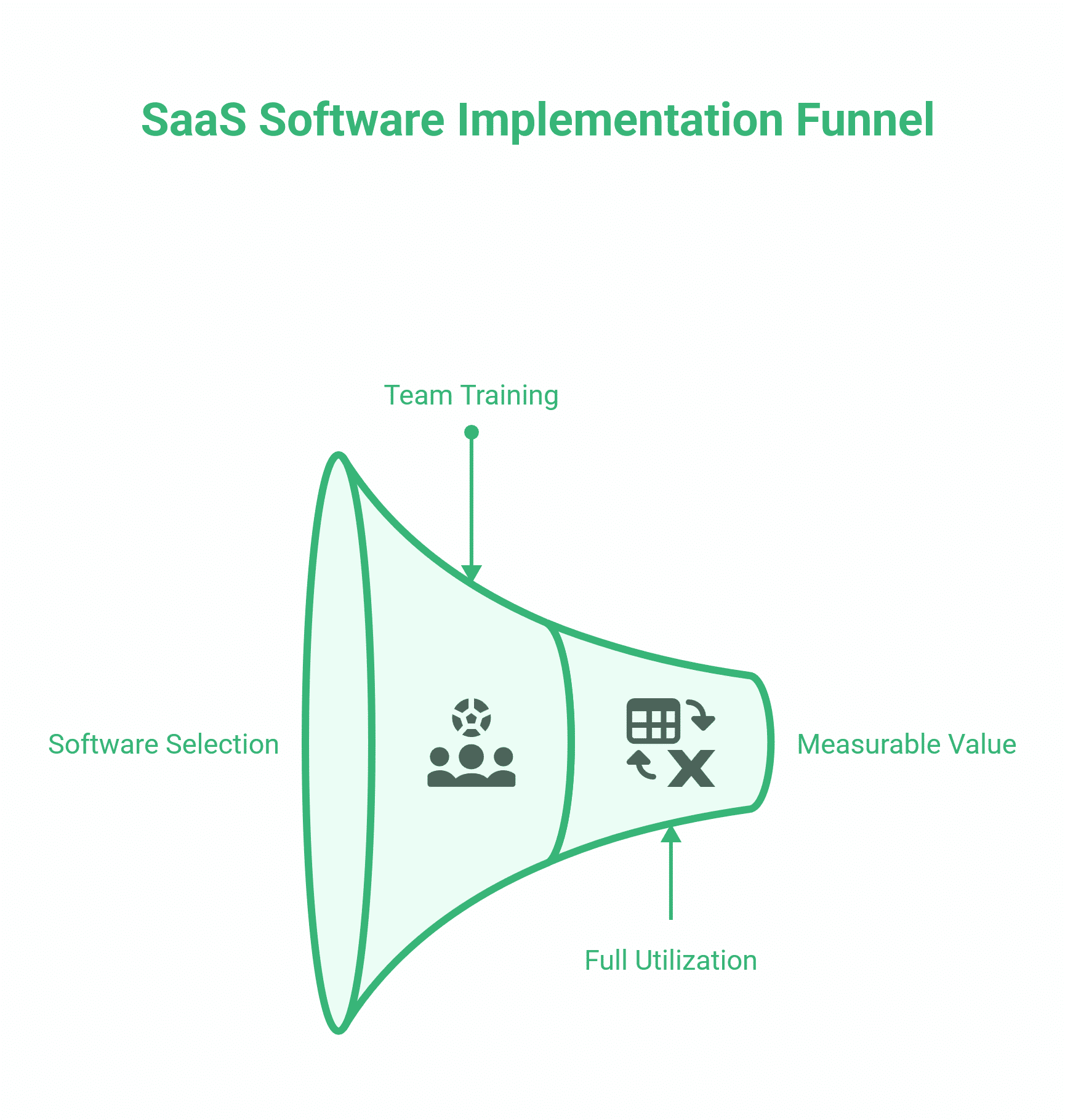
Choosing the right platform is step one. Getting your team to use it at anything close to its full capability is where most SME implementations fall short.
This is a consistent pattern. A business invests in Xero, pays for the subscription, and twelve months later is still manually exporting reports to a spreadsheet because nobody was properly trained on the reporting suite. The software budget is spent; the problem it was bought to solve is not.
Digital training addresses this gap directly. ProfileTree’s digital training programmes are built around practical implementation — not product walkthroughs, but genuine upskilling that helps teams use their tools confidently and extract measurable value from them.
For SaaS teams in particular, that often means training across multiple tools simultaneously: the accounting platform, the CRM, the billing system, and the analytics layer that ties them together. Getting those workflows right early saves significant time and reduces the risk of financial reporting errors as the business scales.
Comparison Table: Accounting Software for UK SaaS Businesses
| Platform | MTD Compatible | Best For | Subscription Billing | Approx. Starting Price (UK) |
|---|---|---|---|---|
| Xero | Yes (VAT + ITSA) | Growing SaaS teams | Good | From £15/month |
| QuickBooks | Yes (VAT + ITSA) | Payroll-heavy businesses | Moderate | From £12/month |
| FreshBooks | Yes (VAT) | Solopreneurs, freelancers | Basic | From £15/month |
| Zoho Books | Yes (VAT) | Bootstrapped teams, Zoho users | Moderate | From £0 (free tier) |
| Chargebee | Indirect (via integration) | Complex subscription billing | Specialist | From £0 (up to $250k ARR) |
Pricing correct at time of publication. Always verify current pricing directly with the vendor.
The Hidden Cost of Disconnected Financial Tools
Most SaaS businesses do not fail at choosing accounting software. They fail at connecting it to everything else.
A subscription business typically runs across four or five systems simultaneously: a website or app handling sign-ups, a payment processor collecting money, a CRM tracking customer relationships, a billing platform managing renewals, and an accounting tool recording it all. When those systems do not talk to each other cleanly, the gap between them becomes manual work.
That manual work accumulates. A finance manager spending three hours every month reconciling Stripe payouts against Xero invoices is not an accounting software problem — it is an integration problem. The same applies to e-commerce businesses where WooCommerce order data does not sync automatically, or service businesses where project management tools and invoicing platforms operate in separate silos.
The practical question before choosing any accounting platform is not just “does it handle recurring revenue?” It is “does it connect to the other tools we already run, and how much manual intervention does that connection require?”
For SaaS companies building on WordPress or WooCommerce, the quality of that connection depends heavily on how the website itself is built. A well-structured site with clean API access makes accounting integrations straightforward. A poorly built site with outdated plugins or a non-standard checkout flow creates friction at every sync point. ProfileTree’s web development services are built with these downstream integrations in mind — the accounting connection is considered at the build stage, not bolted on afterwards.
What SaaS Companies Should Know About AI in Financial Operations
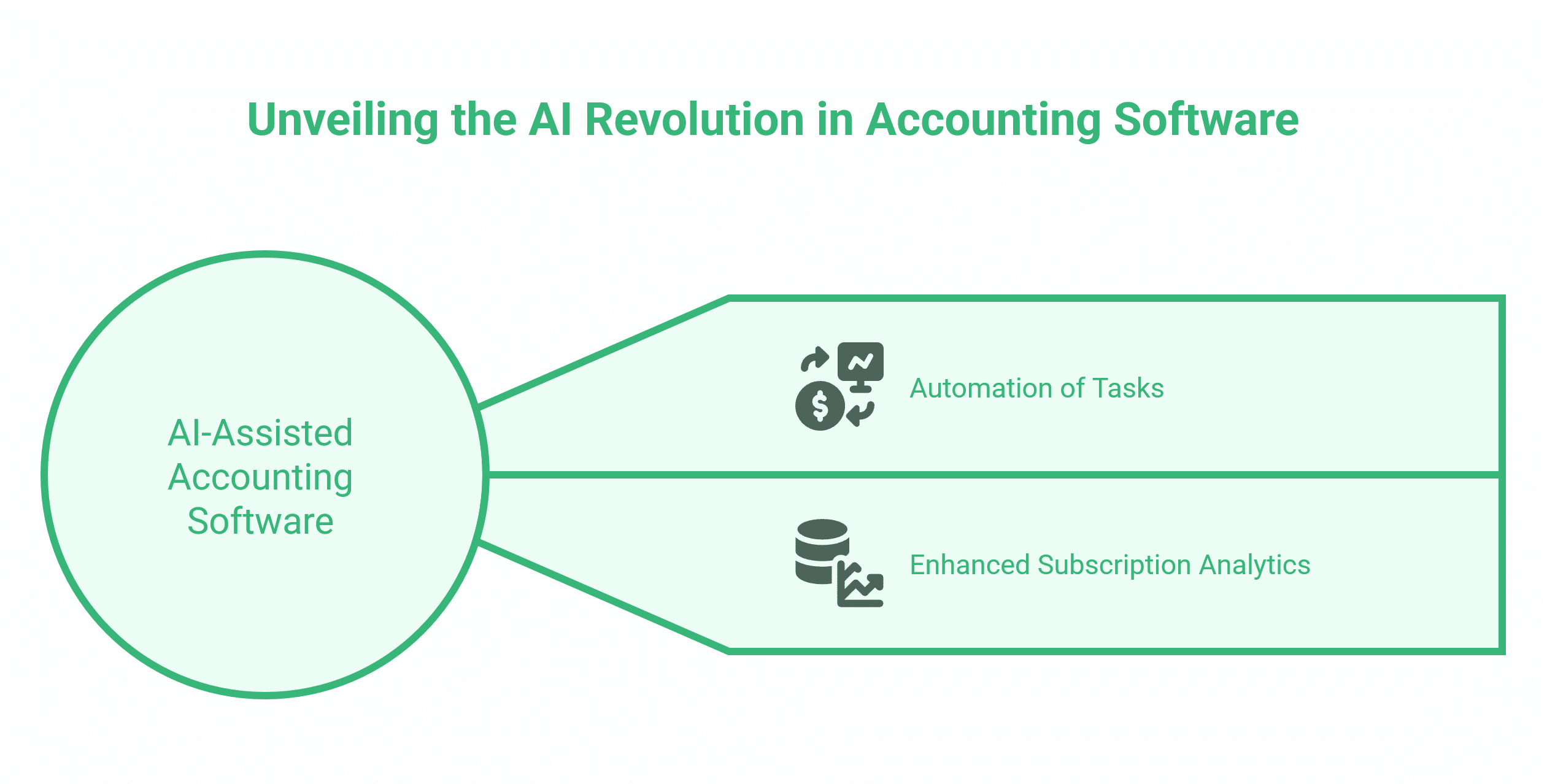
Accounting software is changing faster than most finance teams realise. The major platforms — Xero, QuickBooks, Zoho Books — have all introduced AI-assisted features in recent product cycles, and the practical impact on day-to-day financial operations is beginning to show.
The most tangible changes are in automation. Bank reconciliation, which once required manual matching of transactions, is now handled automatically by pattern recognition across all three major platforms. Expense categorisation is increasingly automatic. Cash flow forecasting tools within Xero and QuickBooks now generate short-term projections without manual input.
For SaaS businesses, the more significant development is in subscription analytics. Platforms and their integrations are getting better at surfacing the metrics that actually matter — MRR movement, churn by cohort, expansion revenue — without requiring a separate business intelligence tool.
What this means, practically, is that the gap between basic and advanced use of these platforms is widening. A business that has set up Xero correctly, connected it to Stripe, and trained its team to use the forecasting and reporting features is operating with a meaningfully clearer view of its finances than one using the same subscription to raise invoices and not much else.
This is where digital training makes a measurable difference. ProfileTree’s digital training programmes help SaaS teams move from surface-level tool usage to confident, informed financial operations — understanding not just how to use the software, but also how to interpret what it reveals about the business’s health.
Final Thoughts
The accounting platform you choose shapes how clearly you can see your business’s financial health and how efficiently your team can operate. For SaaS and subscription businesses in the UK, the decision is narrower than it might appear: MTD compliance, recurring revenue handling, and clean integrations with your payment and e-commerce tools are the three filters that matter most.
Get those right, and the day-to-day financial administration runs in the background. Get them wrong, and you are managing exceptions every month.
If you are choosing or switching accounting software as part of a broader review of your digital tools, speak to the ProfileTree team. We work with SaaS businesses and SMEs across Northern Ireland, Ireland, and the UK on digital strategy, website builds, and the integrations that connect your systems into something that actually works together.
FAQs
What accounting software do most UK SaaS companies use?
Xero is the most widely adopted platform among UK SaaS businesses, largely due to its Stripe and PayPal integrations, MTD compliance, and depth of reporting. QuickBooks Online is the main alternative, particularly where payroll is a priority or the business already has an accountant working in it.
Is Xero good for subscription businesses?
Xero handles recurring invoices and most subscription billing scenarios well, and connects to dedicated billing tools like Chargebee for more complex needs. For very high transaction volumes or usage-based pricing, a dedicated billing platform alongside Xero is worth considering.
What is Making Tax Digital, and does it affect my SaaS business?
MTD for VAT has applied to VAT-registered businesses since 2022. MTD for Income Tax Self Assessment begins in April 2026 for sole traders with qualifying income above £50,000. If you are choosing accounting software for a UK business, MTD compatibility is a non-negotiable baseline.
Does accounting software integrate with my website?
Most major platforms offer native or third-party integrations with WooCommerce, Shopify, and other e-commerce tools. The quality of those integrations depends partly on how your website is built — a well-structured WordPress site will connect more cleanly than a legacy platform with no API documentation.