
How to Use Leadpages: A Guide for UK Businesses
Table of Contents
Learning how to use Leadpages is one of the fastest ways a UK small business can start generating leads without commissioning a full website build. Most businesses lose potential customers not because their service is poor, but because their website gives visitors no clear next step. A generic homepage isn’t a lead capture page. Leadpages solves that problem directly, letting you build focused landing pages in hours rather than weeks.
ProfileTree, the Belfast-based digital agency, has guided SMEs across Northern Ireland, Ireland, and the UK through setting up and optimising Leadpages as part of broader digital marketing strategies. This guide covers every stage: account setup, GDPR-compliant lead capture pages, Leadpages integrations, the Leadpages features worth prioritising, and how to measure what’s working.
Setting Up Your Leadpages Account
Before you can start building lead capture pages, your account needs to be configured correctly. Plan choice, domain connection, and team access all affect how smoothly everything runs from here.
Choosing the Right Plan
Leadpages offers three tiers. The Standard plan suits sole traders running a single site and covers the core Leadpages features: templates, unlimited lead capture pages, and basic analytics. The Pro plan adds A/B testing and online payments, making it the better choice for most growing UK businesses that want to test and optimise lead capture pages over time. The Advanced plan is designed for agencies managing multiple client accounts.
UK businesses should note that Leadpages charges in US dollars. If you’re VAT-registered, check how your accounting software handles USD subscriptions from overseas suppliers before committing to an annual plan.
Connecting Your Custom Domain
You can publish Leadpages on a custom domain (including .co.uk and .ie addresses) or on a subdomain of your existing site. Custom domain publishing looks more professional to visitors arriving on your lead capture pages and builds brand trust. If you’re using a subdomain such as offers.yourbusiness.co.uk, update your DNS records to point to Leadpages before going live.
If you’ve already got a WordPress site, the Leadpages WordPress plugin lets you publish lead capture pages directly onto your existing domain. ProfileTree’s WordPress web design services in Belfast regularly incorporate landing page architecture as part of a broader site build.
Understanding Lead Capture Pages and How Leadpages Builds Them
Before working through the page builder, it’s worth being clear about what a lead capture page is and why it differs from a standard website page. Getting this distinction right separates businesses that generate leads consistently from those that build a page and wonder why it doesn’t convert.
What Makes a Good Lead Capture Page
A lead capture page has one job: to get a visitor to take a single action, typically submitting their name and email in exchange for something of value. Unlike a homepage, a lead-capture page has no navigation menu, no competing calls to action, and no distractions. Every element points towards one conversion goal.
The strongest lead-capture pages share consistent features: a headline that aligns with the intent of the traffic arriving on the page, a short form that asks only for essential information, a clear statement of what the visitor receives, and social proof such as a testimonial or a client count. Leadpages’ template library is built around this structure, which is why even first-time users can produce lead capture pages that perform well from the outset.
Types of Lead Capture Pages Available in Leadpages
When you learn how to use Leadpages, you’ll find it supports several lead capture page formats. Lead magnet delivery pages offer a downloadable resource in exchange for an email address. Webinar registration pages capture sign-ups for live or recorded sessions. Free consultation booking pages work well for service businesses, including solicitors and consultants. Each format has dedicated templates in Leadpages. Filter by goal rather than browsing by design to keep your lead capture pages focused.
| Lead capture page type | Best use case | Typical conversion rate |
|---|---|---|
| Lead magnet delivery | Growing an email list with a free resource | 15 to 30% on warm traffic |
| Webinar registration | Sign-ups for live or recorded sessions | 20 to 40% on warm traffic |
| Free consultation booking | Solicitors, trades, consultants | 10 to 20% on cold traffic |
| Event registration | In-person or hybrid events | 25 to 45% on warm traffic |
GDPR and ICO Compliance for UK Lead Capture Pages
This is the section most generic how-to-use-Leadpages guides skip. For UK businesses, getting data capture wrong isn’t just an oversight. It’s a regulatory risk. The Information Commissioner’s Office takes unsolicited marketing and unclear consent seriously, and the rules tightened further after the UK’s post-Brexit divergence from EU GDPR. Every lead capture page you build must meet these requirements before it goes live.
Consent and Opt-In Configuration
Every Leadpages form should include an explicit, unticked consent checkbox. Pre-ticked boxes are not valid consent under UK GDPR. The wording must be specific: ‘I agree to receive marketing emails from [your business name]’ is sufficient. Vague phrases like ‘I accept the terms’ are not.
Double opt-in is strongly recommended for all lead capture pages feeding into an email sequence. Leadpages supports double opt-in through most of its Leadpages integrations. Enable it at setup. The short-term reduction in list size is worth the improvement in list quality and your legal standing with the ICO.
Cookie Banners and Privacy Notices
A Leadpages lead capture page still needs a cookie banner if it uses tracking scripts, analytics, or ad pixels. You can’t assume Leadpages handles this automatically. Add a link to your privacy policy in the footer of every lead capture page you publish. If you’re using a consent tool such as Cookiebot on your main website, check whether it extends to your Leadpages domain. Many businesses find at the audit stage that their lead capture pages lack the same consent layer as their main site.
| GDPR requirement | What to check |
|---|---|
| Unticked consent checkbox on all forms | Must be present on every lead capture page |
| Specific consent wording naming your business | Must not be vague or generic |
| Privacy policy link in page footer | Must be present and current |
| Cookie banner on the Leadpages domain | Must match the standard on your main site |
| Double opt-in via Leadpages integrations | Strongly recommended for all lead capture pages |
How to Use Leadpages to Build a High-Converting Page
Understanding how to use Leadpages effectively starts with the page builder. The drag-and-drop interface is straightforward, but the decisions you make about structure, copy, and design determine whether your lead capture pages convert.
Selecting the Right Template
The Leadpages template library has more than 150 options organised by conversion goal. Filter for your goal (lead generation, sales, webinar registration) rather than browsing by visual style. Look for templates with a single call-to-action above the fold, a visible form without scrolling, and minimal navigation. These features consistently produce better-performing lead capture pages than visually complex designs.
Avoid templates that try to serve multiple purposes. A lead-capture page with five offers and three form types isn’t a landing page. It’s a distracted website page. The power of learning how to use Leadpages well is in its focus: one offer, one audience, one action.
Customisation and Copy
Bring your brand colours, logo, and fonts in early. Visitors who arrive on a lead-capture page from an ad expect visual continuity with what they clicked. A page that looks disconnected from the ad creates hesitation, and hesitation kills conversions.
Among the most useful Leadpages features at this stage are the mobile preview toggle (which shows exactly how your lead-capture pages appear on smartphones) and the Leadmeter, which provides a real-time conversion score based on structural factors. For copy, keep forms short: name and email are almost always sufficient at the top of a funnel. Every additional field reduces completion rates.
Leadpages vs a Full Website: Which Do UK SMEs Need?
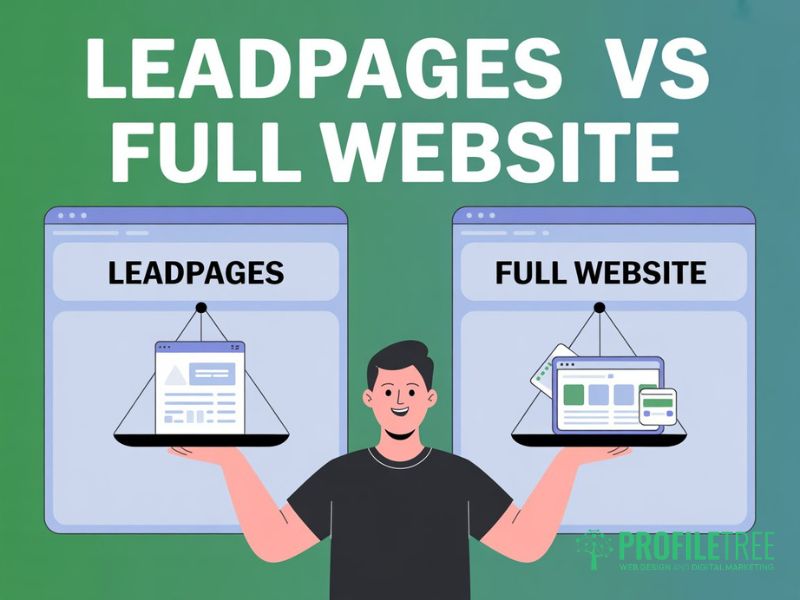
Knowing how to use Leadpages is useful, but knowing when to use it rather than a full website is equally important. The two serve different purposes, and confusing them is one of the most common mistakes early-stage UK businesses make.
| Factor | Leadpages | Full website (WordPress) |
|---|---|---|
| Setup time | Hours to days | Weeks to months |
| Monthly cost (approx.) | $37 to $74 per month (USD) | Hosting plus development costs |
| SEO capability | Limited; individual lead capture pages only | Full site-wide SEO control |
| Content publishing | Not designed for articles or blogs | Full CMS for ongoing content |
| Lead capture | Excellent; purpose-built lead capture pages | Possible but needs configuration |
| Best for | Campaigns, testing, fast launches | Long-term organic growth |
For businesses that need to capture leads quickly (a new service launch, a paid campaign, a webinar), knowing how to use Leadpages lets you get a lead capture page live in hours. For businesses focused on long-term organic growth, a full website is the better investment. Many businesses use both: a WordPress site as their primary presence, with Leadpages for campaign-specific lead-capture pages.
ProfileTree’s digital marketing strategy services regularly include advice on this decision: when a focused lead-capture page is the right move and when a full-site investment is needed.
Leadpages Integrations: Connecting to Your Marketing Stack
A lead capture page that collects data but sends it nowhere is just an expensive form. The real value of Leadpages integrations lies in connecting your lead-capture pages to tools that let you automatically follow up and nurture leads. If you don’t set up Leadpages integrations from the start, you’re creating unnecessary manual work down the line.
Email Marketing Leadpages Integrations
Leadpages integrates with email platforms such as Mailchimp, ActiveCampaign, ConvertKit, AWeber, and GetResponse. These Leadpages integrations typically take under ten minutes to configure: connect your account via API key, select the list or automation the lead should enter, and map your form fields. For UK businesses, Mailchimp is the most commonly used platform at the SME level, and its integration with Leadpages is one of the most reliable available. ActiveCampaign offers greater automation flexibility for businesses with a longer sales cycle or multiple lead-capture pages feeding different sequences.
CRM and Zapier Leadpages Integrations
Among CRM Leadpages integrations, HubSpot and Salesforce are natively supported. For UK SMEs, HubSpot is the most practical option: it maps lead data directly into contact records without manual work. For CRMs that aren’t natively supported, Zapier significantly extends the range of Leadpages integrations, covering tools such as Capsule, which has strong adoption among UK small businesses. Zapier also lets you route new leads to a Google Sheet, trigger a Slack notification on conversion, or send a personalised email via Gmail, all without a formal email platform.
Key Leadpages Features: A/B Testing, Pop-Ups, and Leaddigits
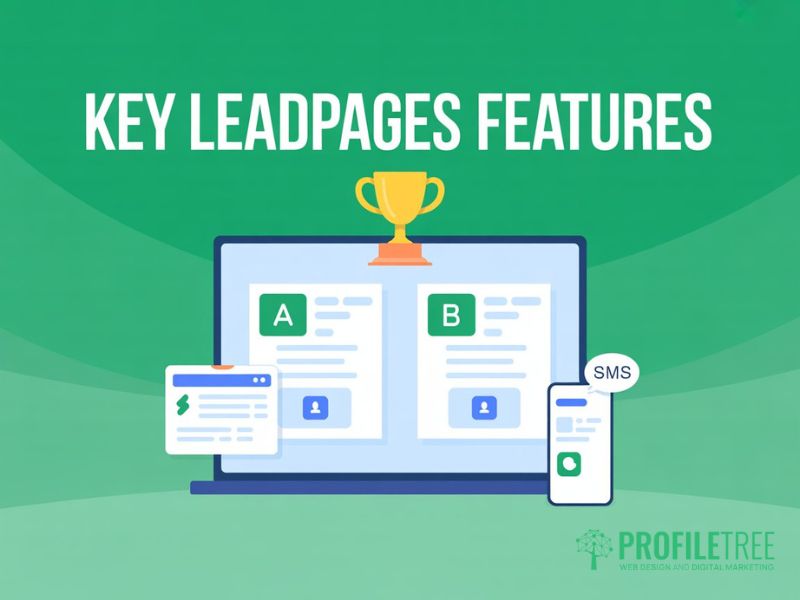
Once your lead capture pages are live and generating traffic, the goal shifts from building to optimising. The Leadpages features covered here let you improve performance based on data rather than guesswork, and are worth understanding before you go live rather than after.
A/B Testing
A/B testing is one of the most valuable features of the Leadpages Pro plan. It lets you create two versions of a lead capture page that differ in a single element: the headline, call-to-action text, form placement, or image. Traffic is split between them, and Leadpages tracks conversions for each. Don’t draw conclusions until you’ve got at least 100 conversions per variant; smaller samples produce unreliable results.
Start with headlines and call-to-action wording. These typically produce larger conversion differences than colour or image changes. Once you’ve found a winning variant, set it as the default and run the next test. Used consistently, this is the Leadpages feature that delivers the most measurable, long-term improvement in lead-capture page performance.
Leadboxes and Alert Bars
Leadboxes are Leadpages’ pop-up tool and one of the most flexible Leadpages features for recovering leads who haven’t yet engaged with your main lead capture pages. They trigger on time, scroll depth, exit intent, or a button click. Exit-intent Leadboxes are particularly effective on high-traffic pages where most visitors leave without converting. Alert bars sit at the top or bottom of a page and work well for time-sensitive offers or simple email capture prompts. They are among the Leadpages features that require the least setup time for a meaningful lift in lead capture rates.
Leaddigits: SMS Lead Capture
Leaddigits is one of the more distinctive Leadpages features. It lets visitors opt in via SMS by texting a short code to a number, with no form or URL required. Leaddigits is particularly useful at live events, webinars, or in printed materials where directing people to a web page isn’t practical. A business running a seminar can display a Leaddigits shortcode on screen and have attendees opt in without visiting a URL.
Note that Leaddigits uses US-based phone numbers, so UK recipients receive texts from overseas numbers. Test Leaddigits with your specific audience before rolling it out widely, as the unfamiliar number format can reduce trust for some recipients.
Measuring the Performance of Your Lead Capture Pages
Publishing lead-capture pages without tracking their performance is one of the most common mistakes when learning to use Leadpages. The platform provides built-in analytics, but connecting it to Google Analytics 4 gives considerably more depth on traffic sources, user behaviour, and conversion paths.
The core metrics to monitor are: conversion rate (the percentage of visitors who complete the form), traffic source (which channels send the most valuable visitors), and bounce rate (the proportion who leave without acting). A well-optimised lead-capture page for warm traffic should convert between 10 and 25 per cent of visitors. Cold paid traffic will typically convert lower, which is where A/B testing and the other Leadpages features covered above become essential.
FAQs
1. Do I need a full website to use Leadpages?
No. Leadpages operates as a standalone platform. You can publish lead capture pages on a custom domain (including .co.uk and .ie) and run paid or social traffic directly to them. Using Leadpages alongside a full website gives you the best of both: the SEO and content benefits of a proper site, plus the speed and focus of dedicated lead capture pages for campaigns.
2. Is Leadpages GDPR compliant for UK businesses?
Leadpages provides tools to build GDPR-compliant lead-capture pages, but compliance is your responsibility as the data controller. You’ll need to configure explicit consent checkboxes, link to your current privacy policy, enable double opt-in via your Leadpages integrations, and ensure your lead-capture pages are covered by a cookie banner. Leadpages stores data on US servers; review the data processing agreement in your account settings for details on international data transfer.
3. Which Leadpages integrations work best for UK SMEs?
For email marketing, Mailchimp and ActiveCampaign are the most widely used Leadpages integrations among UK small businesses. For CRM, HubSpot is the most practical natively supported option. For tools that aren’t covered by native Leadpages integrations, Zapier provides a reliable bridge. Set up at least one Leadpages integration before your first lead capture page goes live: a page that captures data but sends it nowhere creates unnecessary manual work.
4. What Leadpages features are included in the free trial?
Leadpages offers a 14-day free trial covering the full range of Leadpages features on the Pro plan: the drag-and-drop builder, A/B testing, Leadboxes, Leaddigits, and unlimited lead capture pages. Leadpages integrations with email platforms and CRMs are also available during the trial. You’ll need to connect a payment method to start, but you won’t be charged until the 14 days end.
5. How do I track conversions on my lead capture pages?
Leadpages provides built-in conversion tracking that shows views, conversions, and conversion rate for each of your lead-capture pages. For deeper analysis, connect Google Analytics 4 via the Leadpages integrations panel and set up a conversion event for form submissions. If you’re running paid ads, add the relevant tracking pixels so you can attribute conversions on the lead-capture page to specific campaigns.