
How to Create a Website Style Guide for Your Business
Table of Contents
A website style guide is one of the most practical documents a business can produce. It sets out exactly how your brand looks, sounds, and behaves across every page, post, and platform, so that whether it’s your in-house team, a freelance writer, or an external web agency working on your site, the result is consistent every time.
For SMEs across Northern Ireland, Ireland, and the UK, the absence of a style guide is one of the most common reasons websites gradually lose their identity. Fonts shift. Button colours vary. The tone flips between formal and casual depending on who wrote the page. Visitors notice inconsistency even when they can’t name it, and it chips away at trust.
Creating a style guide is not a one-off design task. It’s a business decision that pays back across web design, content marketing, SEO, and digital training. This guide walks you through exactly how to create style guides that work in practice, not just in theory.
Why a Style Guide Is a Business Asset, Not a Design File
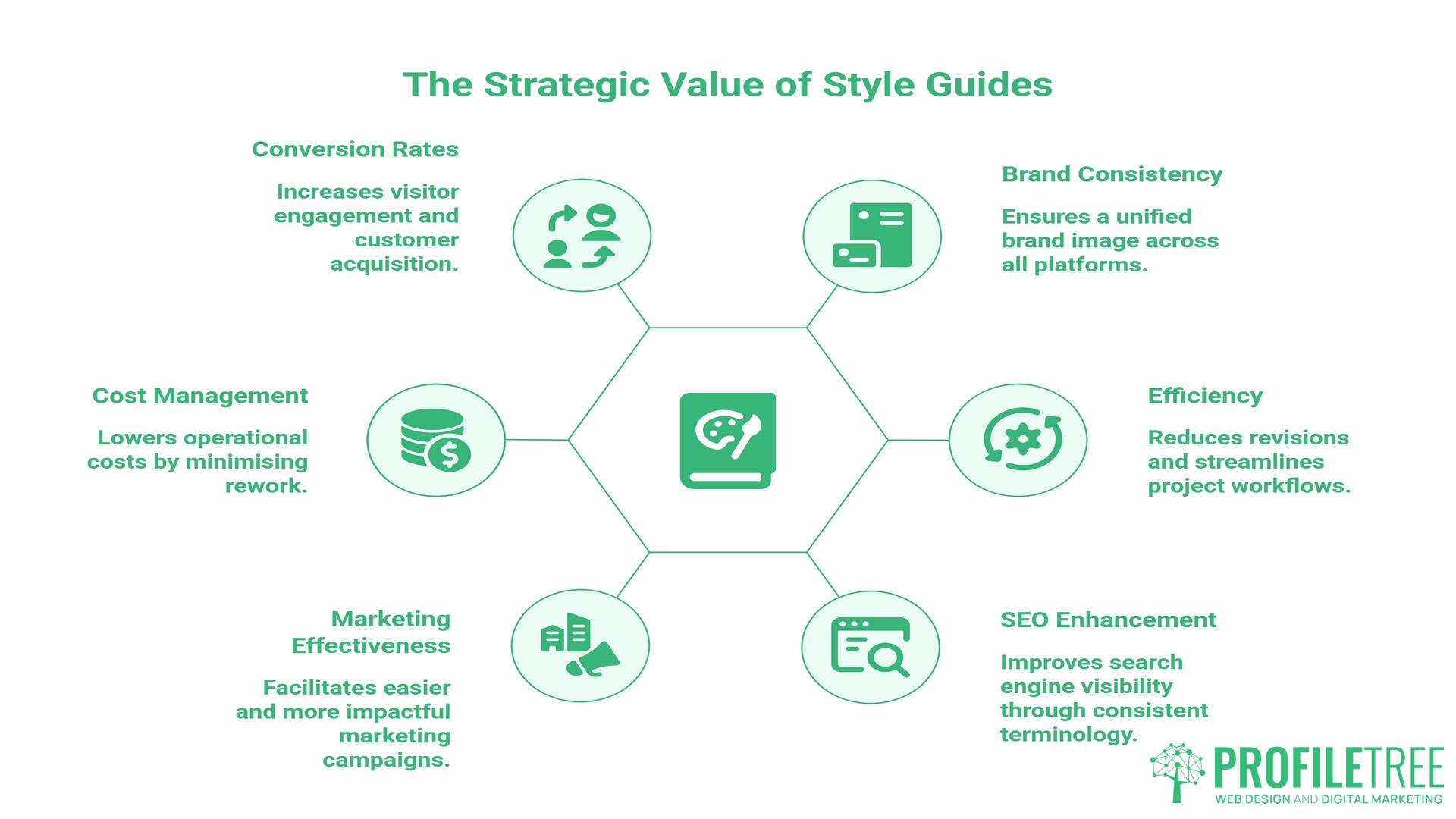
Most business owners think of a style guide as something designers produce, and developers reference once. In reality, it’s the single document that connects every person and every agency that ever touches your brand.
When you create style guides early in a web project, you reduce the back-and-forth that adds cost and time to every revision. Your developer knows which buttons to build. Your content team knows which words to use. Your SEO agency knows which headings serve both readability and search intent. Without it, every project restarts from scratch, and every new hire learns your brand by guesswork.
There is also an SEO dimension that most guides overlook. Search engines evaluate consistency as a trust signal. Pages that use the same terminology, the same heading hierarchy, and the same internal language are easier for Google to understand and categorise. A style guide that documents your brand’s vocabulary directly supports your search visibility, a point that becomes especially relevant when you’re producing content at scale.
The business case is straightforward: consistent brands are easier to market, cheaper to manage, and more likely to convert visitors into customers.
The Core Elements of a Website Style Guide
When you create style guides for a website, five components form the foundation. Everything else builds from these.
Typography and Font Hierarchy
Typography is not purely aesthetic. The fonts you choose affect how long visitors stay on a page, whether they find the content readable on mobile, and how search engines interpret your content structure.
Your style guide should document your primary typeface for headings, your body font, and any secondary fonts used for labels or captions. Specify sizes in both desktop and mobile contexts. Note line height and letter spacing, and how they affect readability. If you’re using Google Fonts or a licensed typeface, document the exact names so any developer or designer can replicate your typographic system without guessing.
One practical consideration for UK and Irish businesses: confirm that your chosen fonts render correctly with special characters and diacritical marks, particularly if your content includes Irish language words or place names.
Primary and Secondary Colour Palettes
Colour documentation should go beyond the brand palette. Your guide should list every hex code, RGB value, and any CMYK equivalent used across your site. Define which colour is used for primary buttons, which for secondary actions, and which for alerts or success messages.
The most useful colour sections also document what is not allowed: combinations that fail accessibility standards, colours reserved for paid advertising, or shades that fall too close to competitors’ palettes.
Buttons, Forms, and UI Components
This is where a website style guide parts company with a brand manual. A brand manual tells you how your logo should look on a brochure. A website style guide tells your developer the exact border radius of a CTA button, the hover state colour, and the padding around form fields.
When ProfileTree’s web design team builds a new site, a components section in the style guide removes the need for repeated design decisions. The specifications are already made. Development moves faster, and the output is more consistent. This is the practical value of a style guide for any SME commissioning a web build or redesign.
Imagery and Iconography Standards
Define the style of photography your brand uses: candid or staged, light or dark, people-focused or product-focused. Note any restrictions on stock photography. If you use illustrations or icons, document the style family and the source for each. Specify file formats and maximum file sizes to prevent slow page loads that damage both user experience and search rankings.
Brand Voice and Editorial Standards
Your voice section should be specific enough to be useful. “Professional but approachable” tells a writer very little. Instead, document sentence length preferences, words your brand avoids, and two or three example paragraphs written in your brand voice alongside ones that miss the mark.
For UK and Irish businesses, this section must address localisation explicitly. Document that you use British English spellings (organise, not organise; programme, not program), that dates follow DD/MM/YYYY format, that currency is displayed as £ or €, and that any regional references use correct spellings and context. This is the section most US-produced style guide templates omit entirely, and it matters considerably for SMEs whose audience is primarily in the UK or Ireland.
Step-by-Step: How to Create Style Guides from Scratch
Building a style guide does not require design software expertise. It requires methodical documentation of decisions you’ve already made, or should make, about your brand.
Phase 1: Audit Your Current Brand Assets
Before you can document a style, you need to know what style you currently have. Pull screenshots from your live website, your most recent social posts, your email templates, and any print materials. Look for inconsistencies. Note where the same element appears differently across channels. This audit becomes your starting point: the list of things to standardise.
If you already have a website and want to extract your existing styles, your developer can pull font names, hex codes, and component styles directly from the site’s CSS. This turns an existing site into a starting point for the guide rather than a blank page.
Phase 2: Define Your Core Decisions
Work through each of the five core elements above and make a decision for each one. Where you don’t have a strong preference, choose based on your audience. A firm of solicitors and a children’s activity business need different typography, colour, and voice, but both need a documented decision.
This phase is also where you answer questions about localisation and accessibility. Will you follow WCAG 2.2 accessibility standards? (In the UK, the Equality Act 2010 requires service providers to make reasonable adjustments for people with disabilities, which courts have interpreted as extending to digital services. For public sector bodies, the Public Sector Bodies Accessibility Regulations 2018 mandate WCAG 2.2 Level AA compliance specifically.) The minimum colour contrast ratio for normal body text under WCAG 2.2 is 4.5:1. Document this threshold in your guide so every designer and developer working on your site applies it automatically.
Phase 3: Document Everything in a Single Reference
The format matters less than the completeness. A well-structured Notion document, a shared Google Doc, or a Figma design system all work. What does not work is a style guide spread across email threads, half-finished PDFs, and a designer’s laptop that left the company six months ago.
At minimum, your guide should be accessible to anyone who needs it, version-controlled so you know which is current, and structured so that a new team member or external agency can find what they need within two minutes.
Phase 4: Share It and Brief Your Team
A style guide that nobody reads does nothing. When you create style guides for team use, build a short briefing session into your onboarding process. Walk new content creators, social media managers, and any external agencies through the key sections. The voice and editorial standards section, in particular, needs more than a skim read to be applied correctly.
This is also where ProfileTree’s digital training offer becomes relevant. SMEs building internal marketing capability often find that a style guide briefing, paired with hands-on training in content creation, produces far faster results than distributing a document and hoping for the best.
Localisation: Style Decisions for UK and Irish Audiences
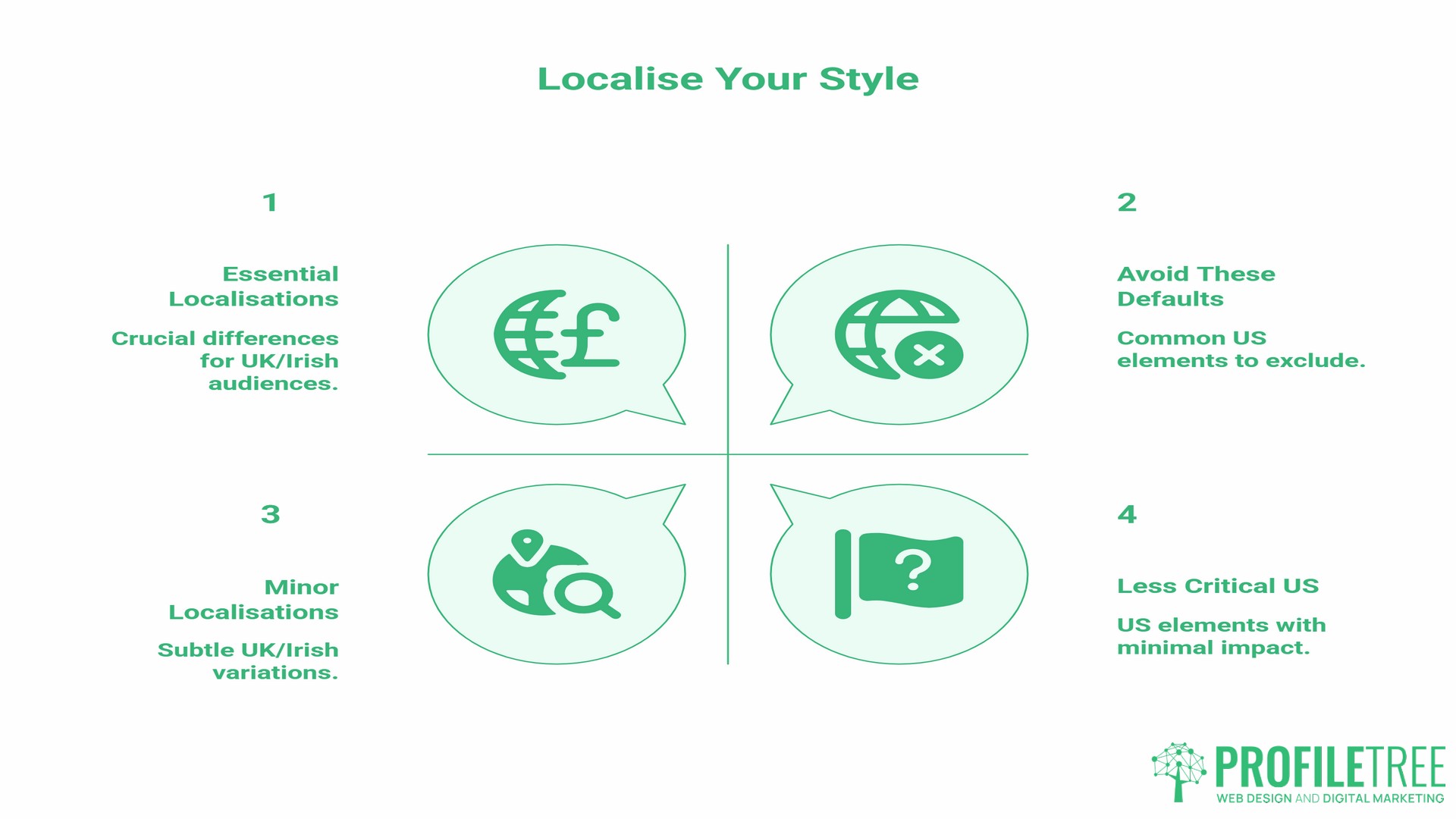
Most style guide advice online is written for American businesses. The spelling conventions, date formats, and cultural references are US defaults. For SMEs in Northern Ireland, the Republic of Ireland, or Great Britain, this creates a gap worth explicitly addressing when creating style guides for your audience.
The table below covers the most common localisation decisions to document in your guide.
| Element | UK/Ireland Standard | US Default (to avoid) |
|---|---|---|
| Spelling | -ise, -our, -re (organise, colour, centre) | -ize, -or, -er (organize, color, center) |
| Date format | DD/MM/YYYY (12/06/2025) | MM/DD/YYYY (06/12/2025) |
| Currency | £ before the amount (£150), € before the amount (€150) | $ before the amount |
| Telephone format | 028 XXXX XXXX or +44 28 XXXX XXXX | 10-digit US format |
| Quotation marks | Single marks first (‘example’), double for nested | Double marks first (“example”) |
Document these in your editorial standards section so that any writer, regardless of their background, applies them consistently from day one.
How Your Style Guide Connects to SEO and Content Strategy
When you create style guides that include editorial standards, you build the foundation your content marketing strategy needs to function at scale. This is a connection most design-focused guides miss entirely.
Search engines reward topical consistency. When your content team writes about web design, they should use the same terminology across every article, not because it pleases an algorithm, but because it signals to both readers and search engines that the content comes from a coherent, knowledgeable source. A style guide that documents your brand vocabulary, your preferred product terminology, and your sector-specific language directly supports this.
There is also an AI writing tool angle that is becoming increasingly relevant. Businesses using AI tools to assist with content creation find that a well-documented brand voice section produces far better outputs. Feed your voice guidelines into an AI prompt, and the result is far closer to your actual brand than generic output. This is sound content governance, not a workaround.
Heading hierarchy is another area where style guides and SEO intersect. If your guide specifies that H1 is reserved for the page title, H2 for major sections, and H3 for subpoints within sections, every piece of content produced under that guide will have a structure that search engines can parse clearly. Combine this with clear internal linking guidelines, and you have a content operation that supports rather than undermines your search strategy.
Ciaran Connolly, founder of ProfileTree, notes that the agencies producing consistent results for their clients tend to be those with documented brand and content systems, not necessarily the ones with the biggest budgets. A style guide is one of the least expensive systems a business can put in place, and one of the most impactful.
Accessibility: The Non-Negotiables for UK Business Websites
Accessibility in web design is a legal consideration for both UK and Irish businesses. In the UK, the Equality Act 2010 requires service providers to make reasonable adjustments for disabled people, with the Public Sector Bodies Accessibility Regulations 2018 setting hard technical requirements for public sector websites. In the Republic of Ireland, the European Accessibility Act (implemented into Irish law via S.I. No. 636/2023 and in force from June 2025) now sets accessibility requirements for a broad range of private sector digital services. Your style guide should document the baseline requirements so they are applied consistently across every page, not revisited on a project-by-project basis.
- Colour contrast. Under WCAG 2.2, normal body text requires a contrast ratio of at least 4.5:1 against its background. Large text (18pt or 14pt bold) requires a minimum of 3:1. Document your approved colour pairings and flag any combinations that fail this threshold.
- Focus states. Keyboard navigation users rely on visible focus indicators to understand where they are on a page. Your style guide should specify how focus states appear for links, buttons, and form fields. This is one of the most commonly absent elements in web projects that didn’t start with a documented standard.
- Alt text conventions. If your style guide includes imagery standards, add a note on alt text: describe the content and context of an image, aim for around 125 characters or fewer as a practical guideline (screen readers may split or pause at this length), and do not begin with “image of” or “photo of.” This applies to every image added to the site, not just at launch.
- Font size minimums. Set a minimum body font size: 16px is the widely accepted baseline for web readability. Document it. This prevents design decisions that produce technically attractive but practically unreadable pages.
Keeping Your Style Guide Current
Most businesses create style guides once and never update them. The guide becomes outdated, team members stop trusting it, and brand consistency drifts back to where it started.
A living style guide includes a built-in review process. Set a review cadence (annually at minimum, or whenever a significant brand, service, or audience change occurs) and assign ownership. Ensure someone on your team or at your agency is responsible for the guide’s accuracy.
When you work with an external agency on web design, content marketing, or SEO, the style guide should be one of the first documents shared. It reduces briefing time, prevents misaligned outputs, and cuts the revision cycles that drive up project costs. ProfileTree’s brand voice and web design process starts with a brand audit that feeds directly into documented standards, so every deliverable from the first page to the final article follows the same system.
SME Website Style Guide Checklist
Use this checklist when you create style guides for your business website.
Visual Identity
- Primary logo file with clear space and minimum size rules
- Colour palette with hex, RGB, and CMYK values for each colour
- Typography stack: heading font, body font, sizes, and line heights
- Image style: photography direction, illustration style, file format, and size limits
- Iconography: style family, source, and sizing rules
UI Components
- Button styles: primary, secondary, and disabled states
- Form field styles: default, focus, error, and success states
- Link styles: default, hover, visited, and focus states
- Spacing system: margin and padding rules for consistent layout
Editorial Standards
- Brand voice description with example paragraphs
- Banned words and phrases
- UK/Irish localisation rules (spelling, date format, currency)
- Heading hierarchy rules (H1 through H3)
- Internal linking conventions and anchor text guidance
Accessibility
- Approved colour contrast pairings (minimum 4.5:1 for body text)
- Focus state specifications
- Alt text conventions
- Minimum font size
Maintenance
- Review the cadence documented
- Owner assigned
- Version number and last updated date on every copy
Frequently Asked Questions
What should be included in a website style guide?
A complete website style guide covers five core areas: colour palette with exact hex codes; typography with specified fonts and sizes; UI components such as buttons and forms; imagery standards, including file formats and style direction; and editorial guidelines covering brand voice, tone, and writing conventions. For UK and Irish businesses, editorial guidelines should explicitly document British English spelling rules, date formats, and currency conventions. Each section should be specific enough that a designer, developer, or writer who has never worked with your brand can follow it without asking questions.
How is a website style guide different from a brand manual?
A brand manual focuses on a brand’s visual identity across all media: logo usage, colour psychology, and print guidelines. A website style guide is specifically functional. It documents the technical decisions that govern how a brand behaves on screen: button hover states, focus indicators for keyboard navigation, font rendering at mobile sizes, and the exact hex values that pass accessibility contrast checks. Both documents serve different purposes. A business commissioning a website build needs both, but the web style guide is the one the development team will actually use.
Does a small business really need a style guide?
Yes. Without one, brand inconsistency accumulates over time. New pages look different from old ones. Content produced by different writers sounds like it comes from different companies. Every new web or marketing project starts from scratch with the same design decisions. A style guide prevents this and reduces the cost of every future project. For SMEs working with external agencies for web design, SEO, or content marketing, it also reduces the risk of misaligned outputs that require expensive revisions.
How do I create style guides if I already have an existing website?
Start with an audit. Take screenshots of your existing site and note every font, colour, button style, and tone variation. Have your developer extract the font names and hex codes from your site’s stylesheet. This gives you the raw material to document rather than creating from scratch. From there, make decisions about what to standardise, what to change, and which gaps to fill, particularly around voice, accessibility, and localisation. The result is a guide that reflects your current brand while defining the standard you’re moving towards.
Which tools work best for creating and maintaining a style guide?
Figma is the most widely used tool among designers for creating visual component libraries and design systems. For documentation that non-designers can access and edit, Notion or Google Docs work well. Canva offers a basic Brand Kit feature that stores colours and fonts for teams without a dedicated designer. The best tool is the one your team will actually use. A well-maintained Google Doc is more valuable than an untouched Figma file.
How often should a style guide be reviewed?
At a minimum, annually. A review should also be triggered by any significant brand change, a new service line launch, a website redesign, or a change in your primary audience. Assign a named owner to the guide so updates don’t fall through the cracks. When ProfileTree works with businesses on web design or content, the style guide is treated as a live project document rather than a launch deliverable.