
AI Training Course Outline: What Your Team Learns Session by Session
Table of Contents
ProfileTree’s AI training course for small and medium-sized businesses runs as six sessions in a fixed order: foundations, prompt writing, checking output, data protection, a role-specific workshop and a final session on workflows and policy. Each session builds on the one before and ends with something staff can use at their desk the next morning.
This page sets out what happens in each of those sessions, who should attend and what your team leaves with. It is the detailed outline that sits behind ProfileTree’s AI training for business programme, which covers formats, delivery and booking for teams across the UK and Ireland. If your team is based in Northern Ireland and you would prefer in-person workshops, the page on AI training Belfast explains how local delivery works.
The Outline Follows Six Sessions in a Fixed Order
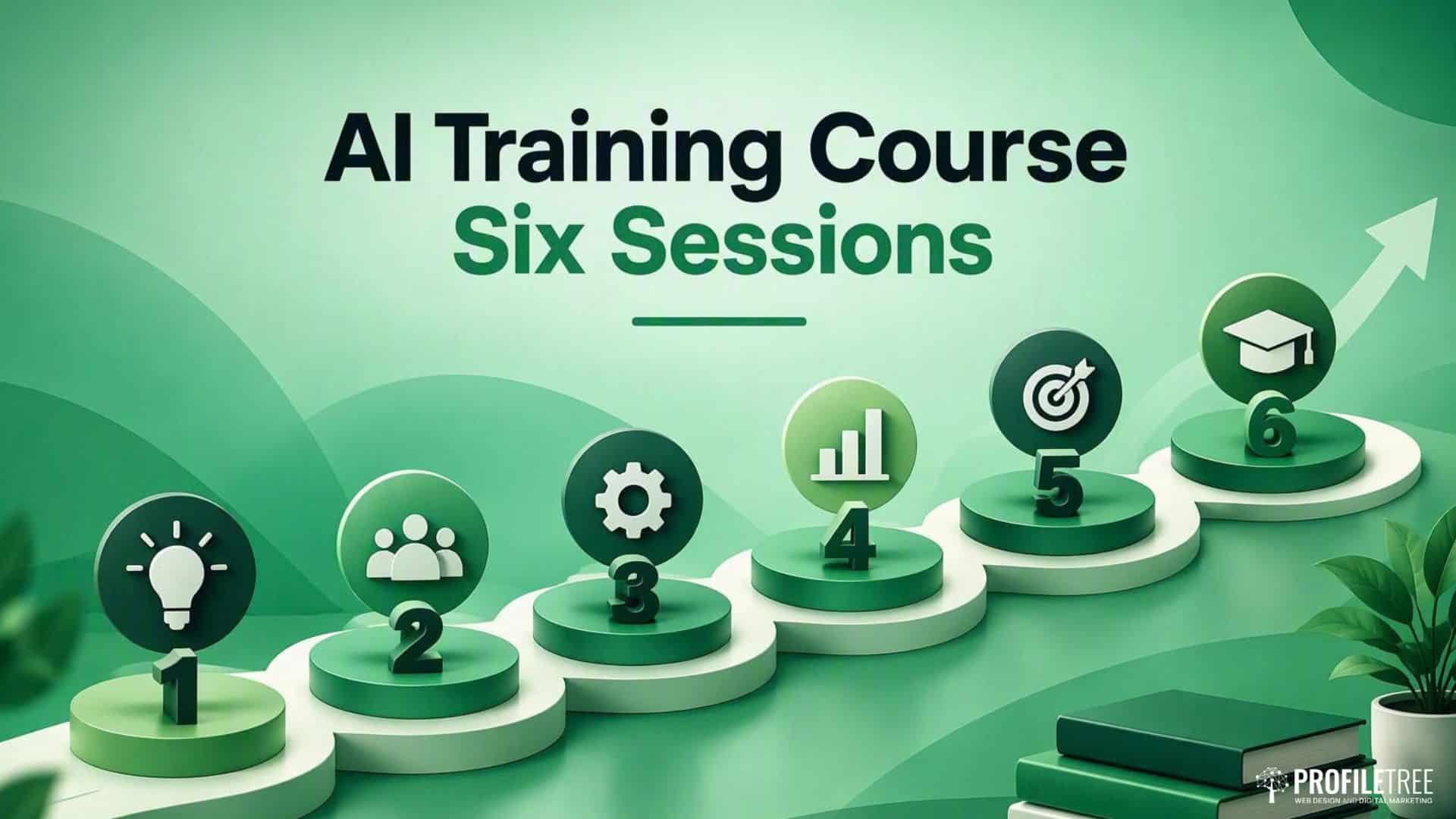
The six sessions run from general to specific, so nobody is asked to build an AI workflow before they understand what the tools get wrong. Sessions one to four are the same for everyone in the business. Session five splits the group by job, and session six brings managers and the people who will own AI use back together to agree how the business will work from then on.
That order is a response to how most teams actually start with AI. Microsoft and LinkedIn’s 2024 Work Trend Index found that three in four knowledge workers use AI at work, while only 39 per cent of those users have had AI training from their employer. In practice, this means most people arrive at a course with habits already formed, some good and some risky, and the first job of the outline is to give the whole team the same starting point.
| Session | What it covers | Who attends | What people leave with | Recommendation |
|---|---|---|---|---|
| 1. Foundations | What generative AI does well, where it fails, and which tools your business already pays for | Everyone, including leadership | A shared vocabulary and a list of approved tools | Run first for every group, with no exceptions |
| 2. Prompt writing | Structuring a request, giving context and refining a weak first answer | Everyone who will use AI weekly | A personal set of tested prompts for their own tasks | Use real tasks brought by the attendees |
| 3. Checking output | Spotting invented facts, wrong figures and false sources | Everyone who will use AI weekly | A checking routine to apply before anything is sent | Never skip, even for experienced users |
| 4. Data protection | What must never go into an AI tool and how to set privacy options | Everyone, with extra time for client-facing staff | Clear rules for personal and client data | Essential in regulated sectors |
| 5. Role workshop | Applying AI to marketing, sales, finance or operations work | Split by job function | Two or three working uses for their own role | Keep groups small and role-specific |
| 6. Workflows and policy | Fitting AI into existing processes and writing the company AI policy | Managers and nominated AI leads | A draft AI policy and a short list of workflows to pilot | Book once sessions one to five are complete |
The Foundation Sessions Are the Same for Every Role
Sessions one to four give every member of staff the same grounding, whether they work in accounts or on the front desk. Keeping these sessions common to all roles is deliberate, because inconsistent habits across a team cause more problems than any single tool does.
Session One: What AI Can and Cannot Do
The first session explains how generative AI tools such as ChatGPT, Claude and Microsoft Copilot produce their answers, in plain terms and without technical jargon. Staff see why these tools write fluently but can still be confidently wrong, and why the same question can produce different answers on different days.
The session also covers the practical question most businesses have not settled: which tools staff are allowed to use. Many employees already use free accounts on personal devices, and the session is the right moment to agree which tools are approved and which accounts should be used for work. Leadership should attend this session even if they will not use AI daily, since they will be the ones making decisions about investment and acceptable use.
Session Two: Prompt Writing on Your Own Tasks
Prompt writing is the skill that makes the largest difference to day-to-day results, and it is taught using tasks the attendees bring with them. A proposal introduction, a customer reply that needs a careful tone or a monthly report summary all make better practice material than generic examples.
Staff learn to give the tool a role, the context it needs, the format they want back and an example of good output. They also practise the part most people skip, which is replying to a weak first answer with specific corrections rather than starting again. By the end of the session, each person has a short set of prompts they have tested on their own work, and the group usually agrees to share the most useful ones in a common document.
As an illustration, a request such as “write a reply to this complaint” usually produces a polite but generic apology. A stronger version tells the tool who the customer is, what went wrong, what the business is able to offer, and the tone required, then asks for a reply of no more than 150 words. The second request takes a minute longer to write and usually saves several rounds of editing, which is the habit the session is designed to build.
Session Three: Checking AI Output Before It Is Used
AI tools make mistakes that read convincingly, so session three teaches staff to check output before it reaches a customer, a client or a decision. The session covers invented facts and figures (often called hallucinations), references to sources that do not exist, outdated information and calculations that look plausible but are wrong.
Attendees work through real examples of flawed output and practise a simple checking routine: confirm every figure against its original source, open every link, and read anything client-facing aloud before it goes out. The session also discusses when AI should not be used at all, such as final legal wording or advice where an error would carry real consequences. People who already use AI heavily often find this session the most useful, because confident users tend to check least.
Session Four: Data Protection and Safe Use
Session four covers what staff can and cannot put into an AI tool under UK GDPR. The core rule is simple to state and harder to follow: personal data, client information and commercially sensitive material should only go into tools the business has approved and configured for that purpose.
Staff learn how to switch off training on their data where a tool allows it, how to anonymise a document before asking for help with it, and why unmanaged use of personal AI accounts (sometimes called shadow AI) creates risk for the business. The Information Commissioner’s Office publishes guidance on AI and data protection that the session refers to. In regulated sectors such as healthcare, legal and financial services, this session usually runs longer, with time set aside for questions specific to the firm.
Session Five Is Tailored to Each Job Function
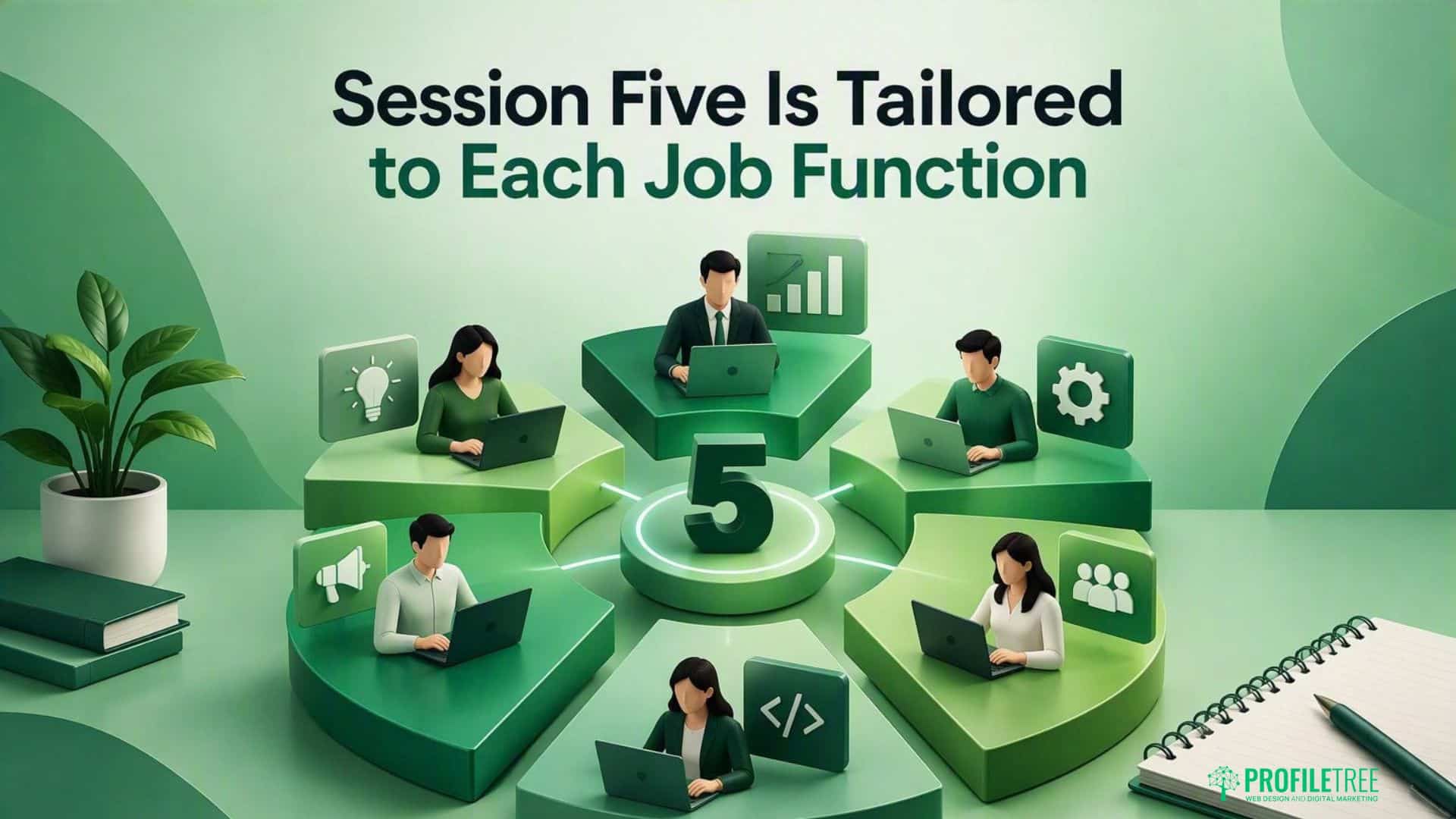
Session five is where the course stops being general. Attendees are grouped by job function, and each group spends the session applying the foundations to the work they actually do.
Marketing and content teams work on drafting, editing and campaign planning while keeping a consistent brand voice. This mirrors how ProfileTree’s own content marketing team works, using AI to speed up research and first drafts while every published piece still has a named human author and goes through an editor.
Sales and customer service staff focus on summarising long email threads and drafting replies, with clear limits on what should still be written personally. Finance and operations teams, who often have the most repetitive work in the business, concentrate on analysis and reporting, usually starting with spreadsheets, and on spotting the routine tasks where automation saves the most time. Leadership groups, where they attend separately, look at where AI is likely to pay back in their own business and how to judge requests from staff for new tools.
Smaller businesses with fewer than ten attendees often combine groups, which works well provided each person leaves with uses specific to their own role. A useful test for session five is whether every attendee can name two or three tasks they will now do differently, and the trainer should not move on until they can.
The Final Session Turns Training into a Working Policy
Session six brings managers and nominated AI leads together to decide how AI will be used across the business from that point onwards. Without this session, training tends to fade within a few weeks as people drift back to old habits or carry on with inconsistent ones. The session produces a draft AI use policy covering approved tools, data rules, checking requirements and who to ask when something is unclear. It also produces a short list of workflows to pilot, chosen from the uses identified in session five, with an owner for each and a date to review progress.
Ciaran Connolly, founder of ProfileTree, puts the case for doing this properly: “The businesses that are adopting AI tools properly now, and training their teams to use them well, are going to have a real productivity advantage within 12 months.”
The policy and the pilot list are what make that kind of adoption possible, because they turn individual skills into a shared way of working. Teams planning to roll training out across several departments will find more detail in the guide to running a company-wide AI training rollout.
Keeping the Skills in Use after the Course
Skills from a training course fade quickly unless they become part of normal work, so the last part of the outline is what happens once the trainer has left. The simplest step is a shared prompt library. The prompts each person tested in session two go into one document or folder, organised by task, and the AI lead keeps it tidy by removing prompts that no longer work and adding new ones as staff find them.
A short monthly review helps as well. Fifteen or twenty minutes at an existing team meeting is enough for people to share one use that saved time and one output that went wrong, and the second half of that conversation is often the more valuable, because it keeps the checking habits from session three alive.
The AI policy from session six also needs a review date. Tools change their features, pricing and data settings regularly, so a policy written once and never revisited will drift out of step with the tools staff are actually using. Reviewing it every six months, or whenever the business adds a new tool, keeps it accurate. New starters should work through the material from sessions one to four in their first weeks, so the shared baseline the course created does not erode as the team changes. Businesses on the advanced implementation level receive follow-up support during this period, which helps catch problems while the pilot workflows are still new.
What the Course Does Not Cover
The course is a staff training programme, and being clear about its limits helps you judge whether it is the right fit. It does not teach coding or software development, and nobody is asked to build or train their own AI model. Businesses that want an AI tool built for their customers, such as a website chatbot, need a separate project, and ProfileTree’s AI chatbots service covers that work.
The course also does not recommend a single vendor. It works with the tools your business already pays for or decides to adopt, and session one is where that choice is discussed. Session four explains the principles of data protection as they apply to AI tools, but it is not legal advice. Firms planning to process personal data with AI in a new way, particularly in healthcare, legal or financial services, should seek their own data protection advice on that specific use.
Course Length Depends on the Level Your Team Needs
The full six-session outline suits teams who will use AI every week. Not every business needs all of it at once, and the course can be delivered at three levels depending on who is in the room and how deeply AI needs to sit in daily work.
| Level | Sessions included | Typical length | Best suited to | Recommended when |
|---|---|---|---|---|
| Awareness | Session one, with parts of sessions three and four | Two to four hours | Leaders, boards and staff who will not use AI daily | You need informed decisions before committing budget |
| Practical skills | Sessions one to five | One to two days | Staff who will use AI in their weekly work | Most SME teams start here |
| Advanced implementation | All six sessions, plus follow-up support on live projects | Several sessions over four to eight weeks | Teams leading AI adoption across the business | AI is becoming central to how you compete |
ProfileTree’s AI training starts from £350, with the final price depending on group size, the level chosen and whether sessions run in person or online. Full pricing and booking details are on the main digital training services page. If you are still comparing options, the guide to choosing an AI training programme sets out the criteria that separate useful courses from generic tool demonstrations. The guide to workshops and webinars in AI training compares the delivery formats.
Preparing Your Team Gets More from the First Session
A short amount of preparation before session one makes the whole course more useful. Ask each attendee to note two or three tasks they find slow or repetitive, and to list the AI tools they already use, including free personal accounts. Each person should also bring one real piece of work they would be comfortable using as practice material, with any personal or client data removed.
Managers should also agree in advance which tools the business is willing to pay for, since that decision shapes what the course can teach. It also helps to record a few baseline figures before training starts, such as how long a proposal or monthly report currently takes, so you can measure whether the training worked once the course is over.
Ask for an Outline Built around Your Team
The six-session structure above is the starting point, and every course is adjusted to the roles, tools and sector of the business taking it. To discuss which sessions your team needs and how they would be delivered, contact ProfileTree with a short description of your team and the work you would like AI to help with.
FAQs
What Does an AI Training Course for Staff Actually Cover?
A practical course covers what AI tools can and cannot do, how to write effective prompts, how to check output for errors, and how to use AI safely under UK GDPR. A good course then adds role-specific work, so marketing, finance and customer service staff each leave with uses that fit their own jobs, and finishes with a written AI policy for the business.
Do My Staff Need Any Technical Knowledge Before the Course Starts?
No technical knowledge or coding skill is needed. The course is designed for people who use email, documents and spreadsheets in their normal work, and it starts from first principles in session one. Staff who already use AI tools still benefit, particularly from the sessions on checking output and data protection.
Can the Sessions Be Delivered Online Rather Than in Person?
Yes, all six sessions can run online, and many businesses with staff in several locations choose this format. In-person delivery tends to work better for session five, where small groups work on their own tasks with the trainer close at hand. It also suits session six, where the policy discussion benefits from everyone being in the same room.
My Team Already Uses ChatGPT Every Day, so Why Would They Need a Course?
Daily use and good use are different things, and heavy users often have the habits that carry the most risk, such as pasting client data into free accounts or sending output without checking it. The course gives experienced users better prompting techniques and a consistent checking routine, and it gives the business a shared policy so that everyone works to the same rules.
How Many People Can Attend Each Session?
Sessions one to four work with larger groups because they focus on shared foundations. Session five works best with small groups organised by job function, so each person gets time on their own tasks. The right group size for your business can be agreed when the course is planned.
What Happens after the Final Session?
Teams leave session six with a draft AI policy and a short list of workflows to pilot, each with an owner and a review date. Businesses on the advanced implementation level also receive follow-up support while those pilots run, which helps catch problems before they become habits.
Is There a Way to See the Course Content before Committing to the Full Programme?
Many businesses start with the awareness level, which covers the content of session one and parts of sessions three and four in a few hours. It gives leadership a clear view of the approach before they decide whether to book the practical or advanced levels for the wider team.