
AI Training for Teams: Running a Company-Wide Rollout
Table of Contents
A company-wide AI rollout works best in four stages: a short readiness check, a pilot with one team on real work, a wider rollout led by trained internal champions, and a review at 60 and 90 days. Training sits inside every stage and is tied to named tasks, written data rules and measures agreed before anyone logs in.
This guide on AI training for teams is for owners and managers in Northern Ireland, Ireland and Great Britain who have decided to bring AI into the business and now need a plan that reaches every team, well beyond the few people who were already curious. ProfileTree runs AI training for Belfast businesses for exactly this kind of programme, and the stages below set out how to plan a rollout whichever provider you work with.
Most AI Rollouts Stall between the Workshop and the Working Week
Rollouts usually lose momentum in the month after the first session. A trainer runs an engaging afternoon, people leave with a few new techniques, and four weeks later two or three keen users are still experimenting while everyone else has gone back to the old way of doing things. The licence renews each year, and the habits never quite form.
Adoption figures can hide this. The Office for National Statistics reported in July 2026 that around 35% of UK businesses with ten or more employees use at least one AI technology, up from around 12% in late 2023 (ONS, Artificial intelligence in UK businesses: 2023 to 2026). That measure records whether a business uses AI at all, so it tells you nothing about how many people inside each business use it every week. For most SMEs, the harder step is moving from one team experimenting to the whole company working to the same standard, and closing that gap is the purpose of a rollout plan.
A rollout treats training as one part of a change to how work gets done. It has an owner, a sequence, written rules and dates in the diary for checking progress. Training delivered without that structure tends to produce a pleasant day and very little lasting change, whatever the quality of the trainer.
The Four Stages of a Company-Wide Rollout
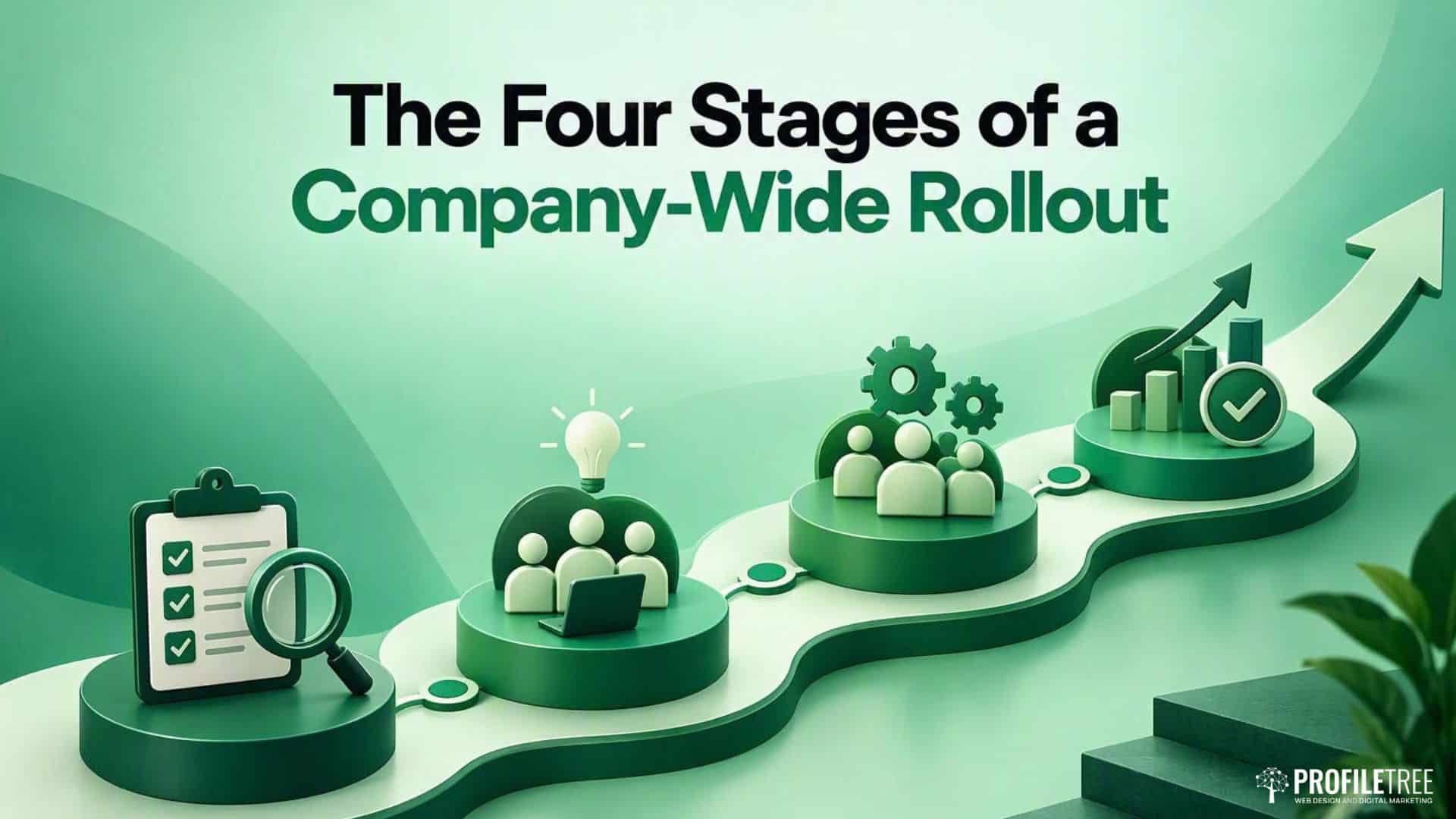
The sequence below suits most SMEs, from a ten-person professional practice to a manufacturer with several departments. The lengths are planning guides drawn from the size of the task at each stage, so adjust them to your headcount and to how much else is happening in the business at the time.
| Stage | Who Is Involved | What Happens | Suggested Length | Recommendation |
|---|---|---|---|---|
| Readiness check | Owner or managing director, operations lead and whoever looks after IT | List the AI tools already licensed, check baseline digital skills, draft acceptable use rules and record baseline measures | Two to three weeks | Do this even in a small team, because every later stage depends on it |
| Pilot | One team of roughly five to fifteen people and its manager | Hands-on sessions on real tasks, with prompts and processes written down and problems logged | Four to six weeks | Pick a team with repetitive written work and a manager who wants it to succeed |
| Wider rollout | Every team, supported by trained internal champions | Role-based sessions, follow-up clinics and a shared prompt library | Two to four months, depending on headcount | Train the champions first and give them protected time each week |
| Review | Owner, champions and team managers | Compare results with the baseline and decide what to expand, change or retire | At 60 and 90 days, then quarterly | Put the review dates in diaries before the pilot starts |
The First Stage Is a Readiness Check
Start with what the business already pays for. Many SMEs hold AI features they have never switched on: Copilot in some Microsoft 365 plans, assistants inside the CRM, generative tools in Canva and drafting features in the helpdesk. A simple list of platforms and licence tiers shapes the whole programme, because training on tools people already have is cheaper and sticks better than adding new subscriptions.
Check baseline skills next. If half the office struggles with shared folders or version control, that shows up the moment anyone tries to automate a task. The Department for Education published revised essential digital skills standards on 15 July 2026, expanded to take account of AI. They apply formally in England, but any employer in Northern Ireland or elsewhere can read them as a plain checklist of where a team is starting from. Where the gaps are in the basics, digital skills training for staff may need to come before any AI sessions.
Finally, decide what you will measure and record where it sits now, because a baseline taken afterwards is not a baseline. Useful measures are usually unglamorous: hours spent on a monthly report, the number of staff actively using a tool against the number holding a licence, time from enquiry to first response, and how much rework a first draft needs.
The Second Stage Is a Pilot with One Team
A pilot tests the plan on a small group before the rest of the company sees it. Choose a team whose work involves a lot of repetitive writing, summarising or sorting, and whose manager is keen to see it work, because a reluctant manager can sink a pilot within a fortnight.
Sessions should run on the team’s own systems with laptops open and real files loaded, using dummy data wherever the genuine records are sensitive. By the end, each person should have built something they will use again, such as a working prompt for the monthly report, a drafting process for proposals or a triage routine for inbound enquiries. ProfileTree’s hands-on AI workshops for teams across the UK and Ireland are built around each team’s own workflows for this reason.
Write everything down as the pilot runs. The prompts that worked, the tasks where AI made things slower and the questions people kept asking all become the material for the wider rollout, and a pilot that leaves nothing in writing has to be repeated from scratch.
The Third Stage Spreads the Work through Internal Champions
Internal champions carry a rollout further than any external trainer can. Nominate one person per team, ideally someone from the pilot or someone colleagues already ask for help, and give them protected time each week to answer questions, update the shared prompt library and report problems. Tell your trainer who the champions are so they can be briefed separately.
Group people by role and by confidence. Mixed-ability sessions tend to frustrate confident users and lose beginners, so splitting a department into two smaller groups usually works better than one large session. Format matters too: in-person sessions suit teams that need to agree a shared way of working, while two-hour remote blocks spread over several weeks let people try each technique on live work before the next session. The guide to workshops and webinars in AI training compares the formats in more detail.
Expect some reluctance. It often comes from worry about job security or about being seen to make mistakes in front of colleagues, and it rarely shifts through more demonstrations. ProfileTree’s guide to overcoming resistance to AI adoption covers how managers can respond, and the piece on how AI training can change team collaboration looks at what happens once a department shares the same skills.
The Fourth Stage Is a Review at Sixty and Ninety Days
The review compares the measures you recorded at the start with where they sit now. Simple time savings, such as faster first drafts, often appear within a few weeks, while changes that depend on new processes can take a quarter or more to show. Reviewing at 60 and 90 days gives both kinds of change a fair chance to appear.
Use the review to make decisions as well as to report. Some tools will earn a wider rollout, some will need different training, and some licences can be cancelled. The policy and the prompt library should be updated at the same time. For a fuller method, including how to build measurement in from the start, see the guide to measuring AI training effectiveness.
Data Protection Belongs inside Every Stage of the Rollout
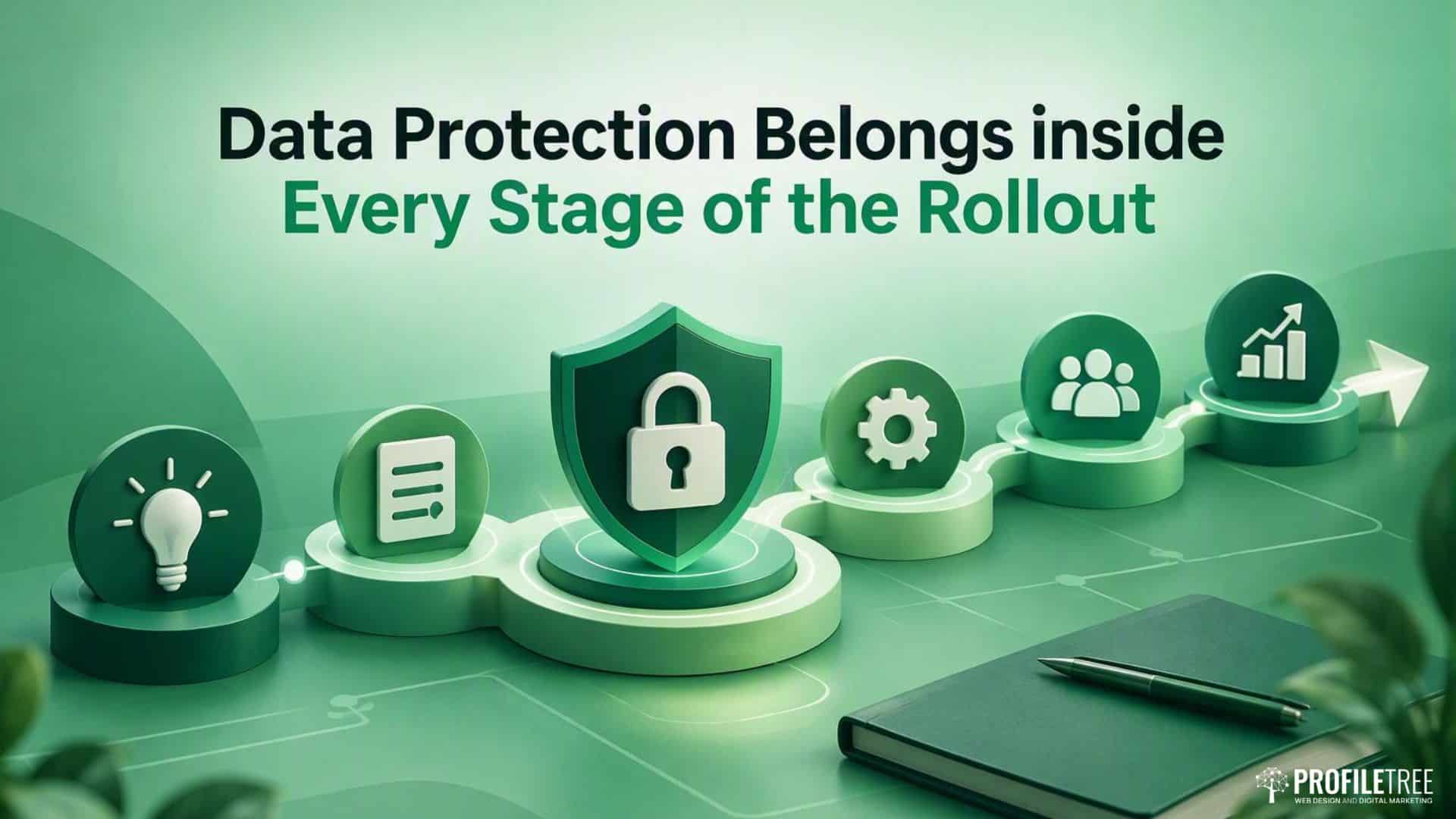
Data protection should run through every exercise in a rollout, because almost every exercise involves information about customers, staff or suppliers. When it is taught as a separate ten-minute slot, people tend to file it as somebody else’s problem and carry on pasting client details into whatever tool is open.
In practice, the trainer handles it as a running commentary. When a team drafts a marketing email, the conversation covers lawful basis and consent records. Testing an assistant on a customer query raises what should never go into a consumer tool and why a paid business tier with different data handling terms matters. Setting up a shared prompt library brings in who has access and how long anything is kept.
The Information Commissioner’s Office publishes guidance on AI and data protection, including when a data protection impact assessment is expected. The ICO notes that this guidance is under review following the Data (Use and Access) Act 2025, so check the current version before you write your internal policy. Staff based in the Republic of Ireland work under the EU GDPR, overseen by the Data Protection Commission, which matters if your rollout covers sites on both sides of the border.
Sector Rules Sit on Top of the General Duties
General data protection duties are the floor. Healthcare practices, law firms, financial services businesses, schools and organisations bidding for public sector contracts all carry extra obligations, and those obligations decide which tools a rollout can safely include. A solicitors’ practice has to think about client confidentiality before choosing any tool at all, and a care provider needs to recognise that staff rota data is more sensitive than it first appears.
Your training provider does not need to act as a compliance consultant. They do need to know enough about your sector to avoid teaching a shortcut that creates a problem later, so ask about it during scoping and judge the answer.
Training Works Best When It Is Organised by Role
Sessions organised around roles give each person something to use at their desk the following morning, while sessions organised around a tool’s feature list leave people to work out the connection themselves. The same assistant does very different jobs for a receptionist and for a finance manager, and the training should reflect that.
- Office and administration staff usually gain most from summarising long email threads, drafting routine replies and tidying messy spreadsheets.
- Sales teams can use AI for first drafts of proposals, structured call notes and follow-up emails, with a person checking every figure and commitment.
- Marketing teams tend to use it for outlines, first drafts and repurposing existing material, and need clear rules on fact-checking and brand voice.
- Finance and HR staff handle the most sensitive data in the business, so their sessions should spend more time on what must never be entered into a tool.
- Managers need a separate session on reviewing AI-assisted work, setting expectations for quality and spotting when someone is relying on output they have not checked.
The managers’ session is the one most often left out, and its absence explains a good share of stalled rollouts. If team leaders do not know what good AI-assisted work looks like, they cannot coach it or catch it when it goes wrong.
Five Decisions Leadership Makes at the Start
A rollout needs a named owner with the authority to make decisions, usually an operations lead or a director, and that person should not be the only one doing the work. Leadership also has to decide which tools are approved for which kinds of data, and publish a short acceptable use policy. A two-page policy written now is more useful than a perfect one that is still in draft when training begins, and good training will help you refine it.
The remaining two decisions concern time and results. Staff need protected time to attend sessions and practise afterwards, because AI skills fitted into the gaps between other work rarely develop. Leadership should also agree, in writing, what success will look like at 90 days, using the baseline measures from the readiness check.
“The organisations that get the most from training are the ones that decide in advance what they want to be different afterwards,” says Ciaran Connolly, founder of ProfileTree. “If you can name the task that should take less time, we can build a session around it, and you can tell whether it worked. Without that, everyone has a pleasant day, and nothing changes.”
Once those decisions are made, the choice of provider becomes much easier. The guide to choosing an AI training programme for your business sets out the questions to put to any shortlist, and the comparison of in-house and outsourced AI training helps you decide how much of the rollout your own staff can lead.
Rollouts across Several Sites and Hybrid Teams
Multi-site and hybrid businesses need the same four stages with a little more planning around champions and scheduling. A business with an office in Belfast and staff in Derry, Newry or across the border can run the pilot in person at one site and deliver the wider rollout through live remote sessions, which keeps travel time down without losing the hands-on element.
Appoint at least one champion at each site, even where a site has only a handful of people, so that nobody has to wait for head office to answer a question. Keep the policy, the approved tools list and the prompt library identical across locations. Different rules at different sites are one of the quickest ways for a rollout to fragment into separate habits that nobody can support.
Start with a Rollout Planning Call
ProfileTree is a Belfast web design and digital marketing agency, founded in 2011 and based at the McSweeney Centre, with more than 500 Google reviews and a 5.0 rating. AI training and consulting sits alongside the agency’s web design, SEO and digital strategy work, and a rollout normally begins with a scoping conversation about your tools, your teams and the tasks that take the most time. If you are planning a rollout across your business, contact the ProfileTree team to arrange a planning call, and bring your list of current software licences so the conversation can start from what you already have.
FAQs
How Long Does a Company-Wide AI Rollout Take?
For most SMEs, a rollout from readiness check to first review takes around four to six months. The pilot alone usually needs four to six weeks so people can apply what they learn to live work, and the wider rollout depends mainly on headcount and on how many teams can release staff at the same time.
Should Everyone in the Company Be Trained at Once?
Training everyone at once is rarely the best approach. A pilot with one team shows what works in your business before you commit the whole budget, and it produces the internal champions who will support everyone else. Training the whole company in one go also tends to mix confident users with beginners, which suits neither group.
Staff Were Trained Months Ago, and Nobody Uses the Tools Now. What Went Wrong?
The usual causes are training that was not tied to real tasks, no follow-up after the session and no one inside the business responsible for keeping it going. The fix is to restart with a short readiness check, choose two or three tasks with measurable time costs, appoint champions and book a follow-up clinic two to four weeks after the next session.
Can One Person Be Trained and Then Teach Everyone Else?
This rarely works on its own. One person carrying the whole rollout becomes a bottleneck, and the business is exposed if they leave. Train a small group first, then nominate one champion per team so the knowledge is spread across several people from the start.
Is an Internal AI Policy Needed First?
A short policy should be in place before the pilot starts, covering which tools are approved and what data must never be entered into them. It does not need to be perfect. Waiting for a finished policy before any training usually means neither the policy nor the training happens, so draft it during the readiness check and refine it after the pilot.
What Is the Simplest Way to Start Rolling Out AI to a Small Team?
List the AI features you already pay for, pick one repetitive task that takes real time each week, and run a hands-on session on that task using your own tools. Record how long the task takes before and after. If the result is worth having, extend the same approach to the next task and the next team.
Which Tools Should a Rollout Use?
Start with the tools already licensed, such as Copilot where your Microsoft 365 plan includes it or the AI features inside your CRM. Check the data handling terms for each one, because consumer versions and paid business tiers often treat your data differently. Add new subscriptions only when the pilot shows a gap the existing tools cannot fill.