
Skip to content

Google Tools Resources for SMEs: Free Guides

The Google tools for business that matter most to an SME are Search Console, Google Analytics 4, Google Business Profile, Tag Manager and PageSpeed Insights, and all five are free. ProfileTree, a web design and SEO agency in Belfast, uses them on client websites, and the guides below show how to set up and read each one.

Each tool answers a different question about your website, so each section on this page explains what one tool tells you and links to our full guide. Search Console and Analytics are where our SEO Northern Ireland work starts, because together they show what Google sees and what people do after they click. For a wider view of how search results, AI Overviews and Business Profile fit together, read our practical guide to understanding Google.

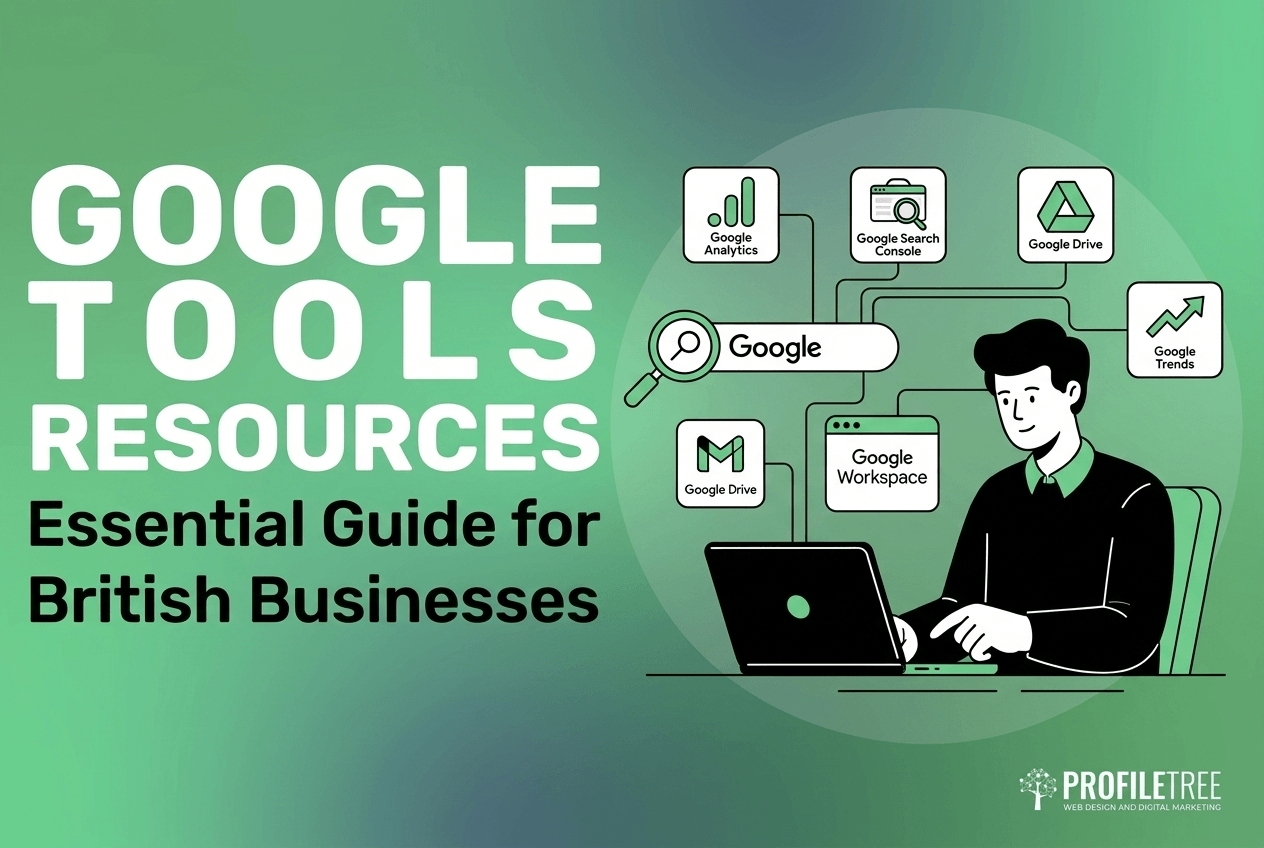
An illustration of a person using a laptop surrounded by Google Tools Resources icons for Analytics, Search Console, Drive, Trends, and Workspace, with the text: Essential Guide for British Businesses.

Turn your Google tools data into more enquiries

Contact us

Search Console Shows How Google Sees Your Website

Google Search Console is the free tool that reports how your site performs in Google Search. It shows the queries people type, how often your pages appear in results (impressions), how often they are clicked and their average position. It also tells you which pages Google has indexed (meaning stored and able to appear in results) and which pages it has left out and why.

For most business owners, the Performance report and the Page indexing report are the two worth checking each month. A page that is not indexed cannot rank, no matter how good it is, and the reason Search Console gives is usually something you can fix. Our guide to Google Search Console covers setup and how to read each report, and Google documents every report in its Search Console Help centre.

Google Analytics 4 Shows What Visitors Do on Your Site

Google Analytics 4, usually shortened to GA4, measures what happens after someone lands on a page: where they came from and whether they took an action you care about. GA4 calls those actions key events, and most SMEs start by tracking contact form submissions and clicks on their phone number. GA4 replaced Universal Analytics, which stopped processing data in July 2023, so any report or advice built on the older version needs checking before you rely on it.

Search Console and GA4 measure different things, and their figures never match exactly. Search Console counts activity on Google’s results page, while GA4 counts activity on your website. Visitors who decline cookies reduce what GA4 can record. Understanding Google Analytics explains setup under UK privacy rules and how to turn the reports into marketing decisions.

Google Business Profile and Maps Bring in Local Customers

Google Business Profile is the free listing that shows your business in Google Maps and in the block of map results. Often called the local pack, it appears for searches such as “accountant near me”. For a business that serves customers in a town or region, the profile is often the first thing a new customer sees, ahead of the website itself.

A profile performs best when its contact details match your website exactly, and new reviews keep arriving and get a reply. Our guide to managing a Google Business Profile walks through verification, categories, photos, posts and reviews for UK businesses.

Tag Manager and PageSpeed Insights Keep Tracking and Speed in Order

Google Tag Manager lets you add and change tracking code across a website from one dashboard, without editing the site each time. A tag is a small piece of code that sends information to a tool such as GA4. Tag Manager keeps all of your tags in one container and handles consent mode, which adjusts what Google’s tags record according to the cookie choice each visitor makes. Our Google Tag Manager guide for SMEs covers setup and consent mode step by step.

PageSpeed Insights tests how quickly a page loads and how it behaves while loading, scored against Google’s Core Web Vitals (three measures of loading speed, responsiveness to clicks and visual stability). You run it from your browser with no account, and it is worth running after any redesign or plugin change, because either can slow a page down.

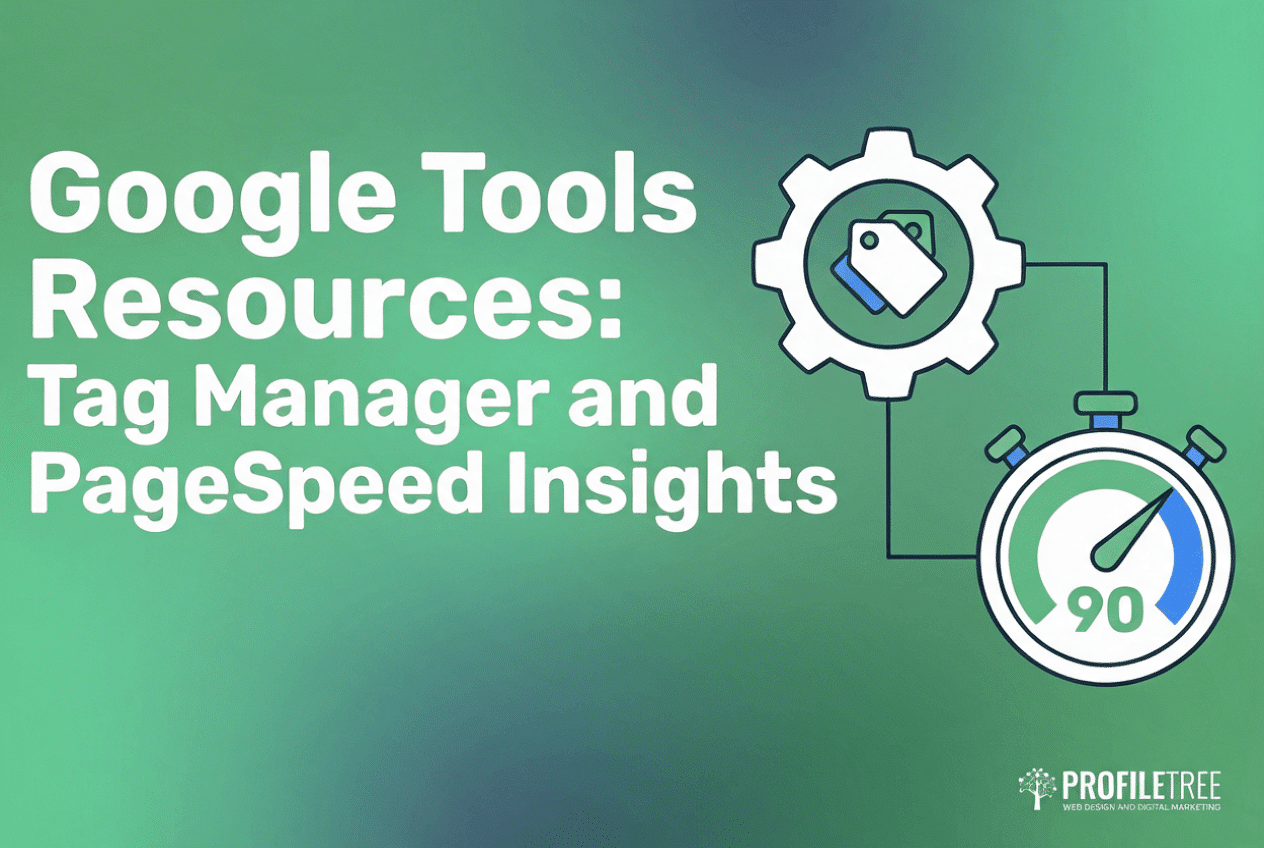
Google Tools Resources featuring Tag Manager and PageSpeed Insights, represented by icons of a cog with a price tag and a stopwatch set to 90.

Which Google Tool to Set Up First

If you are starting from nothing, set up Search Console and GA4 first, because every later decision about your website depends on knowing how Google treats your pages and how people behave once they arrive. Claim your Google Business Profile at the same time if you serve customers in a particular area, since it can bring in calls before the website ranks at all.

Tag Manager can wait until you track more than one or two actions. On a simple WordPress site, Google’s free Site Kit plugin connects Search Console and GA4 without any code.

These Google tools only pay off if someone reads them regularly. Half an hour each month in the Performance report usually tells a business owner more about what customers search for than any paid keyword tool, because the figures come from your own website. Google’s free SEO Starter Guide is a sound companion for understanding what the reports are measuring.

“ProfileTree has been training business owners across Northern Ireland since 2011, and the pattern is the same with Google’s tools. The owners who do best with their SEO learn enough of Search Console and Analytics to ask good questions of whoever they hire next,” says Ciaran Connolly, founder of ProfileTree.

Google Tools Resources

Get Hands-on Training in Google’s Business Tools

ProfileTree is a Belfast web design and digital marketing agency, founded in 2011 and based at the McSweeney Centre. If you want these Google tools set up properly and turned into a plan for more enquiries, our SEO service starts from £500 a month plus VAT. If you would prefer your own team to run them, our digital training is built around your own website and its data, from £350 plus VAT. Start with the guide for the tool you use least, and talk to our team when you want a second opinion on what the figures show.

FAQs About Google Tools Resources

Are Googles tools for businesses free to use?

Yes, Search Console, Google Analytics 4, Google Business Profile, Tag Manager and PageSpeed Insights are all free for a business of any size. Google sells a paid enterprise edition of Analytics, called Analytics 360, for very large organisations, and an SME has no need for it. The real cost is the time it takes to set the tools up correctly and read them each month.

Are free Google tools for business enough without outside help?

They are enough to measure how your website performs, but they do not fix what they find. Search Console will tell you that a page is not indexed or that clicks have fallen, and someone still has to correct the cause, whether that means rewriting the page or speeding it up. A practical split is to read the reports yourself after some training and bring in an SEO specialist when they point to technical or content work you cannot do in-house.

Which Google tool should a small business set up first?

Search Console should come first, because it is the only place Google tells you directly whether your pages are indexed and which searches they appear for. GA4 comes next, so you can see how people use the site. A business that serves a local area should claim its Google Business Profile at the same time.

What is the difference between Search Console and Google Analytics?

Search Console reports what happens in Google’s search results before anyone visits, and GA4 reports what visitors do on your website after they arrive. Search Console covers Google Search only, while GA4 records visits from every source, including social media and email. Read side by side, the two show whether a ranking is turning into enquiries.

Do I need Google Tag Manager on a WordPress site?

You do not always need it. A simple WordPress site that tracks a form and a phone click can run GA4 through a plugin such as Site Kit, with no Tag Manager at all. Tag Manager earns its place once you track several actions or use more than one tracking tool, because it keeps every tag in one place and makes changes quicker.

Join Our Mailing List

Grow your business with expert web design, AI strategies and digital marketing tips straight to your inbox. Subscribe to our newsletter.