
Designing GDPR-Ready Web Forms for UK SMEs
Table of Contents
GDPR-Compliant Web Forms sit at the point where legal obligation meets everyday conversion rate. Every contact form, newsletter sign-up and enquiry page on a UK business website has to satisfy the General Data Protection Regulation, and for most SME owners that instruction arrives as a vague warning rather than a design brief. The result is either a cluttered form nobody finishes or a compliance gap nobody noticed until a complaint lands with the ICO.
At ProfileTree, a Belfast-based digital agency, GDPR-Compliant Web Forms are treated as a design decision, not a legal patch bolted on before launch. The two goals are not in tension. A form that states its purpose clearly, asks for the minimum it needs, and gives a genuine choice about marketing consent tends to convert better than one that hides its intentions behind a wall of small print. This guide sets out what UK GDPR actually requires of a form, how to design for it without losing leads, and where the ICO’s expectations diverge from the generic advice most guides repeat.
The 7 Principles of GDPR: From Theory to Form Design
GDPR-Compliant Web Forms rest on seven data protection principles, and each one has a direct, checkable effect on how a form should be built.
Data collected through a form must be processed lawfully and transparently, used only for the purpose stated at collection, limited to what that purpose genuinely requires, kept accurate, held no longer than needed, stored securely, and demonstrable on request. Most compliance failures trace back to one principle: purpose limitation and data minimisation.
Article 5(1)(c) of GDPR requires that data collected be adequate, relevant and limited to what is necessary. For an SME building a lead-generation form, this is a design question as much as a legal one. Phone numbers on a content-download form, job titles on a newsletter sign-up, and company-size fields on a general enquiry form are common examples of asking for more than the stated purpose needs. Audit every field against a single test: does completing this specific action require this specific piece of information right now? If the honest answer is “it might be useful later,” the field belongs at a later stage of the customer journey, not the first form.
Anatomy of a GDPR-Compliant Form: A Visual Checklist
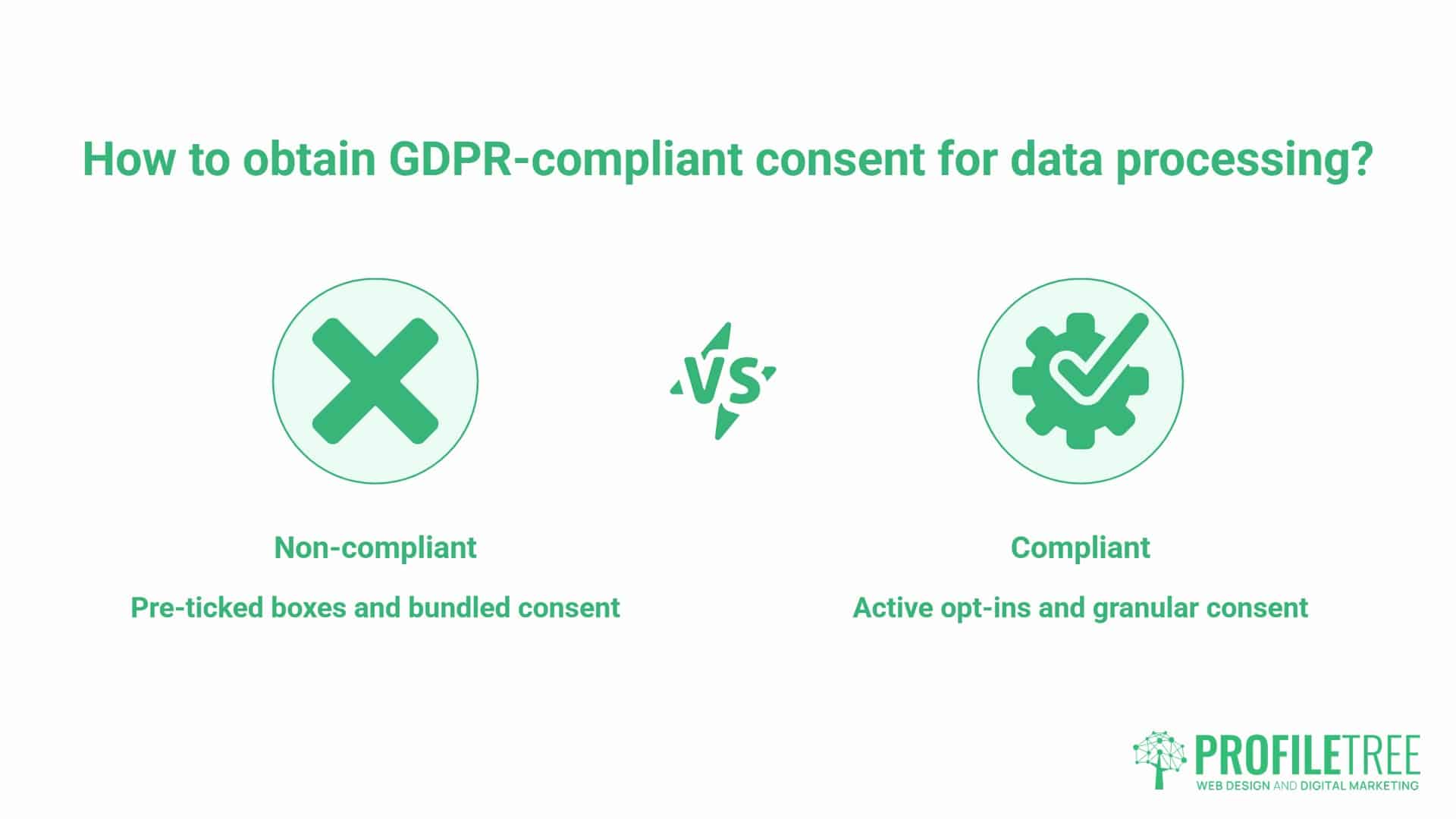
Active Opt-Ins vs Passive Consent
Pre-ticked boxes do not constitute valid consent under GDPR or UK GDPR, in any circumstance. The user must take an active, affirmative step, and silence or inaction cannot be read as agreement. This is one of the most commonly violated rules and one of the simplest to fix.
The distinction that matters in practice is between a transactional action and a marketing one. If someone downloads a guide, providing an email address to receive it is transactional. It is not consent to a weekly newsletter. Those are two separate actions, and GDPR-Compliant Web Forms need to treat them as such: separate the fields required to deliver what the user asked for from the optional fields covering anything else, using a visual break such as a lighter background or a label like “Optional: stay in touch.”
| The Old Way (Non-compliant) | The New Way (Compliant) |
|---|---|
| Pre-ticked “Yes, send me updates” box | Unticked box the user must actively select |
| One checkbox covering terms and marketing together | Separate checkboxes for each processing purpose |
| “By submitting this form you agree to our terms” | A specific line stating what the data will and will not be used for |
| Privacy policy linked once in the footer | A short notice next to the relevant field |
| Phone number required for a PDF download | Only the email address requested, phone number dropped |
Granular Consent: Separating T&Cs from Marketing
GDPR prohibits bundling separate types of consent into one action. A typical SME lead-generation form should split into three distinct decisions: the transactional fields needed to deliver what was requested, an optional checkbox for marketing emails, and an optional checkbox for a follow-up call from a sales representative. Each is opted into separately, described separately, and logged separately. Businesses running social media marketing campaigns that drive traffic to a gated landing page need to pay particular attention here, since a social click carries no implied marketing consent of its own.
The Privacy Policy Link: Placement and Visibility
A single link to a lengthy privacy policy in the footer technically informs the user, but it does not meet the GDPR standard of concise, transparent, and intelligible information at the point of collection. A short, plain-language notice next to the field it concerns, alongside the standard footer link, does both jobs: it satisfies the letter of the requirement and gives you a stronger consent audit trail, since the exact purpose stated is recorded at the exact moment of collection.
The UK Perspective: Navigating ICO Standards Post-Brexit
UK GDPR vs EU GDPR: What SMEs Need to Know
Since Brexit, UK businesses operate under UK GDPR rather than EU GDPR, integrated with the Data Protection Act 2018. For form design specifically, the practical requirements are close to identical: the same active-consent standard, the same data subject rights, the same security obligations.
The Information Commissioner’s Office is the supervisory authority for the large majority of UK SMEs, and its guidance is the reference point when a marketing team wants a definitive answer rather than a generic international one. Businesses that also serve EU customers should confirm which authority has jurisdiction in their privacy notice, and larger operations with a meaningful EU presence may need to appoint an EU Representative.
UK businesses collecting marketing data also need to satisfy the Privacy and Electronic Communications Regulations alongside UK GDPR. These are not interchangeable requirements, and a single poorly worded checkbox will not clear both bars at once. For SMEs weighing up generic international advice against something built for a UK audience, GDPR-Compliant Web Forms designed around ICO guidance carry more weight with UK customers and hold up better if a complaint is ever raised. Marketing teams that want to build this knowledge in-house, rather than checking with an external advisor every time a form changes, can develop that confidence through structured digital training.
Wording Templates: What to Say
The wording used inside GDPR-Compliant Web Forms is often the weakest link, even on sites that get every other technical detail right. A vague line satisfies nobody: neither the regulator nor the visitor deciding whether to trust you with their details.
- Contact us form: “We will use these details to respond to your enquiry. We will not add you to any marketing list without your separate agreement below.”
- Newsletter sign-up: “Yes, send me [specific content] roughly [frequency]. You can unsubscribe at any time.”
- E-commerce checkout: “We need your email and delivery address to process this order. Tick below if you would also like offers and updates.”
- Job application: “Your application data will be used to assess this vacancy and retained for [stated period] in line with our recruitment policy.”
- Event booking: “We will use your details to confirm your place and send event updates. Tick below if you would also like to hear about future events.”
Specific wording performs better than generic disclaimers because it directly satisfies the “informed and unambiguous” standard, rather than relying on a user to infer intent from vague phrasing.
Beyond the Click: Data Processing and AI Automation
Front-end consent design is only half the picture. GDPR places equal weight on what happens to the data once it is submitted, and this is where a lot of SME websites quietly fall short, even when the form itself looks compliant.
Every GDPR-compliant web form setup needs HTTPS with TLS as a baseline. A website that still serves forms over HTTP transmits personal data in plain text, which breaches the security obligations under Article 32, regardless of how carefully the consent checkboxes are worded. An expired or misconfigured SSL certificate can put a business in breach on every single submission.
This is one of the reasons form compliance sits closer to website hosting and management than to copywriting; certificate renewal, server configuration and processor agreements are hosting-level responsibilities, not content edits. Where the data physically sits matters too. Hosting form submissions on UK or EU-based servers, and confirming that with any CRM or email platform involved, removes a layer of complexity around international data transfers that many SMEs never think to check.
Every third-party tool that receives form submissions, whether a CRM, an email platform or a booking tool, becomes a data processor under GDPR, and a Data Processing Agreement needs to be in place with each one. Reputable platforms provide DPAs as standard, but businesses frequently skip completing them.
Proof of consent needs to be stored, not just obtained: the timestamp, the wording shown at the time, and which form was submitted. This is the audit trail that an ICO investigation will ask for.
“The frontend checkbox is the part everyone sees, but the part that actually protects a business is what happens after the click,” says Ciaran Connolly, founder of ProfileTree. “We build the backend logging, the retention rules and the processor agreements alongside the form itself, because a beautifully worded consent flow means very little if the data behind it isn’t handled correctly.”
Data subject access and erasure requests add a manual burden that grows with the number of forms on a site. Automating the identification and removal of a person’s data across a CRM, an email platform and backups is a genuine use case for AI-assisted marketing automation, and it turns a task that used to take a member of staff half a day into a workflow that runs in minutes.
Balancing Compliance with Conversion Rate Optimisation
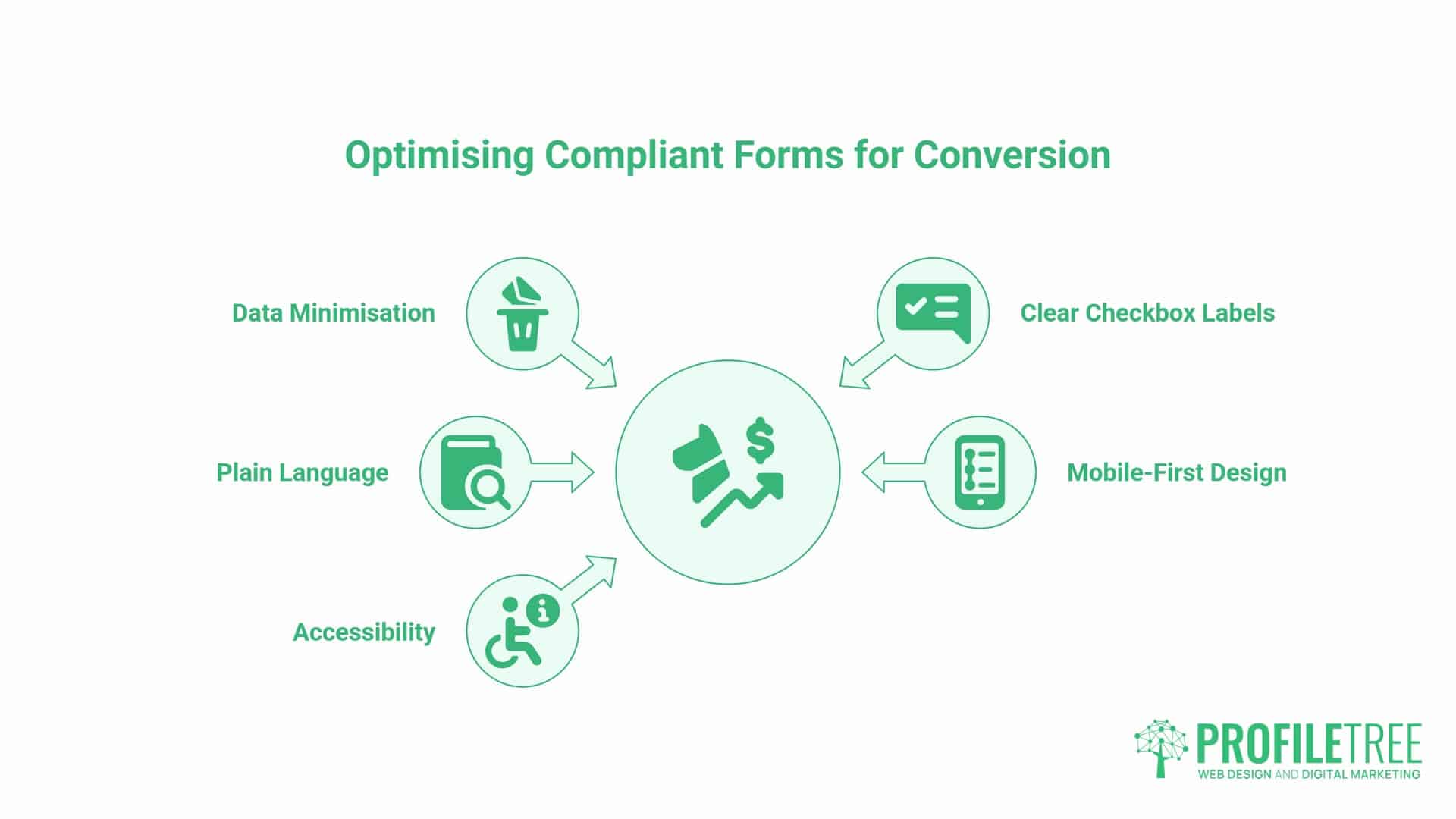
Reducing Friction in Compliant Forms
Data minimisation is a conversion lever as much as a legal requirement. Removing a single unnecessary field from a lead-generation form is one of the most consistent, low-effort ways to lift completion rates, because every extra field is another point where a visitor decides the form isn’t worth finishing. The checkbox label matters too: “Sign up for our newsletter” offers no reason to tick it, while “Yes, send me practical SEO tips once a month” gives the user something concrete to say yes to.
None of this means GDPR-Compliant Web Forms have to feel bureaucratic. The friction visitors actually notice tends to come from unclear wording and unnecessary fields, not from the presence of a consent checkbox itself. A form that explains itself clearly in plain language usually converts better than one that hides behind legal phrasing, regardless of how many fields it asks for.
This is the point where compliance and design overlap directly, which is why an SME rebuilding a lead-generation form is usually better served treating it as a website design project rather than a quick plugin tweak. Getting the consent architecture right at the design stage avoids a second rebuild later.
Mobile-First Compliance: Accessibility and UX
Mobile-first design is where many GDPR-Compliant Web Forms quietly fail, since most internal testing still happens on desktop browsers while the majority of visitors arrive on mobile devices. Long consent text, stacked checkboxes and a footer privacy link push the submit button below the fold on a phone screen, and most form abandonment now happens on mobile. Handle privacy information with an expandable accordion or a labelled tooltip rather than an inline block of text, and ensure the checkbox itself is large enough to tap accurately.
There is also an accessibility dimension competitors rarely cover: a consent checkbox needs a properly associated label for screen readers, and colour alone should never be the only signal that a field is required or optional. Building this correctly the first time, during a website development project, is considerably cheaper than retrofitting it after a complaint or an accessibility audit. Testing on an actual phone, not just a resized browser window, remains the only reliable way to confirm a consent flow works as intended.
Summary Checklist: Is Your Form Ready?
Run through this list before publishing any GDPR-Compliant Web Forms on your site.
- Unticked checkbox, separate action, for any consent beyond the immediate purpose
- Every field justified against a genuine, stated need
- A short privacy notice next to the field it concerns
- HTTPS/TLS on every page, collecting data, with a valid, auto-renewing SSL certificate
- A signed DPA with every processor receiving submissions
- Timestamped consent records, retained for as long as the data itself
- A documented retention period, stated in your privacy policy and actually followed
FAQs
The questions below cover the situations that arise most often when SME teams build or audit GDPR-compliant web forms.
Do I need a checkbox for every contact form?
Not always. A general enquiry can rely on “contractual necessity” or “legitimate interest” as its legal basis rather than consent. But if the same form doubles as a route into a marketing list, that additional processing needs its own separate consent action.
Are pre-ticked boxes ever allowed under GDPR?
No. GDPR and UK GDPR both require an active, affirmative step from the user. A pre-ticked box, silence, or inaction can never constitute valid consent.
What is the correct GDPR wording for a “Contact Us” form?
A short, specific line works best: state what the data will be used for, and confirm it will not be added to any other list without a separate, explicit agreement. See the wording templates above for examples across different form types.
Is an email address considered personal data under GDPR?
Yes. An email address identifies a specific individual, which brings it within GDPR’s definition of personal data, regardless of how mundane the address looks.
How long should I keep data collected through a web form?
There is no fixed period in the regulation itself. Data should be kept only as long as the stated purpose requires. Many SMEs apply a 12 to 24-month retention period for general enquiries, but the period needs to be documented in the privacy policy and genuinely followed, not just written down.
Does GDPR apply to B2B contact forms?
Yes. GDPR protects identifiable individuals, and a named contact at a business is still an identifiable individual, regardless of whether the enquiry is commercial.