About Concrete Batching Systems: The Project
Concrete Batching Systems is a Belfast-based supplier of concrete batching equipment, offering design, installation, and ongoing technical support to clients across the construction sector. As a company operating in a safety-critical environment, staff training is a regulatory requirement — not just a business preference.
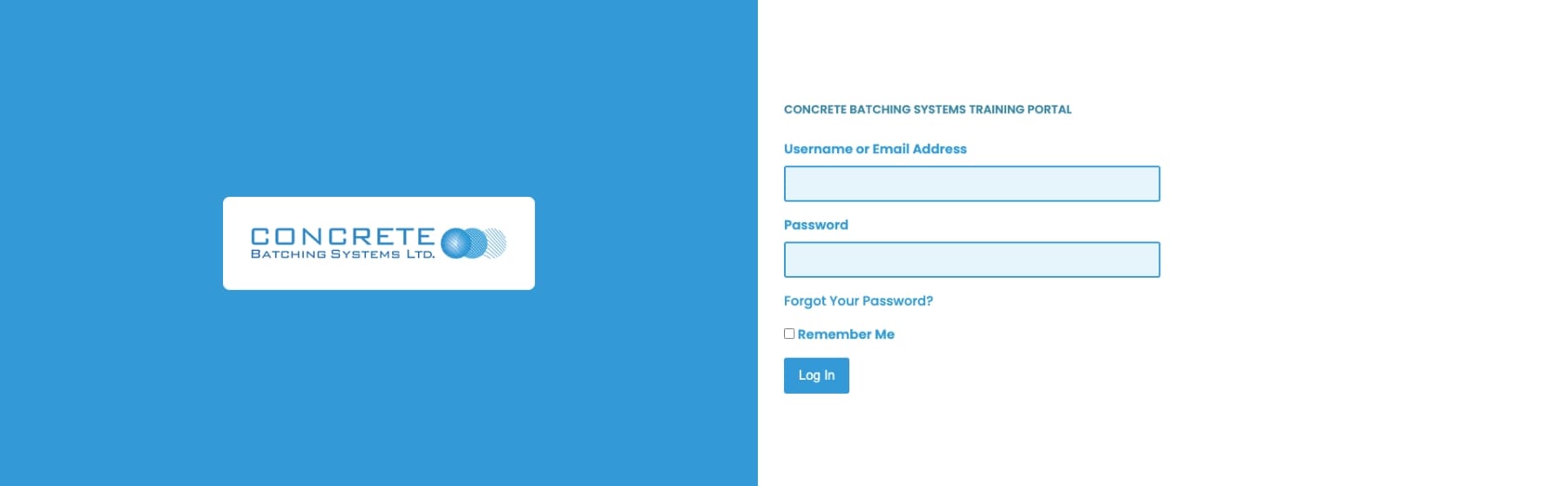
The company approached ProfileTree to develop and integrate a bespoke learning management system within their WordPress environment. Their existing website was already live; our scope was limited entirely to designing, building, and deploying the LMS component alongside it. The goal was a scalable, audit-ready training platform that internal staff could manage without ongoing developer support.
What We Did: The WordPress LMS Integration Approach
Strategy and Planning
Before writing a line of code, we mapped the client’s internal training requirements across departments. Each team had different content needs — customer support, finance, and operations required distinct learning paths. We identified the user roles that would interact with the system (learners, supervisors, and administrators), then defined the permission structure and content architecture that would serve each group.
We scoped the LMS against the client’s compliance obligations, including the documentation requirements for ISO-aligned audits. This shaped the feature set from the outset: timestamped records, downloadable certificates, and exportable progress reports were not optional extras — they were core deliverables.
Implementation
The build used a carefully configured combination of WordPress and a specialist LMS plugin, customised extensively to match the client’s operational structure. Course content was organised by department, with role-based access controlling what each user could see and do within the system.
Learning materials were delivered in mixed formats — written guides, embedded video, and downloadable resources — to accommodate different learning preferences across the workforce. Lesson progression was structured with clear completion indicators, allowing learners to track their own progress and managers to monitor team engagement from a supervisor dashboard.
Technical Build
User role permissions were configured at a granular level. Administrators could create and edit content; supervisors could view team progress and generate reports; learners were restricted to their assigned modules. This role separation kept the system clean and reduced the risk of accidental content changes by non-technical staff.
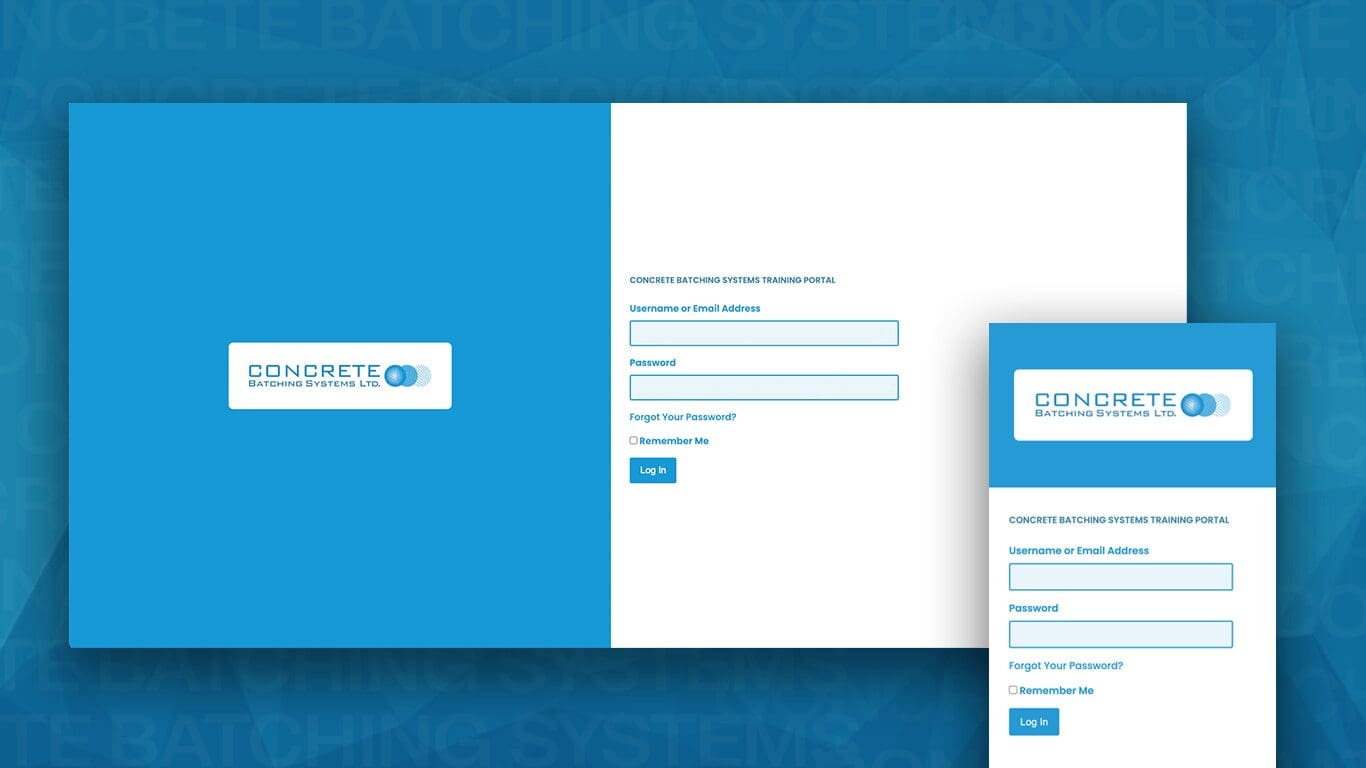
The platform was built to be fully responsive across mobile, tablet, and desktop. For a workforce that includes off-site staff, mobile access was not cosmetic — it determined whether remote employees could complete mandatory training without returning to a desk.
Digital training records were stored centrally within the system. Completed courses generated timestamped logs, and the client could export certificates or summary reports directly from the admin panel. This made the system usable as primary evidence in compliance inspections without any additional manual preparation.
Results
The completed LMS delivered a structured, audit-ready training environment that the client’s internal team could manage independently. Key outcomes from the build included:
- Department-specific learning paths deployed across multiple teams
- Role-based access controlling content visibility for learners, supervisors, and administrators
- Full mobile responsiveness, supporting off-site and remote staff access
- Centralised digital training records with timestamped logs and exportable certificates
- Streamlined new-hire onboarding through automated module enrolment on account creation
- An admin interface manageable by in-house staff without developer involvement
As Ciaran Connolly, founder of ProfileTree, explains:
“The businesses that get the most from a WordPress LMS are the ones that treat it as an operational tool from the start — not an HR exercise. For Concrete Batching Systems, the compliance angle was the driver, but what they ended up with was a training infrastructure that actually changes how new staff are brought into the business.”
How ProfileTree Approaches WordPress LMS Integration
Every WordPress LMS project we take on starts with the same question: what does the organisation actually need to happen, and what does it need to be able to prove? Most LMS failures stem from reversing that order — picking a platform first, then trying to retrofit the organisation’s requirements into it.
Our process begins with a requirements mapping session that documents user roles, content types, compliance obligations, and reporting needs. From that foundation, we configure the LMS architecture — course structures, access rules, progress indicators, and record-keeping logic — before any visible design work begins.
For businesses in regulated industries, we pay particular attention to evidence generation. The system must produce records that satisfy external auditors, not just internal managers. That typically means timestamped logs, exportable certificates, and reports that can be filtered by date, department, or individual.
Post-launch, we provide documentation and handover training so that the client’s team can manage content independently. The goal is a platform that the organisation owns operationally — not a system that creates ongoing dependency on the agency.
If you are considering a WordPress LMS for your organisation, our WordPress web design and development service covers the full scope of what we build and how we approach projects from initial brief through to launch.
Frequently Asked Questions
What is WordPress LMS integration and does my business need it?
WordPress LMS integration means adding a learning management system directly to your existing WordPress website, rather than using a separate third-party platform. Businesses that need structured staff training, documented compliance records, or scalable onboarding typically benefit most. If your training requirements involve multiple departments, different content per role, and audit-ready records, a bespoke WordPress LMS is usually the more practical long-term solution than an off-the-shelf subscription platform.
How long does a WordPress LMS build take?
A project of this scope — department-specific content structures, role-based access, progress tracking, and compliance record generation — typically takes between six and twelve weeks from initial brief to launch. The timeline depends on the number of user roles, the volume of course content being structured, and how much content is provided ready-made versus built as part of the project. We scope this accurately during the initial discovery phase.
Can an LMS built on WordPress handle compliance and ISO audit requirements?
Yes, provided it is built with that requirement in mind from the start. Key features for compliance include timestamped training records, exportable completion certificates, department-level reporting, and audit trails that show who completed what and when. We configure these as core deliverables on compliance-critical projects, not as optional add-ons.
Will our internal team be able to manage the LMS content after launch?
That is a design principle we apply to every build, not an afterthought. We configure the admin interface so that non-technical staff can add, edit, and update course content without developer support. We also provide post-launch documentation and a handover session so your team understands the system they are working with.
What makes a WordPress LMS different from standalone platforms like Moodle or TalentLMS?
The primary difference is integration. A standalone platform creates a separate environment that staff must remember to log into and actively choose to use. A WordPress-based LMS sits within your existing website infrastructure — same domain, consistent interface, and no separate login for learners. For businesses where adoption is a concern, that integration often makes the difference between a training system that is used consistently and one that is not.
Does the LMS work on mobile devices?
All LMS builds we deliver are fully responsive across mobile, tablet, and desktop. For businesses with off-site staff or field-based teams, mobile access is a functional requirement rather than a design preference. We test across device types before handover to ensure consistent performance regardless of how learners access the system.
Case Studies
If you would like to see more about our website design and development approach, you can check out the following other blogs: Community Charity Marketing Project | Consultant Web Design Project | Website Design for Membership Platform | Website Design Project For Gin Distillery | Website Build for LGBT Ireland | Tourism Marketing for Crumlin Road Gaol | App Design for Gig Crafter.
Follow us on our socials for the latest updates: Facebook | Instagram | LinkedIn.